If you are a Finance Controller at a modern company, your General Ledger likely tells a story of transformation. Ten years ago, your "Software" line item was a predictable, capital-intensive list of perpetual licenses amortized over three to five years. Today, it is a volatile, high-volume stream of hundreds of subscription payments, ranging from massive annual Salesforce contracts to monthly Zoom subscriptions and usage-based AWS bills.
The shift to the Subscription Economy has democratized access to software, but it has introduced a profound level of complexity to the "Month-End Close."
For the finance team, the challenge is no longer just about paying the bills; it is about accurately matching those expenses to the periods they benefit. It is about navigating the "SaaS Accounting Gap"—the disconnect between when cash leaves the bank (often annually upfront) and when the service is consumed (daily over the year).
This guide explores the mechanics of accounting for SaaS expenses, the pitfalls of the "monthly" amortization convention, and why the manual spreadsheet is becoming a liability in the face of rigorous audit requirements.
The Two Buckets of SaaS Costs: Prepaid vs. Accrued
To manage a SaaS stack effectively, you must first distinguish between the two economic realities of subscription software: Prepaid Expenses (Assets) and Accrued Expenses (Liabilities).
1. Prepaid Expenses (The "Upfront" Problem)
The vast majority of B2B SaaS vendors incentivize annual or multi-year contracts with discounts. When you pay $120,000 on January 1st for a year of HubSpot, you have not incurred a $120,000 expense on that day. You have exchanged one asset (Cash) for another asset (Prepaid Software).
Under Generally Accepted Accounting Principles (GAAP) and IFRS, you must recognize this expense as the service is delivered. This creates a Prepaid Expense on the Balance Sheet, which must be amortized (moved to the P&L) incrementally over the contract term.
The Risk: If you expense the full invoice immediately (Cash Basis), you destroy the integrity of your P&L. January shows a massive loss, while February through December appear artificially profitable. This volatility makes calculating unit economics (like CAC or Gross Margin) impossible.
2. Accrued Expenses (The "Usage" Problem)
The inverse challenge arises with consumption-based models like Snowflake, AWS, or Twilio. Here, you consume the service before you pay for it. You might burn through $5,000 of compute credits in January, but the invoice won't arrive until February 5th.
The Risk: If you wait for the invoice to book the expense, you violate the matching principle. You must estimate this liability at month-end and book an Accrued Expense (Debit Expense, Credit Accrued Liability). Failure to do this results in "unrecorded liabilities" that can lead to audit adjustments and restatements.

The Great Debate: Daily vs. Monthly Amortization
Once you’ve established that SaaS payments must be amortized, the operational question becomes: How precise do we need to be?
For years, finance teams relied on the "Monthly Method" (dividing the contract value by the number of months). While simple, this heuristic is increasingly failing the scrutiny of modern audits.
The Flaw of the "Divide by 12" Method
The Monthly Method assumes every month is equal. It is not.
- Irregular Month Lengths: February (28 days) is ~10% shorter than March (31 days). Allocating the same expense to both distorts your daily burn rate.
- Mid-Month Starts: This is the audit trap. If a contract starts on January 15th, the Monthly Method forces a binary choice: recognize a full month (overstating expense) or zero (understating expense). Some accountants try to manually "plug" half a month, which breaks formula automation and increases the risk of human error.
The Gold Standard: Daily Amortization
The "Daily Method" calculates a precise daily rate for the contract (Total Value / Total Days in Term) and applies it to the exact number of active days in the reporting period.
Example: The Mid-Month Start Consider a $12,000 contract starting January 15th.
- Monthly Method: You might book $1,000 for January. This overstates the expense, as you only used the software for 17 days.
- Daily Method:
- Daily Rate = $12,000 / 365 = $32.87
- January Expense = 17 active days * $32.87 = $558.90
This precision matters. When you multiply this variance across hundreds of contracts, the difference can materially impact your reported EBITDA and margins. Auditors prefer the Daily Method because it eliminates subjectivity and aligns perfectly with cutoff testing procedures.

The "Spreadsheet from Hell": Why Manual Tracking Fails
Despite the clarity of the rules, most finance teams still manage this process in a massive Excel file often dubbed the "Prepaid Roll-Forward."
This spreadsheet typically contains hundreds of rows, complex nested IF formulas, and manual date entries. It is a fragile artifact that creates significant operational risks:
- Formula Decay: Calculating daily amortization across leap years and varying contract lengths requires complex logic. One broken cell reference or a "drag-and-drop" error can corrupt the entire schedule, requiring hours of forensic Excel work to fix.
- Shadow IT & Leakage: The spreadsheet is disconnected from the source of truth (the bank). If a department head buys a tool on a corporate card and forgets to forward the invoice, the expense hits the P&L immediately, bypassing the accrual process. This "Shadow IT" creates P&L volatility and understates your prepaid assets.
- Audit Inefficiency: Manual spreadsheets lack an audit trail. An auditor cannot see who changed a number or when. This forces them to perform more substantive testing, increasing the cost and duration of your annual audit.
The Solution: Automated Daily Amortization
The complexity of SaaS accounting—daily proration, mid-month starts, and hundreds of vendors—is a data processing problem, not an accounting theory problem. It is ill-suited for static spreadsheets.
This is why we developed the Cledara Software Contract Accruals & Amortization Calculator.
This free utility is designed specifically to bridge the gap between complex GAAP requirements and the operational reality of the month-end close.
How It Solves the Problem
Instead of building formulas from scratch, the calculator acts as a specialized engine for your prepaid software:
- Automated Daily Logic: You simply input the contract start date, end date, and total value. The tool instantly runs the daily proration logic, handling 28/30/31-day months and leap years automatically. It handles the "January 15th" problem with zero manual intervention.
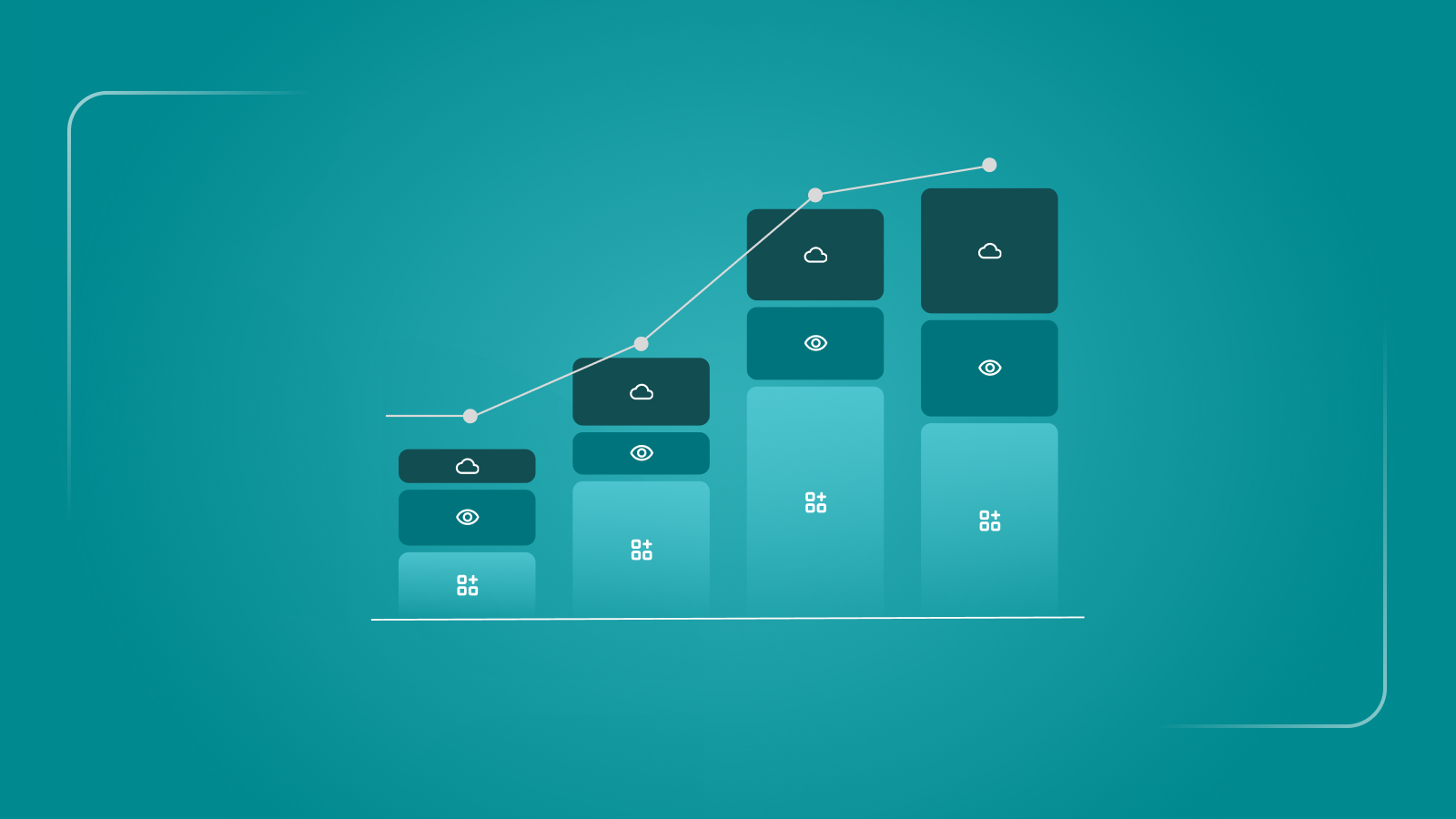
- Visualizing Cash vs. Burn: It generates a dual-axis visualization showing Cash Impact (the spikes when you pay annual renewals) vs. P&L Recognition (the smooth expense line). This is a critical visual for explaining the difference between "Cash Burn" and "Economic Burn" to your Board or CEO.
- ERP-Ready Journal Entries: The output isn't just a chart; it’s a formatted CSV ledger with Debit/Credit columns ready to import directly into NetSuite, Xero, or QuickBooks. This eliminates the risk of transposition errors during manual entry.
Regulatory Nuance: Capitalizing Implementation Costs (ASC 350-40)
While the calculator handles subscription amortization, Controllers must also be aware of ASC 350-40. This standard clarifies that certain implementation costs for Cloud Computing Arrangements (CCAs) must be capitalized rather than expensed.
If you spend $50,000 configuring Salesforce (Application Development Stage), that cost should often be capitalized and amortized over the term of the contract, similar to the subscription fee itself. The calculator can also be used to model the amortization of these capitalized implementation costs by treating the implementation fee as a distinct "contract" running parallel to the software subscription.
Conclusion: From Scorekeeper to Strategic Partner
Accurate SaaS accounting is about more than just keeping the auditors happy. It is about financial integrity.
When you trust your numbers, you can accurately calculate Gross Margin (by properly amortizing hosting costs in COGS) and CAC (by properly amortizing Sales & Marketing software). You can forecast cash flow with precision because you know exactly when every renewal is coming due.
Moving away from the "Spreadsheet from Hell" to a standardized, automated approach for daily amortization allows the finance team to stop fighting with formulas and start analyzing the data. It turns the month-end close from a week-long stress test into a routine, non-event.
For teams looking to standardize this process immediately, the Cledara Amortization Calculator is the most efficient starting point.