


How do you prepare for an Atlassian renewal?
Start 90 to 120 days before the renewal date. Three things decide how an Atlassian renewal goes: how many users you pay for (every user with access counts, whether they log in or not), which plan, tier and term you renew on, and whether you leave enough time to get a quote and push back before Atlassian renews you automatically at its then current rates.
Here's the funny thing about Atlassian. Jira and Confluence grow quietly with the company. Every new starter gets added, hardly anyone gets removed, and nobody looks closely at the bill until it's due. So most of the work is a tidy-up you do well before the renewal.
Key takeaways
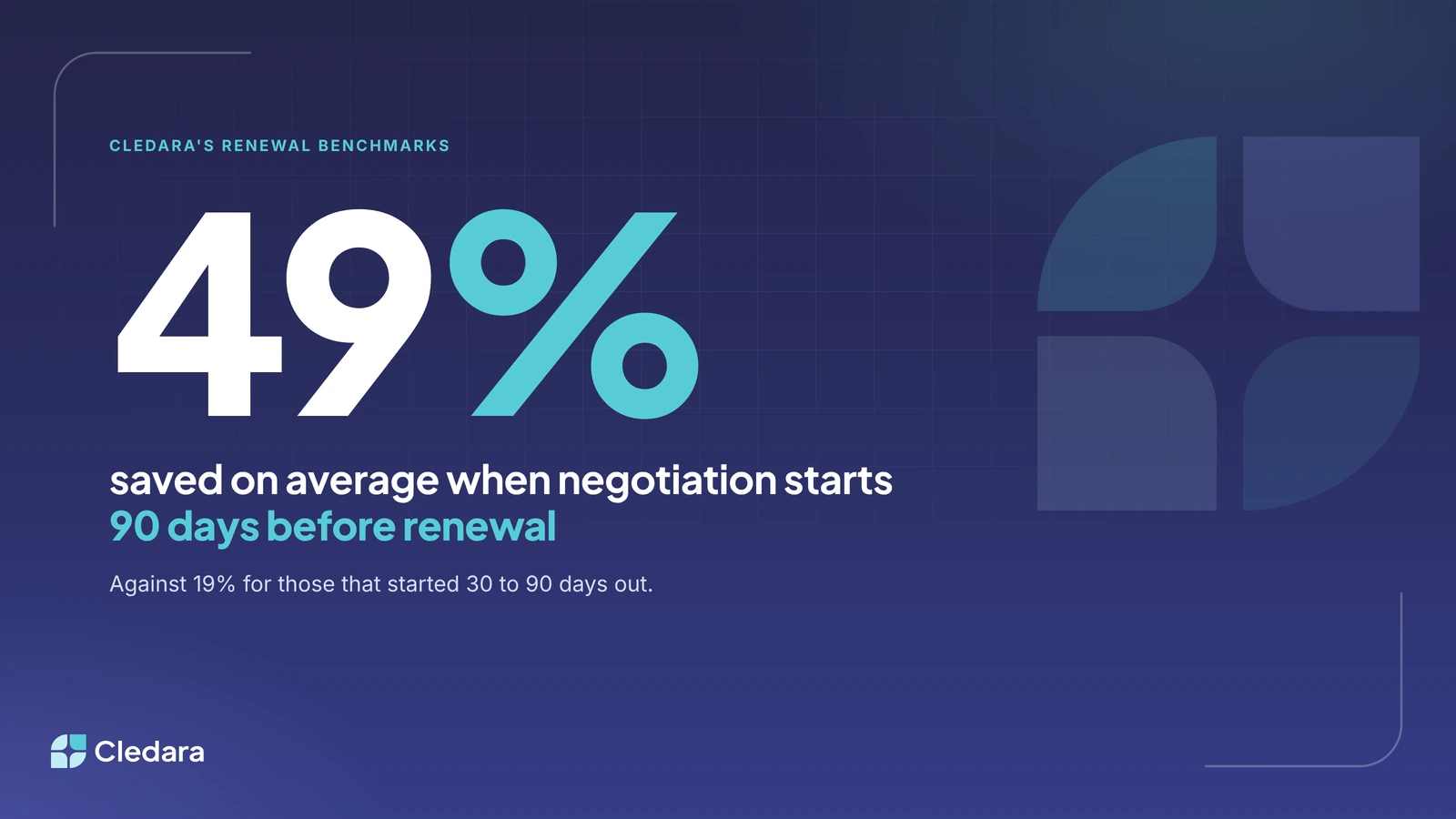
- Start your Atlassian renewal prep 90 to 120 days out: companies that start negotiating 90 days before renewal save 49% on average, against 19% at 30 to 90 days (Cledara data).
- Atlassian subscriptions renew automatically at Atlassian's then current rates unless your order says otherwise or you give notice before the term ends.
- Every user with access to an Atlassian app counts towards the bill, even if they never accepted the invite or logged in.
- Monthly plans bill on the highest number of users in the month, and removing users mid-month doesn't lower that month's bill.
- Annual plans are priced on user tiers, so your user count going into the renewal decides the tier you pay for all year.
- About 98% of Atlassian payments made through Cledara in the year to October 2026 were monthly charges.
This is part of our guide to SaaS renewal management, and there's a Microsoft 365 renewal guide too.
How does Atlassian handle renewals?
Atlassian cloud subscriptions renew automatically. The Atlassian Customer Agreement (effective 1 October 2026, section 10.1) says that, unless your order says otherwise, a subscription renews at Atlassian's then current rates: for 12 months if your last term was 12 months or longer, or for the same length as your last term if it was shorter. Either side can choose not to renew by giving notice before the current term ends, through your account settings or Atlassian support.
How that plays out depends on how you pay:
- Monthly plans renew automatically by default. Atlassian uses maximum quantity billing: you pay for the most users you had during the month, users added mid-month are charged pro rata, and users removed mid-month don't reduce that month's bill. The user count on the last day sets the starting point for next month.
- Annual plans are priced on user tiers. Atlassian's own example (from its licensing FAQ): a 500-user Confluence tier lets you license any number of users up to 500 without changing your renewal price. Go over the tier and you need to upgrade to the next one. Atlassian bills an annual subscription on the tier set by your current active users, and in its original billing system it sends the renewal quote 60 days before expiry.
- Enterprise plans are billed annually, on a user tier per app plus a usage allowance for AI and automation, and taking Enterprise moves your other Atlassian bills to annual too (Atlassian Support).
Two more rules matter at renewal time. Cloud renewals and upgrades can't be refunded (Atlassian's purchasing FAQ). And if you cancel, Atlassian stops further renewals and deactivates the subscription 15 days after the end of the current period, with no credit for the rest of a billing cycle.
Important: these are Atlassian's standard terms. Your own quote or order (or your Atlassian partner's) can say something different, so check your order form, and ask your lawyer if the contract is a big one. Atlassian says it can't change its standard customer terms, so the room to move is in what you buy.
Atlassian renewal terms at a glance
Source: Atlassian's cloud licensing pages and Customer Agreement, November 2026.
An Atlassian renewal timeline: what to do and when
Work back from the renewal date. On monthly billing there's no single renewal date, so use the day you plan to move to annual, or the month you want the tidy-up done by. Here's the timeline I'd follow:
Which levers move the price of an Atlassian renewal?
Five levers move an Atlassian renewal: the users you pay for, the plan, the term, the timing and a credible alternative. I'd start with users, because that's the one you fully control.
1. Users and tiers
The cheapest Atlassian seat is the one you remove before the tier is set. Atlassian counts anyone added to an app, even if they never accepted the invite, and a user only stops counting when a site admin removes them or takes them out of a synced directory. On monthly plans, Atlassian's own tip is to deactivate unused seats before adding new users, so you don't push up the month's maximum.
2. Plan
Premium adds unlimited storage, a financially backed 99.9% availability SLA and 24/7 Premium support, among other features (Atlassian Cloud Licensing). Worth it if your teams use those. If not, move to Standard from the Manage subscriptions page. Marketplace apps must match or exceed the tier of the app they sit on, so the tier you choose for Jira or Confluence carries through to your apps as well.
3. Term and billing cycle
Atlassian says switching from monthly to annual may offer a discount depending on the number of seats, and that a 24-month renewal quote lets you lock in pricing for two years. The trade-off is flexibility: an annual tier doesn't shrink mid-term, and you can only go back to monthly in its last 30 days.
4. Timing
Start early. In Cledara's renewal benchmarks, companies that started negotiating 90 days before renewal saved 49% on average, against 19% for those that started 30 to 90 days out. If you deal with an Atlassian account manager or partner, ask when their quarter ends too. Sales teams have targets, and timing that helps them is a fair thing to trade.
5. A real alternative and a benchmark
Get a quote for an alternative even if you expect to stay (Linear for issue tracking or Notion for docs, say), then compare the Atlassian renewal with what similar companies pay. Our guides to benchmarking SaaS pricing before a renewal and what companies actually pay for HubSpot, Atlassian and Microsoft show you how. Renewal prices rise 8 to 12% a year on average, and 15 to 25% with aggressive vendors, so a flat renewal is already a decent result.
What does Cledara's data say about Atlassian spend?
Atlassian is one of the biggest software lines for growing companies, and it's mostly paid monthly. Between November 2025 and October 2026, and leaving out cloud hosting and advertising, Atlassian was the fifth-largest software vendor by spend among UK companies on Cledara and the fourth-largest among companies in the European Economic Area (data.cledara.com).
- Mostly monthly: about 98% of Atlassian payments made through Cledara in that period were monthly charges. So for most growing companies the Atlassian renewal happens every month, and the tier decision only comes with a move to annual.
- AI is competing for the same budget: Anthropic was the largest software vendor by spend in both regions on the same basis, and 27% of software spend on Cledara now goes to AI-native tools, up from about 3% two years ago.
So treat Atlassian as a line you review on purpose, not one that renews in the background.
How does Cledara help with an Atlassian renewal?
Cledara is software subscription management for finance teams. It keeps every Atlassian subscription in one list with its owner, users, cost and renewal date, and it does the admin around the renewal for you.
- ✓ Alerts before every renewal, so the 120-day mark doesn't sneak past.
- ✓ Last-used data for each person, so you can see who hasn't touched Jira or Confluence in months.
- ✓ Cledara Agent takes back paid seats nobody uses and removes leavers from every tool they had, Atlassian included. Each change waits for your approval unless you set a standing approval.
- ✓ Benchmarks against what similar companies pay, with unused seats and price increases flagged.
- ✓ The Negotiation and Renewal Copilot drafts your renewal negotiation for you.
On average, customers have saved 23% on software spend with Cledara. Renewal alerts come with every plan, benchmarks and the Copilot are part of the Spend Optimisation module (see pricing), and Cledara Agent is an add-on for any plan.
Honestly, the best Atlassian renewal is a boring one. You know who uses what, the quote matches the team you actually have, and the decision is made weeks early. If you'd like to see Cledara do the legwork, book a demo.
Cheers,
Brad