


Why most finance teams account for SaaS subscriptions the hard way
Here's a funny thing about software subscriptions. Each one is tiny, a few hundred pounds a month, and each one is simple. Monthly plan, card payment, expense. But the median company in Cledara's data pays for 32 tools, and a handful of those are annual plans paid up front. So to account for SaaS subscriptions properly, finance ends up with 32 card lines to match, 32 invoices to find, and a stack of prepayment journals to release every single month.
None of that is hard. It's just repetitive, and it lands in the same week as everything else at month-end. This post is the how-to I wish someone had handed me years ago: which subscriptions are prepayments and which are plain expenses, the journal entries for each, how Xero, QuickBooks Online and NetSuite handle amortisation, and how to make reconciling card transactions trivial.
Key takeaways
- Monthly subscriptions are expensed in the month they cover. Annual plans paid up front are prepayments, released one twelfth at a time.
- If the invoice lags the usage (usage-billed AI is the classic case), accrue the cost in the month you used it and reverse the accrual when the bill arrives.
- Xero, QuickBooks Online and NetSuite all support a prepayment asset account and a repeating journal to release it. NetSuite adds amortisation templates driven from the vendor bill.
- 90% of software transactions in Cledara's data are monthly, so most lines are simple. The annual 10% is where the prepayment work (and the errors) live.
- One virtual card per subscription turns matching into a one-to-one exercise: one card, one vendor, one invoice.
- The goal is a close where every card line arrives with its invoice and code already attached, so finance reviews instead of types.
How to account for SaaS subscriptions: monthly plans are expenses, annual plans are prepayments
The rule is simple. A monthly subscription that covers the month you paid for it is an expense in that month. An annual subscription paid up front buys you twelve months of service, so on the day you pay it you have not consumed anything yet. It sits on the balance sheet as a prepayment and moves to the profit and loss one month at a time.
That matters more than it sounds. The whole point of accrual accounting is that the cost shows up in the same period as the benefit. If you expense a £12,000 annual plan in January, January looks terrible and the other eleven months look better than they are. Your board sees a lumpy software line and someone eventually asks why software spend "fell" in February.
The good news from Cledara's data is that 90% of software transactions are monthly subscriptions. For those, the accounting is one line: debit software expense, credit the card or bank. The prepayment work only applies to the annual minority, which is usually your bigger, negotiated contracts (the ones worth tracking anyway, as I argued in our piece on reducing IT costs).
Tip: decide a threshold. Many teams expense small annual plans when paid, because a twelve-line schedule for a few hundred pounds is not worth the effort. Write the threshold down so everyone applies it the same way.
The journal entries to account for SaaS subscriptions
To account for SaaS subscriptions you need three entries: the prepayment on the day you pay, the monthly release, and the accrual for costs you have used but not yet been billed for. Here is a worked example with illustrative figures. Say you pay £12,000 on 1 January for a twelve-month plan. VAT is reclaimed on the invoice as normal, so the figures below are net.
Entry 1: the prepayment on payment
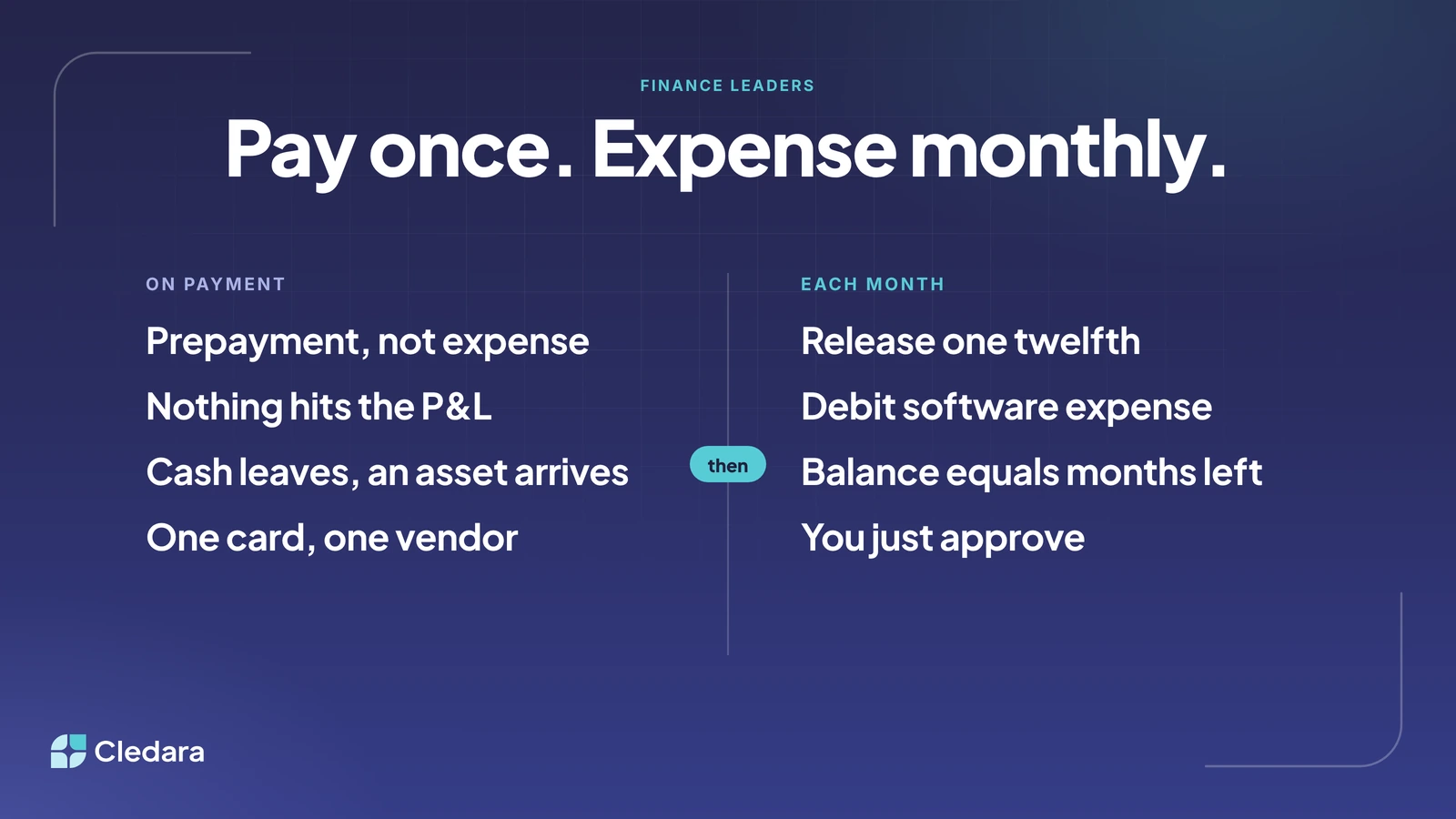
On the day the card is charged, nothing hits the P&L. Cash leaves, an asset arrives. Prepayment, not expense.
Entry 2: the monthly release
At the end of each month, release one twelfth. After twelve releases the prepayment balance is zero, which is also your check that nothing was missed.
Note: if the plan starts mid-month, pro-rate the first and last release rather than rounding to whole months. A plan that starts on 15 January gets half a month in January and half a month in the following January.
Entry 3: the accrual when the invoice lags the usage
Some tools bill after the fact. Usage-billed AI is the obvious one: you use the API all month and the invoice arrives early the next month. The cost belongs to the month you used it, so you accrue an estimate and reverse it when the real bill lands. Say your best estimate of October usage is £800.
When the actual invoice arrives (say £830), it is expensed in November against the reversal, so November carries only the £30 difference. We wrote a full guide to accrued expenses if you want the longer version. The short version: prepayments are costs you paid before you used them, accruals are costs you used before you paid them.
Important: AI is the fastest growing part of this. 27% of software spend on Cledara now goes to AI-native tools, up from about 3% two years ago, and a lot of it is metered. Track usage daily against a budget and the month-end accrual becomes a reading rather than a guess.
How to streamline amortisation of SaaS subscriptions in Xero, QuickBooks and NetSuite
All three platforms can account for SaaS subscriptions the same way: hold the prepayment on the balance sheet and release it monthly without you retyping the journal. The difference is how much of the schedule the system builds for you. Here is the quick comparison, then the detail for each.
In Xero
Xero's own guide to prepaid expenses recommends a prepaid asset account under current assets (for example "Prepaid Software") and, for the release, repeating journal entries: you set up the monthly amortisation schedule once and Xero posts it automatically each period. Set the journal to run for twelve months with the end date on the last release, and review the prepayments balance on the balance sheet report each month. The balance equals months left on each plan, or something has been missed.
In QuickBooks Online
QuickBooks' prepaid expenses and amortisation article walks through the same two entries and tells you to set up a recurring journal entry to automate the amortisation. In QuickBooks Online that is done through recurring transaction templates: choose the Scheduled type, set the interval to monthly, and set an end date or a maximum number of occurrences so it stops after twelve. QuickBooks' guidance on recording and allocating prepaid expenses is to hold them in an Other Current Asset account, with sub-accounts if you have several.
In NetSuite
NetSuite has a dedicated Expense Amortisation feature. When it is enabled, NetSuite adds a Deferred Expense account type, which it reports within Other Current Assets (it does not distinguish between prepaid and deferred expenses). You create amortisation templates with a method, a term, the number of periods and an optional offset, then attach a template to the expense line on the vendor bill. NetSuite generates the schedule and the journal entries for each posting period, which is the most automated of the three. For card transactions, the Bank Feeds SuiteApp imports bank and card data daily for reconciliation.
Key takeaway: whichever platform you account for SaaS subscriptions in, the platform is not the bottleneck. The bottleneck is getting the invoice, the amount and the right code onto the transaction in the first place. Once that is in place, the amortisation is a repeating journal in any of the three.
How to reconcile prepaid and virtual card transactions
Matching the card line to the invoice is the other half of how you account for SaaS subscriptions, and it is painful for one reason: a shared company card produces a feed of lines that all look the same (a vendor name, an amount, a date) and the invoices live behind 32 different logins. The prepayment lines are the worst, because the amount is large and the invoice went to whoever signed up.
The fix is structural rather than clever. Give every subscription its own virtual card. Then every line on the feed belongs to exactly one vendor, every vendor has exactly one card, and matching becomes one to one. The annual plan charges once a year to its own card, with a limit that matches the contract, so a surprise increase cannot even go through. We covered the mechanics in our post on reconciling card transactions with accounting software.
Here is the month with a card per subscription:
- The card is charged and the transaction appears in Cledara against the tool, its owner and its cost centre.
- The invoice is collected: by email capture, a forwarding inbox, or Cledara Agent signing in to the vendor's billing page overnight for the ones nobody emails you.
- The payment, invoice and codes sync to Xero, QuickBooks, NetSuite or Tripletex. You map each tool to its expense account, department and cost centre once, and every payment for it is coded the same way.
- For annual plans, code the tool to your prepayments account rather than the expense account, so the card line lands on the balance sheet and your repeating journal does the release.
- Match the bank feed line to the synced bill. With one card per vendor, there is one candidate.
Virtual cards are free on every Cledara plan, and the Xero and QuickBooks integrations are included on every plan too (NetSuite from Premium; see pricing). Xero is the most used finance tool among Cledara customers, so if that is your platform you are in good company. For the wider set of options, see our guide to SaaS accounting tools.
A month-end checklist to account for SaaS subscriptions
This is the list we'd suggest running on the first working day of the month to account for SaaS subscriptions properly. Most of it takes minutes once the invoices arrive on their own.
- ✓ Every software card transaction for the month has an invoice attached and a code (account, department, cost centre).
- ✓ New annual plans paid this month are posted to prepayments, not expense, and a twelve-month repeating journal has been created for each.
- ✓ Each repeating prepayment journal has posted for the month, and the prepayments balance equals the months remaining on each plan.
- ✓ Usage-billed tools (AI APIs, cloud, messaging) have an accrual posted for the month, based on daily usage where you have it.
- ✓ Last month's accruals have reversed and the actual invoices are matched against them.
- ✓ Renewals due in the next 90 days are listed and owners asked whether the tool stays, shrinks or goes.
- ✓ Leavers' seats have been removed and any card for a cancelled tool has been frozen so it cannot charge again.
- ✓ Software expense is compared to budget by team, and each variance has an explanation.
What the close looks like when every card line arrives with its invoice and code
Honestly, nobody went into finance to type the same prepayment journal 32 times a month. The interesting part of the job is the judgement: is this renewal worth it, is that team's AI spend paying for itself, should we consolidate those two tools that do the same thing. Learning how to account for SaaS subscriptions is the easy part. The matching and the coding is what eats the first week of every month.
Not that long ago, plenty of finance teams typed bank statements into the accounts by hand. Then bank feeds arrived and the job changed from typing to reviewing. I think the same thing is happening now one level up. The card line can arrive with its invoice already found, its code already applied and its owner already named. The prepayment release is a repeating journal set up once. The AI accrual is a daily usage reading rather than a surprise. You just approve.
When that is in place, the close for software stops being a hunt and becomes a review. Finance spends the first week of the month on the questions that need a human, which is what the team was hired for.
If you'd like to see it with your own tools, book a demo and we'll walk you through it.
Cheers,
Brad