


Personio and software access: what happens when someone joins or leaves?
Personio runs onboarding and offboarding as templates made of steps, each with an owner and a deadline. In Personio's example templates, the software access steps are "Create accounts" when someone joins and "Close accounts" when someone leaves, and both go to the IT team. Personio's integrations can also create and switch off the person's Microsoft, Okta or Google account, but Personio doesn't sign in to each software tool and add or remove the person.
There's a lot sitting behind that one offboarding step. On Cledara, the median company was paying for 32 software tools between October 2025 and September 2026, and the middle half for 16 to 48 (the benchmarks are free at data.cledara.com). Closing accounts means going through every one of them.
Key takeaways
- Personio turns a hire date or a termination into steps with an owner and a deadline.
- Its example offboarding template ends software access with one checkbox for the IT team: "All accounts are closed?"
- Personio's own integrations create and switch off the Microsoft Entra ID, Okta or Google account.
- Personio doesn't sign in to each tool, so every other account is closed by hand or by another tool.
- Cledara connects to Personio, and Cledara Agent invites joiners and removes leavers in each tool after one approval.
What Personio's templates do for software access, and the checkbox they end on
Personio's templates make sure the right person is asked at the right time. Here's how Personio software access works today, going by its help centre.
- Steps with owners. In a Personio workflow, each step goes to a person, group or team with a deadline, and Personio sends the reminders.
- Joiners. The example onboarding template has a "Create accounts" step for the IT team.
- Leavers. Offboarding starts when you terminate the employment in the person's profile. The example offboarding template has a "Close accounts" step for the IT team, with one checkbox: "All accounts are closed?"
- Signals for other systems. Personio's webhooks fire at 00:00 UTC on the hire date and at 23:59 UTC on the termination date.
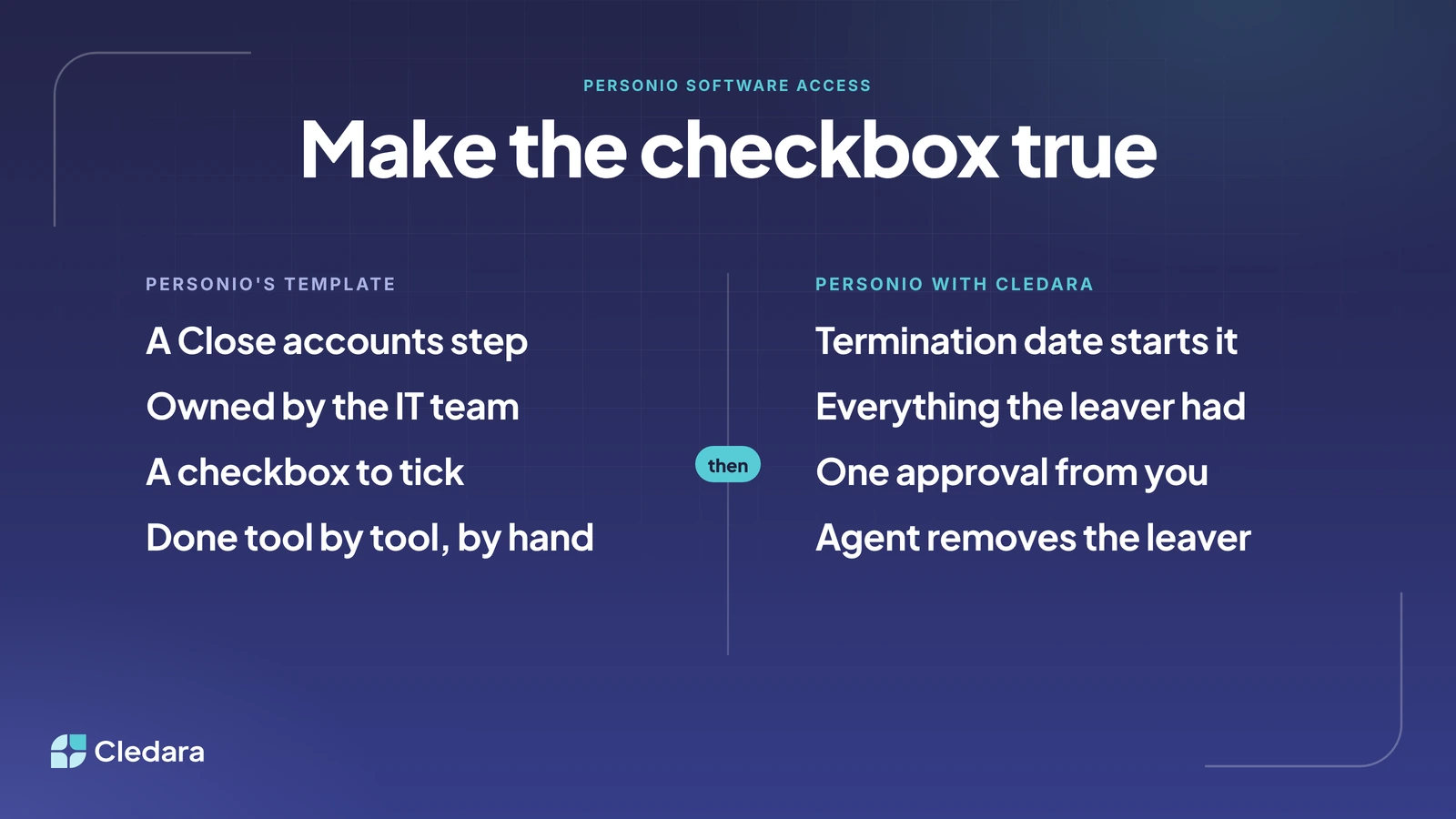
So Personio's template gives you a Close accounts step, owned by the IT team, with a checkbox to tick. The closing itself is done tool by tool, by hand.
Software access steps for a joiner and a leaver in Personio
These are the steps I'd put around Personio's templates, in order.
When someone joins
- Create the employee in Personio with their hire date, and assign the onboarding template.
- Let Personio's integration create their Microsoft, Okta or Google account, or have IT do the "Create accounts" step.
- Work out which tools their team already uses, and which need a paid seat.
- Invite them to each one before day one.
When someone leaves
- Terminate the employment in their Personio profile, with the termination date and the last working day.
- List every tool they could get into, approved or not.
- On the termination date their status becomes Inactive, and the Entra ID, Okta or Google integration switches off that account.
- Remove them from every other tool, pass on anything they owned and take back the paid seat.
- Only then tick "All accounts are closed?"
Tip: for the long version of both lists, use our SaaS onboarding and offboarding checklist.
Which tools connect to Personio to handle software access for joiners and leavers?
Personio's help centre has a section on identity and access management, and Personio builds the Microsoft Entra ID and Okta integrations itself. These are the ones I'd look at, checked on Personio's own pages in November 2026.
Note: software access from your HR system has a wider comparison, and covers HiBob and BambooHR too.
How Cledara uses Personio as the trigger for software access
Cledara is software subscription management for finance teams. It keeps a live list of every tool the company pays for and who has access to each one, and Personio is one of the HR systems it connects to. So when a hire date or a termination date lands in Personio, Cledara knows.
Personio with Cledara works like this. The termination date starts it: Personio tells Cledara someone is leaving, and Cledara lists everything the leaver had. It takes one approval from you, and then Cledara Agent removes the leaver from each tool, across 8,000+ SaaS and AI tools, with or without an integration. For a joiner, Cledara suggests the tools their team already uses and the agent sends the invites.
Cledara's job here is to make the checkbox true. Each change waits for your approval unless you set a standing approval, and Cledara Agent only works in the tools you connect.
I think this is where offboarding is going. Personio already knows the date, so the date should be enough. People approve, software does the repetitive bit, and IT gets its Friday afternoons back!
There's more in how to remove a leaver from every app. Or book a demo and we'll show you how it works.
Cheers,
Brad