


Our OpenAI and Anthropic bills grow every month. How do I forecast and control them?
To forecast OpenAI and Anthropic bills, split the fixed seats from the usage, find the one thing that drives the usage, and project the last three months forward as three cases: low, expected and high. To control them, give each line an owner and a budget set at the expected case, decide whether that budget is a hard cap or a soft cap, and check the actual bill against it every month.
You won't get the number exactly right, and you don't need to. A good forecast for a usage bill is a range with a named owner. The aim is to hear about a spike in week one, while you can still do something about it.
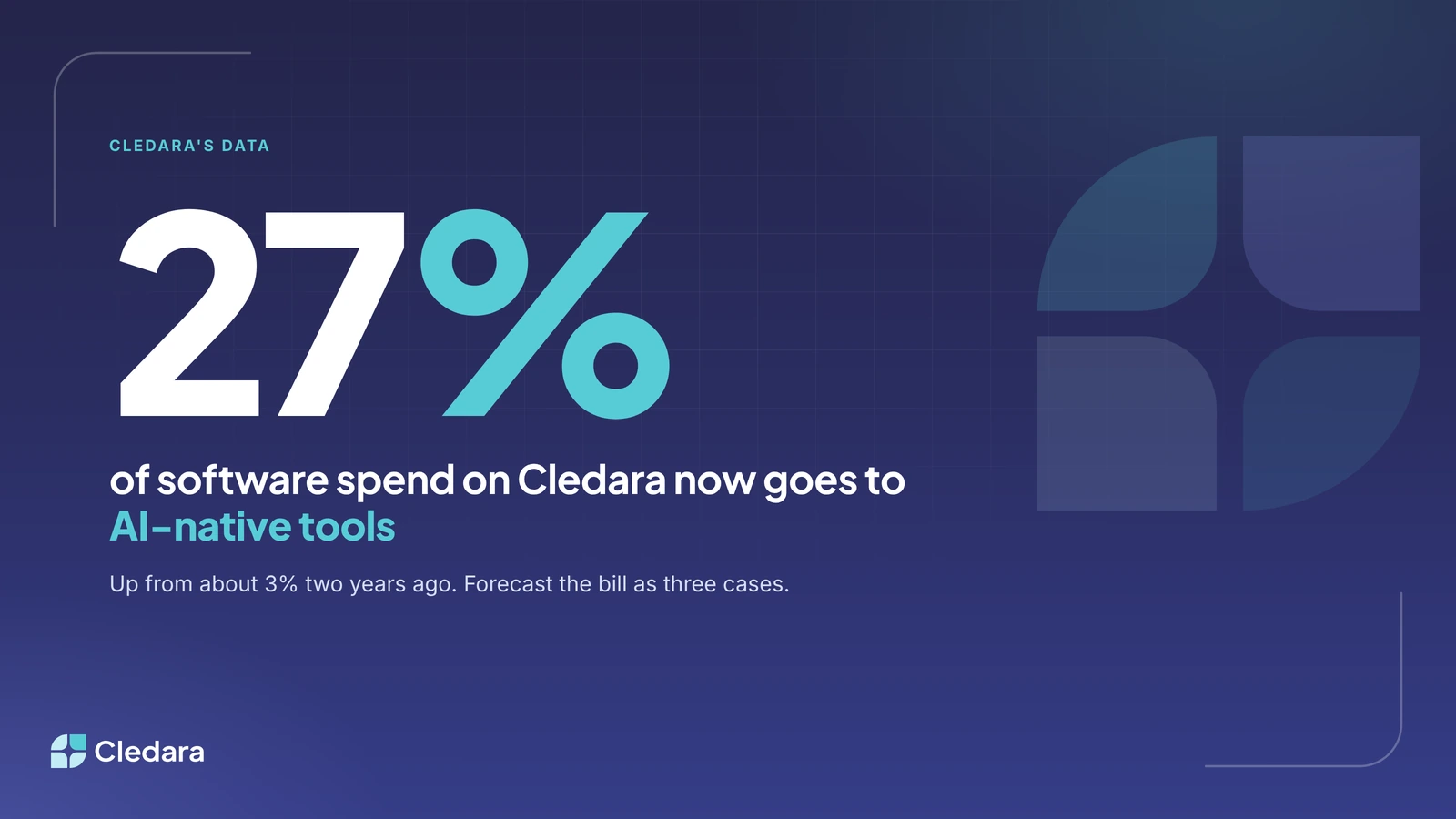
It matters more every month. 27% of software spend on Cledara now goes to AI-native tools, up from about 3% two years ago (Cledara's data). Anthropic and OpenAI together take 75% of UK AI-native spend (August to October 2026). There are free benchmarks at data.cledara.com.
Key takeaways
- Seats and usage are two different bills. Seats follow headcount. Usage follows what your product and your engineers do.
- Pick one driver for each usage line that a person can count: requests, tokens, active users or features shipped.
- Take a three-month run rate, then build three cases: growth stops (low), growth carries on (expected) and growth doubles (high).
- Set the budget at the expected case. A soft cap warns before spend runs over. A hard cap stops spend at the limit.
- OpenAI and Anthropic both offer usage dashboards, monthly spend limits and alerts. Switch them on as a backstop.
- AI-native spend by UK companies on Cledara moved between an 8% fall and a 35% rise month on month in 2026, so plan for jumps.
Why are OpenAI and Anthropic bills hard to forecast?
OpenAI and Anthropic bills are hard to forecast because most of the bill is usage, and usage follows what your people and your product do, which nobody in finance controls directly. The total also moves in jumps, so last month on its own is a poor guide to next month.
Most software is easy to forecast: you know your headcount and the price per seat, and you multiply. AI bills broke that habit. Part of the bill still works that way. The rest is charged by the token (the unit of text a model reads and writes), and it grows whenever someone ships a feature, switches to a bigger model or gives a coding agent a long job.
You can see it in how the charges arrive. Among subscriptions on Cledara that pay like usage-based services, Anthropic (incl. Claude and Claude Code) accounts were charged about every 8 days on average between May and October 2026, and OpenAI (incl. ChatGPT) accounts about every 10 to 12 days. So forecast the month, never the single charge.
And the total rarely grows in a straight line. AI-native spend by UK companies on Cledara was 25% higher in August to October 2026 than in the three months before. Month on month in 2026, the change ranged from an 8% fall (May) to a 35% rise (February), a compound rate of about 13% a month from January to October. By October it was about three times its January level. That's why I'd forecast the bill as three cases and never a single number.
How to forecast OpenAI and Anthropic bills in six steps
Forecast each line on its own, from the bottom up: seats from headcount, usage from a driver and a three-month run rate, then three cases on top. Here's the method in the order I'd do it.
- Split seats from usage. Both providers bill in two ways. Seat plans charge a fixed amount per person each month for the chat and coding apps. API usage is charged by the token, so it moves with activity. Pull the last three months of each from the billing pages and keep them on separate lines, one per product or team if you can. (Here's how to track OpenAI and Anthropic spend across teams and projects.)
- Find the driver for each usage line. Ask the owner what makes the number go up: requests, tokens, active users or features shipped. Pick one a person can count, such as support conversations the assistant answers or engineers using a coding agent. Last month's bill divided by that count is your cost per unit.
- Take a three-month run rate. For each usage line, note the latest month and the average month-on-month change over the last three. One month is noise and twelve is history. Three reflects how you use the models today.
- Build low, expected and high cases. Low: growth stops, and next month matches the latest month. Expected: the three-month growth rate carries on. High: the growth rate doubles, because a launch or a model change landed. Add any jump engineering already knows about.
- Set a budget with a hard or soft cap. Put the budget at the expected case and give it a named owner. A soft cap warns finance and the owner before spend runs over, so use it where a stop would hurt customers. A hard cap stops spend at the limit, so use it for experiments and API keys without an owner. There's more in our guide to setting AI spending limits by team and employee.
- Review monthly against actuals. Compare the bill with the three cases, write one line on why each moved, and start the run rate again from the new month. If a line lands above expected two months running, the driver has changed, so go back to step 2.
This is the usage part of a wider forecast. For the fixed contracts and seat tools around it, see how to forecast software spend when more of it bills by usage. For splitting the cost between teams, see how to track, allocate and control AI spend by team.
A worked example: a forecast of OpenAI and Anthropic bills for next month
Here's the method with numbers. In this example, next month's expected bill is £13,002, inside a range of £11,220 to £14,784. Every figure is illustrative: a company with seat plans at both providers and two API accounts, in pounds.
For seats, low is the latest invoice, expected adds seats for hires already in the plan, and high adds a second team asking for access. They barely move, so your attention belongs on the two usage lines.
The Anthropic API line decides the month: £2,880 separates its low and high cases. The gap widens when you roll it forward. Repeat the expected step three times and that line goes £8,640, £10,368, £12,442. That's about £31,450 for the quarter, against £21,600 if growth stops. I'll let you do the maths on the high case!
Now check it against the driver. Say that line is 36 engineers using coding agents, so £7,200 is £200 an engineer. If six more start next month, that's about £1,200 extra, or £8,400, close to the expected case. When the driver and the run rate roughly agree, trust the forecast a bit more. When they don't, ask why.
Tip: set the budget at the expected case (about £13,000 here) and treat the high case (about £14,800) as the most you'd accept without a conversation with the owner.
What do the OpenAI and Anthropic consoles give you for forecasting?
Both consoles give you the raw numbers and a backstop: a usage dashboard, a monthly spend limit and alerts. Each one covers its own provider, so the forecast across both still has to live somewhere else.
OpenAI. The usage dashboard shows spend with a project filter and detail by model or user, and you can export it. Under spend limits, you can set a monthly limit for the organisation and for each project. Turn on "Enforce a hard limit" and requests fail once it's reached, while spend alerts only notify you. OpenAI says enforcement isn't instant, so recorded spend can slightly exceed the limit.
Anthropic. In the Claude Console, the Usage and Cost pages show usage by model, date and API key, and cost by model and month, with a workspace filter and a CSV download. You can set your own monthly spend limit for the organisation and for each workspace, within the cap that comes with your usage tier. Once a limit you set is reached, requests are refused until access resumes or you raise it. If Anthropic bills you directly, you can add email notifications at an amount you choose.
Here's what I'd switch on this week:
- ✓ A project (OpenAI) or workspace (Anthropic) for each product or team, so the bill arrives already split.
- ✓ A monthly spend limit on each one, set above your high case.
- ✓ An alert at the expected case: spend alerts at OpenAI, email notifications at Anthropic.
Which tools help you forecast and control AI API costs?
Three kinds of tool help you forecast AI API costs: the providers' own consoles, cloud cost tools that engineering teams use, and software subscription management tools that finance teams use. Here's who does what, from each vendor's own site (checked in November 2026).
Cloud cost tools such as Vantage and CloudZero start from the cloud bill and suit an engineering or FinOps team, and they sit happily next to a list of subscriptions that finance owns.
How Cledara helps you forecast and control OpenAI and Anthropic bills
Cledara is software subscription management for finance teams. It connects to OpenAI, Anthropic and Cursor, tracks usage every day against the budget you set, and warns finance and the subscription owner before spend runs over. Each AI budget can be a soft cap, which warns, or a hard cap, which stops spend at the limit.
Every AI subscription, seats and usage, sits on one list with its owner, cost and budget, next to the rest of your software. The actuals arrive every day, so a line heading for its high case shows up while there's still time to talk to the owner.
Month-end gets easier too. Invoices for API accounts often sit behind a login, so Cledara Agent (an add-on) signs in to the billing pages, collects them and matches each one to its payment, ready to sync to Xero, QuickBooks Online, NetSuite or Tripletex. Plans are on the pricing page.
Where forecasting AI bills is heading
I think it gets easier to forecast OpenAI and Anthropic bills, and fairly soon. Not that long ago, plenty of finance teams typed bank statements into the accounts by hand. Then bank feeds arrived, and nobody misses the typing.
Usage bills are going the same way. The numbers already exist in the providers' consoles every day, so the forecast becomes a live number with an owner. Engineers get to try new models without a debate each time, and finance gets a warning in week one.
And honestly, a rising AI bill is mostly good news: it means your team is finding real uses for these tools. You just want to see it coming.
If you'd like to see your OpenAI and Anthropic spend tracked against a budget every day, book a demo and we'll show you with your own tools.
Cheers,
Brad