


Our company card was replaced after a fraud alert and half our software stopped working. How do we avoid this?
It happened because every tool had the same card number saved, so when the bank cancelled that number, each tool's next charge failed. To avoid it, keep one list of every software subscription and the card that pays for it, and give each subscription its own virtual card, so replacing a card only ever touches one tool. For today's mess, move software subscriptions to a new card in the order of what breaks first.
I've heard this story a lot, and honestly it's nobody's fault. The bank did the right thing. The trouble is that one company card quietly becomes the thing dozens of tools depend on, and nobody finds out until the morning it's replaced.
Key takeaways
- A replaced card breaks software because each vendor still has the old number. Every tool has to be updated in its own billing page.
- Work from the old card's statements, never from memory. Go back 12 months so annual plans show up.
- Move customer-facing and infrastructure tools first, then prepaid tools, then everything else by next billing date.
- Grace periods vary a lot. Slack downgrades a workspace after 28 days, Figma retries for up to 21 days, and prepaid API credit stops when it runs out.
- Visa and Mastercard can pass a new card number to vendors, but only where your card issuer and the vendor both take part.
- The median company pays for 32 software tools (Cledara's data, October 2025 to September 2026). That's a lot to hang on one card.
- Give each subscription its own virtual card and the next replacement touches one tool.
How do I move all our software subscriptions to new cards without breaking anything?
Work from a list. Pull every recurring software charge from the old card's statements, rank the tools by what breaks first, save the new card in each tool's billing page, then check that the next charge goes through. If the old card still works (an expiry, or a change of provider), keep it live until every tool has moved.
It's a bigger job than it sounds to move every subscription. The median company pays for 32 software tools, and the middle half pay for 16 to 48 (Cledara's data, October 2025 to September 2026, at data.cledara.com). In the same data, 90% of software transactions are monthly subscriptions, so most of what's on the card will try to charge it again within weeks.
Here's how to move software subscriptions to a new card, step by step.
- List every tool on the old card. Export the last 12 months of statements, so every annual plan appears once, and pick out the software charges. Cross-check against the software lines in your accounts, then search the finance inbox for "payment failed" emails.
- Add three things to each line. The next billing date, the person who owns the tool, and who can open its billing page. Often only an owner or a billing admin can change the card.
- Sort the list in the order of what breaks first. The order I'd use is in the next section.
- Save the new card in each billing page. Then look for an unpaid invoice. Google Workspace and Figma say they charge what's outstanding once the card is fixed. Elsewhere you may need to pay it yourself.
- Confirm the next charge. A subscription has only moved when a payment has gone through on the new card. Until then it's a guess.
- Tidy up. Remove the old card from each account, and note the new card against each subscription in your register.
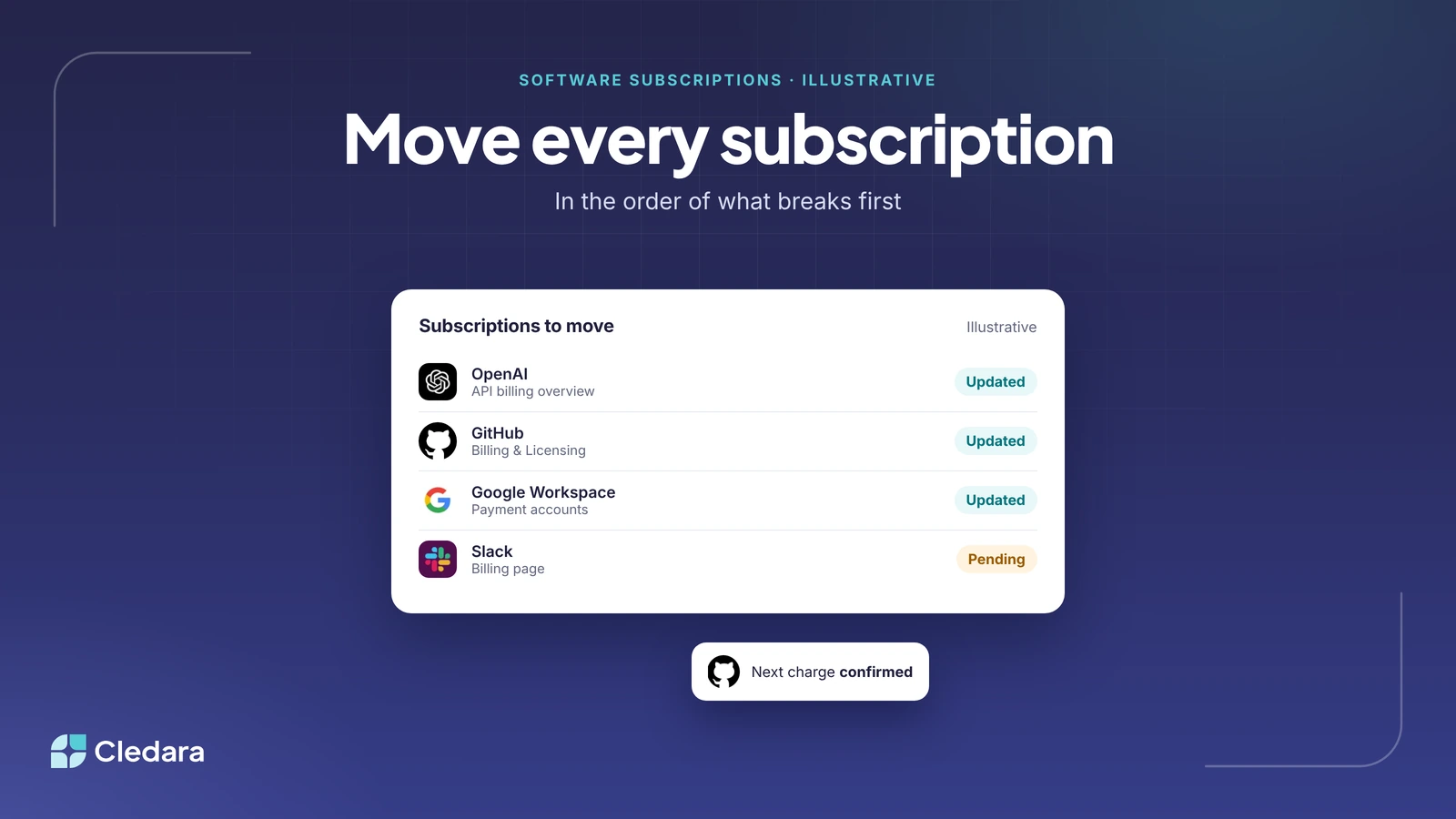
Keep the tracking simple. A sheet headed "Subscriptions to move", with each tool marked Pending, Updated or "Next charge confirmed", is plenty. If you don't have a list of subscriptions yet, start with our software subscription register template.
Tip: ask each tool's owner to make the change and reply when it's done. Finance rarely has a login for every tool, and the owner already knows where the billing page is.
Which software breaks first when a company card is replaced?
Prepaid tools and anything your customers depend on. Prepaid credit stops working when it's used up, and a suspended hosting account takes your product down with it. Seat-based tools usually give you days or weeks of retries and reminder emails before anything is downgraded. So when you move software subscriptions to a new card, I'd go in this order:
- ✓ First, anything your customers touch: hosting, the services your product runs on, your support desk and your website.
- ✓ Second, prepaid tools, such as AI API credit, where service stops when the credit is gone.
- ✓ Third, anything billing this week, whatever it is.
- ✓ Fourth, tools where the vendor publishes no grace period. You can't plan around a number you don't have.
- ✓ Last, seat-based tools with a published grace period, by next billing date.
If a chat tool drops to its free plan for a day, people grumble. If your hosting is suspended, your customers notice.
Important: a suspended account is harder to bring back than a late payment is to fix. AWS's terms say that it can limit resources or suspend an account after giving notice, and its support page says that a suspended account must be reinstated within 30 days or it is closed.
What happens when a software payment fails, and where do you update the card?
Most vendors email the account owner, retry the card for a while, then downgrade, lock or suspend the account. The time you get runs from whatever prepaid credit is left to 28 days (Slack), and several vendors don't publish a number. Here's what nine vendors' own help pages said on 24 November 2026.
Note: "not published" means the vendor's help page gives no number of days. These pages change, so open the link before you rely on a date.
One detail in those pages is worth knowing. The warning emails go to whoever the vendor has listed as an owner or billing contact, so if that's someone who left last year, nobody sees them.
Will Visa or Mastercard pass the new card to our software vendors automatically?
Sometimes, so don't plan around it. Both card networks run an account updater service, which lets a card issuer share a new card number or expiry date with merchants that have the old one stored. It only helps where your card issuer and the vendor (or its payment processor) both take part.
Visa Account Updater works in four steps: a stored card is reissued, updated, expired or closed; participating issuers share the new details with Visa; merchants or their acquirers ask for the latest details before charging; and Visa returns them. It covers account number changes, including lost or stolen cards. Mastercard's Automatic Billing Updater is similar, with issuers reporting changes and registered merchants and acquirers asking for them. Nobody tells you which of your tools are covered, so treat it as a bonus and still work through the list.
How do we stop a replaced card breaking our software subscriptions again?
Don't keep every subscription on one card. Give each software subscription its own card with its own limit, keep one list that shows which card pays for which tool, and send billing emails to a shared inbox. Then a fraud alert, an expiry or a leaver means one card and one billing page to update.
- ✓ One virtual card for each subscription, with its own limit, tied to the tool and never to a person.
- ✓ One list of every subscription with its owner, cost, renewal date and card.
- ✓ A shared finance mailbox as the billing contact in every tool, so warnings are always seen.
- ✓ A backup payment method where the vendor offers one (Google Workspace does).
- ✓ A named owner for each tool who can open its billing page.
Spend tools such as Ramp, Brex, Pleo, Spendesk and Payhawk cover cards and expenses for the whole company. They stop at the subscription itself: who owns it, when it renews and where its invoice lives.
That last part is what we built Cledara for. Cledara is software subscription management for finance teams. It keeps one live list of every SaaS and AI tool you pay for, with its owner, cost, renewal date and card, and does the admin around them: invoices, renewals, joiners and leavers.
Every subscription gets its own virtual card with its own limit, so a tool doesn't go down when a card or a person changes. If one card is ever compromised, you freeze it and update one billing page while everything else carries on. Virtual cards are included in every plan (see the pricing page), and there's more on the thinking in one card per subscription.
Once payments are flowing again, Cledara Agent can collect the invoices from each vendor's billing page and match them to the payments.
What if we're moving software subscriptions to a new card by choice?
Then you have time, so use it. Keep the old card live, move one subscription at a time in renewal order, and cancel the old card only when the last tool has taken a payment on the new one. Nothing switches off, because every charge always has a working card behind it.
That's how teams move to Cledara: a card change per subscription, done in renewal order, with the updates spread across the tool owners over about a month. I wrote the whole process up in Switching to Cledara: what migration actually involves. If it's part of a bigger clean-up, our 90-day plan for getting software spend under control puts the steps in order.
What should happen the next time a company card is replaced?
Nothing much, ideally. Cards get replaced all the time: banks spot fraud, cards expire and people move on. None of that should be able to switch off the software your company runs on.
I think one company card with dozens of tools hanging off it will soon look as odd as typing bank statements into the accounts by hand. When every subscription has its own card and its own owner, a replacement is a small job for one person, and everyone else gets on with their day!
If you'd like to see how the list and the cards work together, book a demo and we'll show you.
Cheers,
Brad