


How do I code hundreds of small software transactions in Xero every month without it taking forever?
Stop coding line by line, and code each tool once. To code software transactions in Xero without it taking forever, give every tool a bank rule that sets its contact, account and tax rate, apply those rules in bulk with cash coding, and use tracking categories for the department. After that, you only touch the exceptions and the invoices.
Here's a funny thing about bank feeds. They took away the typing and left the deciding. Slack is the same cost, in the same account, for the same team, every month, and somebody still decides it all over again.
Key takeaways
- Code each tool once: a bank rule fills in the contact, account and tax rate every time that tool appears on the bank feed.
- Cash coding reconciles statement lines in bulk: Xero shows up to 200 at once and suggests doing fewer than 100 at a time.
- Xero uses tracking categories instead of department codes or cost centres: four in total, two active at any time.
- A rule codes the line, but the invoice still has to be attached.
- On Cledara's data for the 12 months to September 2026, the median company made 311 software payments (about 26 a month), and 90% of software transactions are monthly subscriptions.
- Hubdoc and Dext get the documents you have into Xero. Cledara syncs each software payment with its invoice and codes already on.
Why does it take so long to code software transactions in Xero?
It takes so long because every line asks the same three questions again: which account, which team, and where's the invoice? None of the answers are on the bank statement. They're in people's heads, and usually not in finance's heads.
Software used to be bought by IT, a few contracts a year. Now it's bought across the company, a card payment at a time, so the person who knows what a cryptic card line is for could be anyone.
It's a lot of lines, too. On Cledara's data for the 12 months to September 2026, the median company paid for 32 software tools (the middle half pay for 16 to 48) and made 311 software payments, about 26 a month. A quarter made 564 or more, and 90% of software transactions are monthly subscriptions, so the same lines keep coming back (benchmarks are free at data.cledara.com).
If you're coding hundreds a month, you're at the busy end. Either way, every hour spent coding Slack for the thirtieth time is an hour not spent on finance.
Here's what "coded" should mean for a software transaction:
- ✓ The vendor as the contact (not "Unknown")
- ✓ The expense account you use for software
- ✓ The right tax rate
- ✓ A tracking option for the department or cost centre
- ✓ The invoice attached
What are the Xero-native ways to code software transactions faster?
There are six worth knowing: bank rules, cash coding, tracking categories, repeating bills, attaching the invoice, and automatic bank reconciliation. For card-paid subscriptions, bank rules and cash coding do most of the work. The table shows what each one is good for, and where it runs out with software subscriptions.
Checked against Xero Central, November 2026.
Bank rules: one rule per tool
A bank rule tells Xero how to treat a statement line it has seen before. You set the conditions (payee, description, reference or amount) and the details (contact, account and tax rate), and Xero suggests a spend money transaction with everything filled in. You check it and click OK.
Tip: choose "Any text field" with "contains" and the tool's name, such as SLACK, so the rule keeps working when the bank changes the wording (here's Xero's guide to creating a bank rule).
Cash coding: a month of lines in one go
Cash coding shows your statement lines as a spreadsheet, up to 200 at once. Sort by payee so each tool's lines sit together, tick them, pick the account once and Xero applies it to every selected line. Lines that match a bank rule arrive already filled in.
Leave the payee blank and the transaction goes to a contact called Unknown, which nobody thanks you for at year end!
Tracking categories: the department on every line
Xero uses tracking categories and options instead of department codes or cost centres. You can have a maximum of four categories, with only two active at any time.
The hard part is knowing that Figma belongs to Design and the second Notion workspace belongs to Product, so write it down once. If teams share a tool, here's how to allocate shared software spend between departments.
Repeating bills, invoices and automatic reconciliation
A repeating bill suits a fixed contract you pay by invoice. How an annual payment is spread across the year is one for your accountant (see our guide to accounting for SaaS subscriptions).
You can attach a file to any spend money transaction or bill, or forward a bill to your Xero bills address to create a draft bill with the document attached. Xero needs the bill as an email attachment, and plenty of software invoices are never emailed at all (here's how to collect every software invoice before month-end).
Important: GOV.UK's guidance on keeping VAT records says you cannot reclaim VAT using an invalid invoice, a pro-forma invoice, a statement or a delivery note. Confirm what applies to your company with your accountant.
Xero's automatic bank reconciliation reconciles a line for you when it's highly confident, by matching it or applying one of your bank rules. Whether you have it depends on your Xero plan.
A monthly routine to code software transactions in Xero
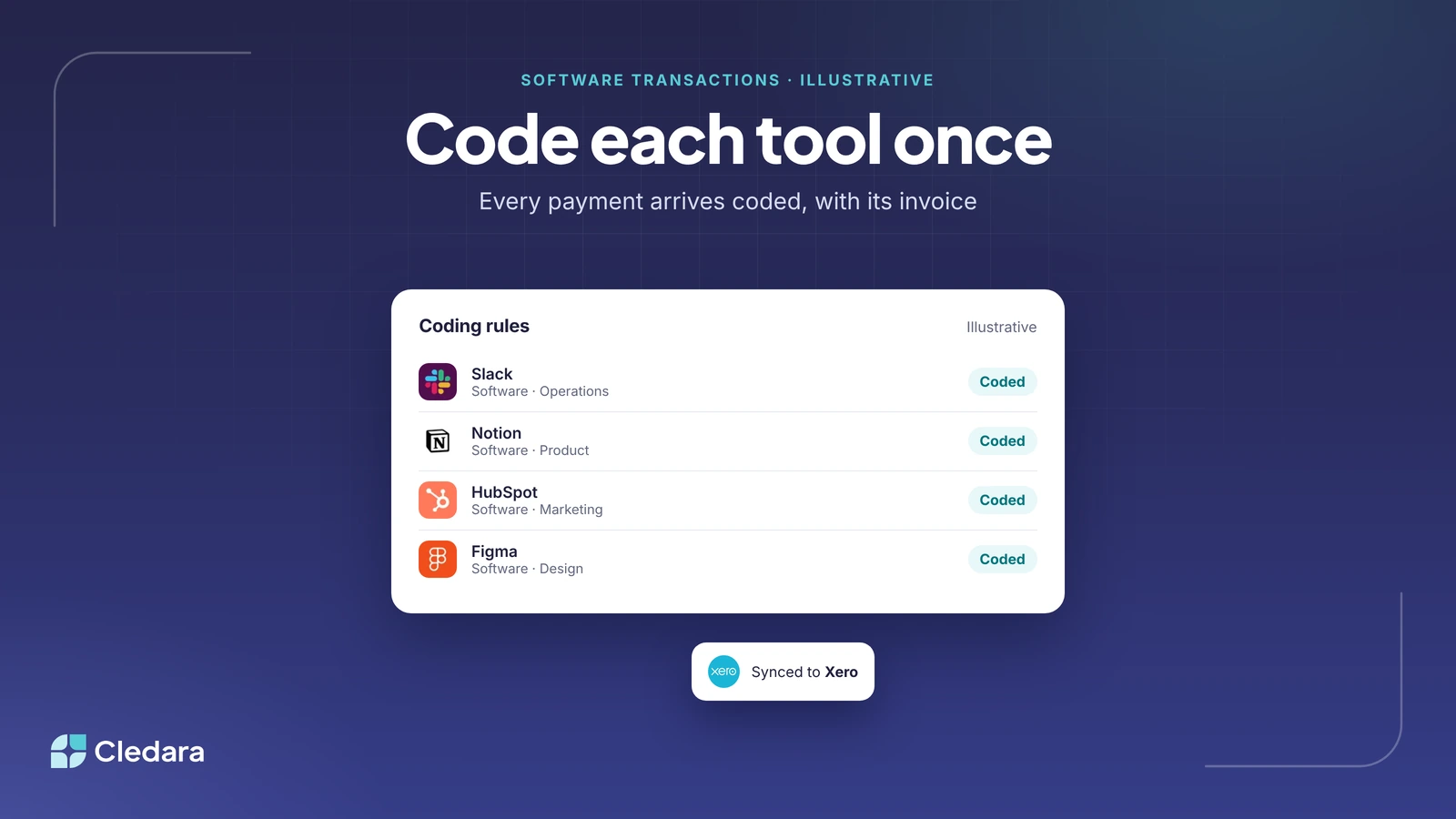
Do the set-up once, then run the same steps every month: match what's already in Xero, cash code the rest by rule, attach the invoices, and turn anything you coded by hand into a new rule. Start by writing your coding rules down. For example (illustrative):
- Slack: Software · Operations
- Notion: Software · Product
- HubSpot: Software · Marketing
- Figma: Software · Design
Then run these eight steps:
- Write the list (once). For every tool, note the contact, account, tax rate, tracking option and owner (our software subscription register template has the columns).
- Create a contact and a spend money rule for each tool (once). Put your most specific rules at the top.
- Forward invoices as they arrive. Send them to your Xero bills address, or let a capture tool read them.
- Reconcile the matches first. Clear anything that matches a bill or another transaction already in Xero.
- Cash code the rest. Sort by payee, tick the lines with a rule applied and click Save & Reconcile Selected.
- Code what's left by hand, then make it a rule. Xero lets you create a bank rule from the statement line while you're cash coding.
- Attach the invoices. List the transactions with no document, then get each one from the billing page or the tool's owner.
- Review. Run the Account Transactions report for your software accounts, check the tracking, and add any new tools to the list.
The first month is the slow one. After that, steps 4 to 6 shrink, because each line you code by hand becomes a rule. Step 7 is the stubborn one: no rule can fetch a document from behind a login.
Tip: if a batch went to the wrong account, find and recode fixes a group of lines at once. Xero says to use it only if you're an accountant or bookkeeper, or have experience with recoding.
Which tools help you code software transactions in Xero?
Four are worth knowing: Xero's own tools, Hubdoc and Dext for getting the document into Xero, and Cledara for software subscriptions, where each payment arrives already coded. They do different jobs, so you can use two together.
Based on each vendor's public website and Xero Central, November 2026.
Hubdoc and Dext are very good at reading the documents you give them and getting them into Xero with the data filled in. Hubdoc can publish a supplier's documents automatically, and Dext says it reads documents with over 99% accuracy.
Both start from the document, so an invoice that never reaches you is still yours to find. We compared the wider field in tools that collect software invoices automatically. Spend tools such as Pleo, Spendesk and Payhawk cover cards and expenses; they stop at the subscription itself.
How does Cledara code software transactions in Xero?
You map each tool to its expense account, department and cost centre once, and every payment for that tool syncs to Xero with its invoice and the same codes. Payments can land reconciled or unreconciled, to fit your approval process. Xero is included on every Cledara plan.
Cledara is software subscription management for finance teams: one live list of every tool you pay for, with its owner, cost and renewal date. A bank rule works from the wording on a statement line. Cledara starts from the subscription, so it already knows which tool each payment is for.
- Coding rules in one table. You pick the Xero contact, account and tax rate for each tool, once (here's how the mapping works). Every payment arrives coded, with its invoice.
- Synced to Xero straight away. The sync runs as soon as a payment is made or its invoice arrives.
- Invoices collected three ways. Email capture from Gmail or Microsoft 365 (from Premium), a forwarding inbox, and Cledara Agent, which signs in to each vendor's billing page and collects the invoices that are never emailed.
Cledara Agent is an add-on for any plan. It works overnight across 8,000+ SaaS and AI tools, so month-end starts with every invoice in place, and each change waits for your approval unless you set a standing approval.
Nathan Humphreys, Finance Manager at Jiminny, took a week off and came back to all the payments and invoices correctly matched. His verdict: maybe two weeks next time. A typical Cledara customer gets 30+ hours a month back (modelled for about 70 tools).
There's more in our post on how Cledara integrates with Xero and our guide to reconciling card transactions with your accounting software, and plans are on the pricing page.
Where is coding software transactions heading?
It's heading the same way as typing in bank statements. Bank feeds are the reason nobody keys statements into the accounts any more, and I haven't met anyone who misses it. I think coding is next, because the decision about where Slack goes was made years ago and a machine can remember it.
The finance teams that do well from here will make each decision once, and spend month-end on the lines that are actually new: the price that jumped, the tool nobody recognises, the AI bill that doubled. Those are the interesting questions.
If software is most of your card feed, I'd love to show you how Cledara codes it. Book a demo and bring your messiest month.
Cheers,
Brad