
The Cledara API gives every customer programmatic access to their software subscription data: applications, budgets, owners, renewal dates, transactions, and invoices, free on every plan. That single fact turns Cledara from a place you check into a source your other tools can draw from. The obvious question is what to build with it.
This list collects ten answers. Some were built by customers within weeks of launch, others are patterns we think deserve to exist. None of them require a data team: several were built with AI assistants doing the heavy lifting, and all of them work with the three read endpoints available today. Treat them as starting points, and steal freely.
Key Takeaways
- The Cledara API exposes three read endpoints today: applications, transactions across SaaS and Spend, and invoice download URLs, which is enough for every build on this list.
- The strongest early pattern is moving data where work already happens: BI tools, accounting platforms, calendars, Slack, and cash forecasts.
- Several builds close painful month-end gaps, including automatic invoice packs and draft entries in accounting platforms Cledara does not integrate with natively.
- Renewal and budget builds turn surprises into scheduled decisions, with renewal dates and budget limits pulled per application.
- AI agents can consume the API directly, so a finance team without developers can still ship most of this list.
- The API is free on every plan, with a fair-use limit of 120 requests per minute per key.
What the Cledara API Exposes
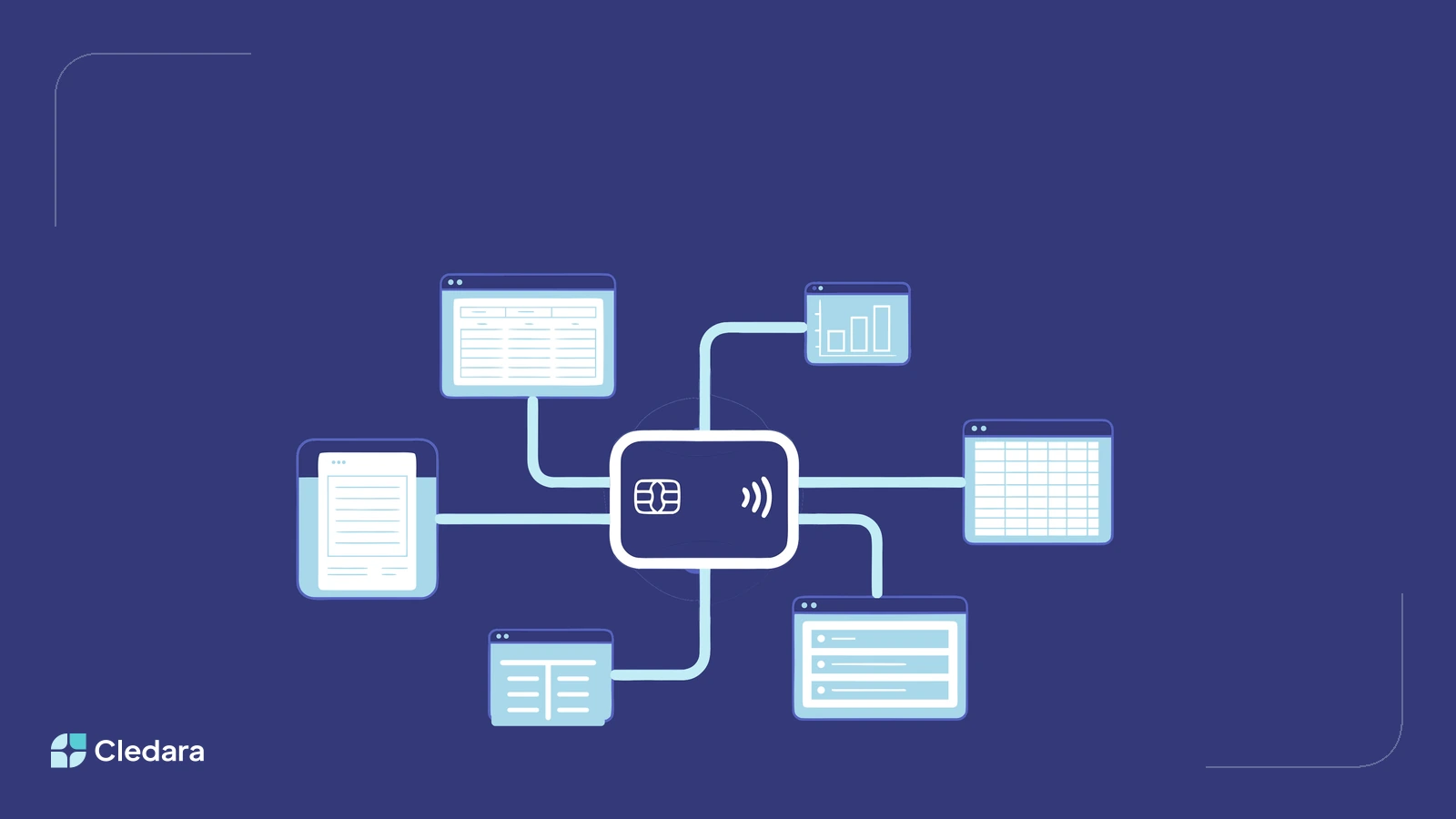
Every build below runs on three endpoints. Applications return each subscription with its status, owner, teams, budget, balance, next renewal date, and next payment. Transactions return every payment across SaaS subscriptions and Spend cards, with amounts, currencies, settlement dates, card details, and whether an invoice is attached. A third endpoint returns a download link for the invoice behind any transaction. Keys are created in the app, and the full documentation covers fields and examples.
The ten builds at a glance, with the API data each one uses:
- Live spend dashboard in your BI tool, built on transactions
- Automatic accounting platform feed, built on transactions and invoice URLs
- Renewal calendar in your workflow tools, built on application renewal dates and owners
- Month-end invoice pack, built on transactions and invoice URLs
- Budget alerts in Slack, built on application budgets plus transactions
- AI agent for software spend questions, built on all three endpoints
- Monthly software audit report, built on transactions and applications
- Committed-payments cash forecast feed, built on next payment dates and amounts
- Always-current vendor register, built on applications with vendors, owners, and teams
- Company-wide software page, built on applications and transactions
1. A Live Software Spend Dashboard in Your BI Tool
Point a scheduled job at the transactions endpoint and your BI tool becomes a live software spend dashboard. Pull settled transactions nightly into Metabase, Power BI, or Looker Studio, and the questions that used to need an export answer themselves: spend per application, per team, per month, per currency.
The compounding value arrives when you join the feed with data Cledara cannot see, like headcount or revenue. Software cost per employee and spend as a share of revenue are the numbers boards actually ask about, and a live feed keeps them current. If you allocate costs across departments, the same feed powers chargeback and showback models without a spreadsheet ritual.
2. An Automatic Feed into Your Accounting Platform
Cledara integrates natively with Xero, QuickBooks, NetSuite, and Tripletex, and works with every accounting platform beyond those through white-label accounting. The API adds a third option for teams on regional or specialist platforms: a direct, automated bridge you control.
One Danish company replaced its month-end ritual of downloading a transaction file and a zip of invoices with a script that fetches both through the Cledara API and creates draft entries in their local accounting platform, invoices attached. The pattern generalises to e-conomic, Fortnox, Odoo, iPlicit, or any system with an import path: fetch settled transactions for the period, fetch each invoice link, post draft entries.
3. A Renewal Calendar in the Tools Your Team Already Uses
Every application in the Cledara API carries its next renewal date and its owner, which is everything a renewal workflow needs. A small script can create calendar holds, Asana tasks, or Notion cards at 90, 60, and 30 days out, assigned to the named owner with the budget attached.
Cledara already reminds you about renewals in-app and on Slack. The API version puts the renewal into your team's actual workflow, with your review checklist attached, so the negotiation starts on your schedule. One Cledara customer went from five surprise renewals a year to zero, and that is the standard this build aims at.
4. A Month-End Invoice Pack for Your Accountant
Auditors and accountants ask for the same thing every close: the invoices. A short script can loop through the month's settled transactions, fetch each invoice download link from the API, and file every document into a shared folder organised by vendor and month. Year-end audit requests shrink from a week of hunting to a single run.
The same loop produces the chase list, because every transaction reports whether an invoice is attached. Cledara's invoice capture already collects 76 invoices per month for the average customer automatically, and automated invoice processing works best when the exceptions are visible. This build makes the gap list a report instead of a discovery.
5. Budget Alerts in Slack Before the Overspend Happens
Each application in Cledara carries a budget with a limit and a period, and the transactions feed shows what has actually settled against it. Compare the two on a schedule and post to your finance channel when any application crosses 80% of budget with time left in the period.
The point is timing. A variance explained at month-end is an apology, while the same number surfaced three weeks earlier is a decision. Budget conversations move from the review meeting to the moment the trend appears, which is where a finance team can still change the outcome.
6. An AI Agent That Answers Software Spend Questions
Connect Claude, ChatGPT, or your agent of choice to the Cledara API and your software data becomes something you can question in plain language: which renewals land next quarter and who owns them, what did we add this year, which applications grew fastest. The endpoints are documented well enough that agents can work with them directly.
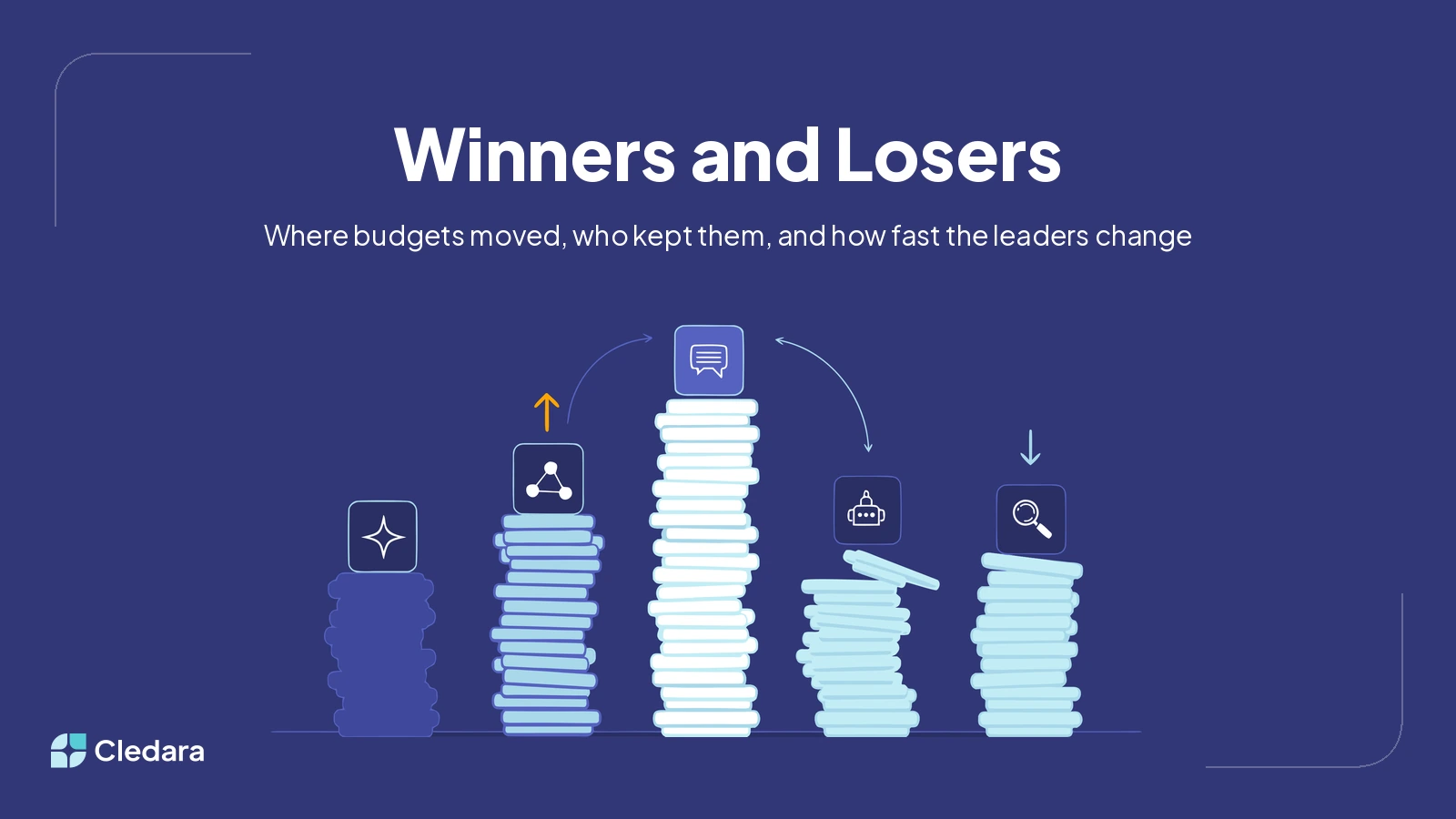
This is where budgets are heading. Across Cledara's customers, AI-Native tools grew from under 5% of software spend in July 2025 to around 16% in July 2026, and AI cost allocation is now a standing finance question. An agent with live subscription data answers it from facts rather than memory. One customer's agent built its entire Cledara integration from the documentation and a key, with no developer involved.
7. A Monthly Software Audit That Writes Itself
The best finance teams already audit their subscriptions monthly: what is new, what changed by more than a threshold, what was cancelled and whether the saving actually landed, and which items need an owner to answer for them. One US software company runs exactly this as an AI-written report, and used to feed it with manual exports. The API removes the exporting, so the audit assembles itself.
Structure it as a standing document: month-over-month movers, new subscriptions with their owners, confirmed cancellations, and an action list. Cledara customers reduce software costs by 23% on average, and a repeating audit is how that reduction keeps compounding instead of happening once.
8. A Committed-Payments Feed for Your Cash Forecast
Every application in the Cledara API reports its next payment date and amount, which is a ready-made schedule of committed software outflows. Feed it into your 13-week cash forecast and the software line stops being an estimate copied from last quarter.
For finance teams managing runway, this closes a real gap. Software is one of the few cost lines where the future is already written down, and the forecast might as well read it. The feed updates itself as subscriptions change, which is more than can be said for the spreadsheet tab it replaces.
9. A Vendor Register That Is Always Audit-Ready
SOC 2, ISO 27001, and customer security reviews all ask for the same artefact: a current list of the software vendors you use, with owners. The applications endpoint is that list, live. Sync it nightly into your compliance tracker or internal wiki and the register stops drifting out of date between audits.
The same sync doubles as a tripwire. Diff today's application list against yesterday's, and every new subscription surfaces in your IT or security channel with its owner and team attached, so nothing hidden creeps in unnoticed. Governance becomes a feed you monitor rather than a quarterly cleanup.
10. A Company-Wide Software Page
Duplicate tools usually get bought because nobody knew the first one existed. An internal page listing every application with its owner and team, generated from the API, is the cheapest fix: people check before they buy, and access requests go to the right person instead of into Slack.
It also makes for the most popular slide of the year. A "year in software" wrap for the all-hands, showing what was added, what was retired, and which team's toolkit changed most, turns subscription management into something the whole company can see the point of.
How to Get Started with the Cledara API
Every build on this list starts the same way, and the first step takes minutes.
- Create an API key in the Cledara app under Profile and API Keys. Keys inherit the permissions of the person creating them, so treat them like passwords.
- Read the reference documentation at api-docs.cledara.com, which covers all three endpoints with field-level detail.
- Pick the build that removes your most annoying ritual, and start there. The invoice pack and the renewal calendar are both an afternoon's work with an AI assistant.
What Will You Build with the Cledara API?
These ten builds share one idea: software subscription data is more valuable in motion than at rest. The teams getting the most from the Cledara API are moving numbers into the places decisions already happen, whether that is a cash forecast, a compliance tracker, or an AI assistant. Read the full API announcement for the launch details, then claim one of these builds for your own team. More endpoints are on the way, and the best argument for what ships next is what customers build now.