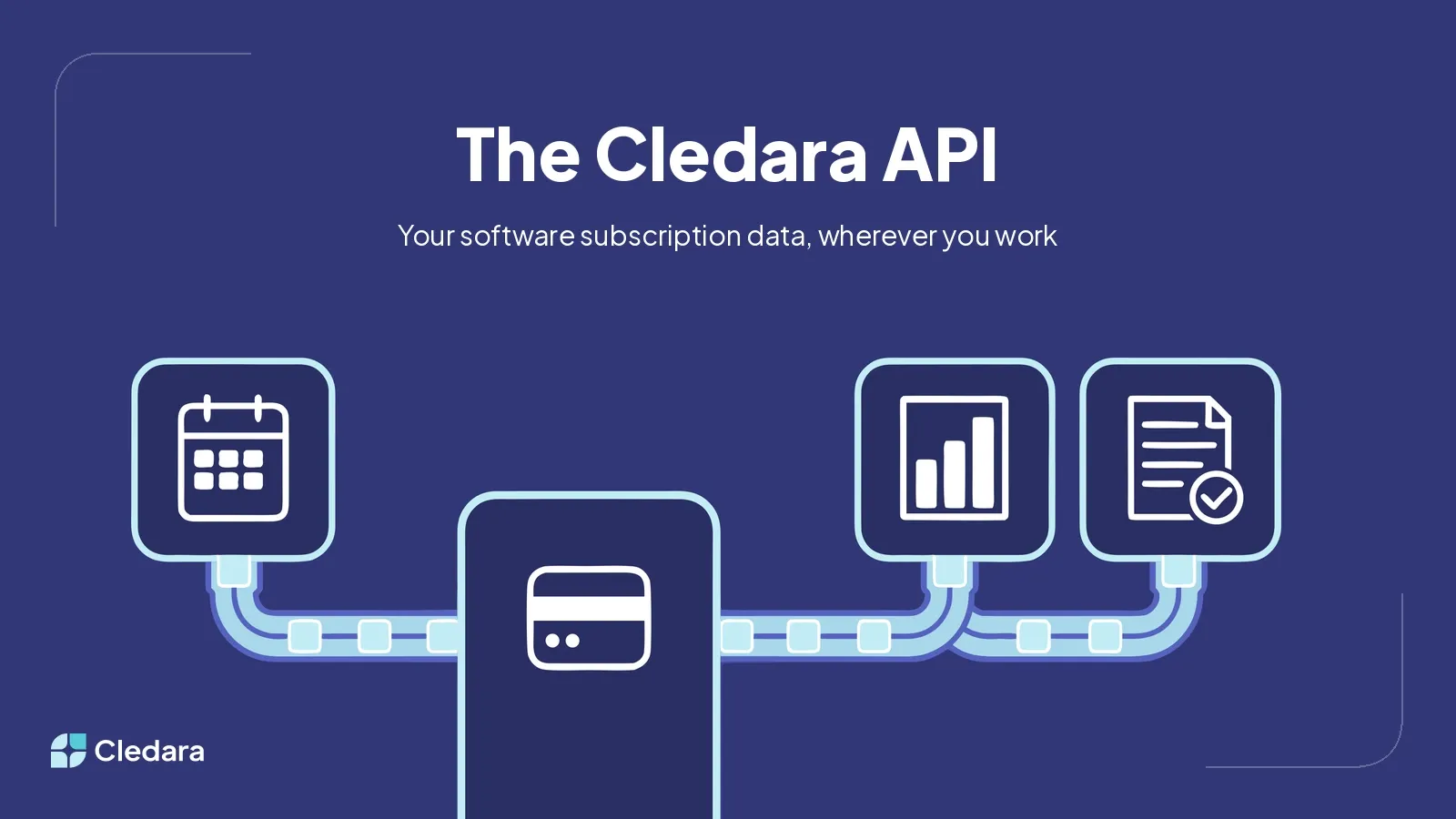

The Cledara API is live. Every Cledara customer can now read their software subscription data programmatically: every application, every budget, every renewal date, every transaction, and every invoice, pulled straight from Cledara into whatever tool needs it. It is included on every plan at no extra cost, with no usage metering and no upsell.
An API has been one of the most requested features in Cledara's history. It's been one of our most requested features all year, and the requests came from every corner: finance teams who wanted their numbers in their accounting platform, IT teams who wanted the vendor list in their own tooling, and analysts who wanted live data in their BI dashboards instead of monthly exports. Now they have it, and the first customer builds are already running in production.
Key Takeaways
- The Cledara API is available now to all customers, included free on every plan, with no usage caps beyond a standard fair-use rate limit of 120 requests per minute.
- The first release covers three read endpoints: your applications (with budgets, owners, teams, balances, and renewal dates), your transactions across both SaaS subscriptions and Spend cards, and download links for the invoice behind any transaction.
- API keys are created in the Cledara app under Profile and API Keys, and each key inherits the permissions of the person who created it.
- Customers built working integrations within weeks: a consolidated finance dashboard, an automatic feed into a local accounting platform, and a monthly AI-written software audit.
- AI assistants can work with the API directly: one customer's agent built a complete integration from the documentation and a key, with no developer time involved.
- This is the first release, and more endpoints are on the way.
What the Cledara API Gives You at Launch
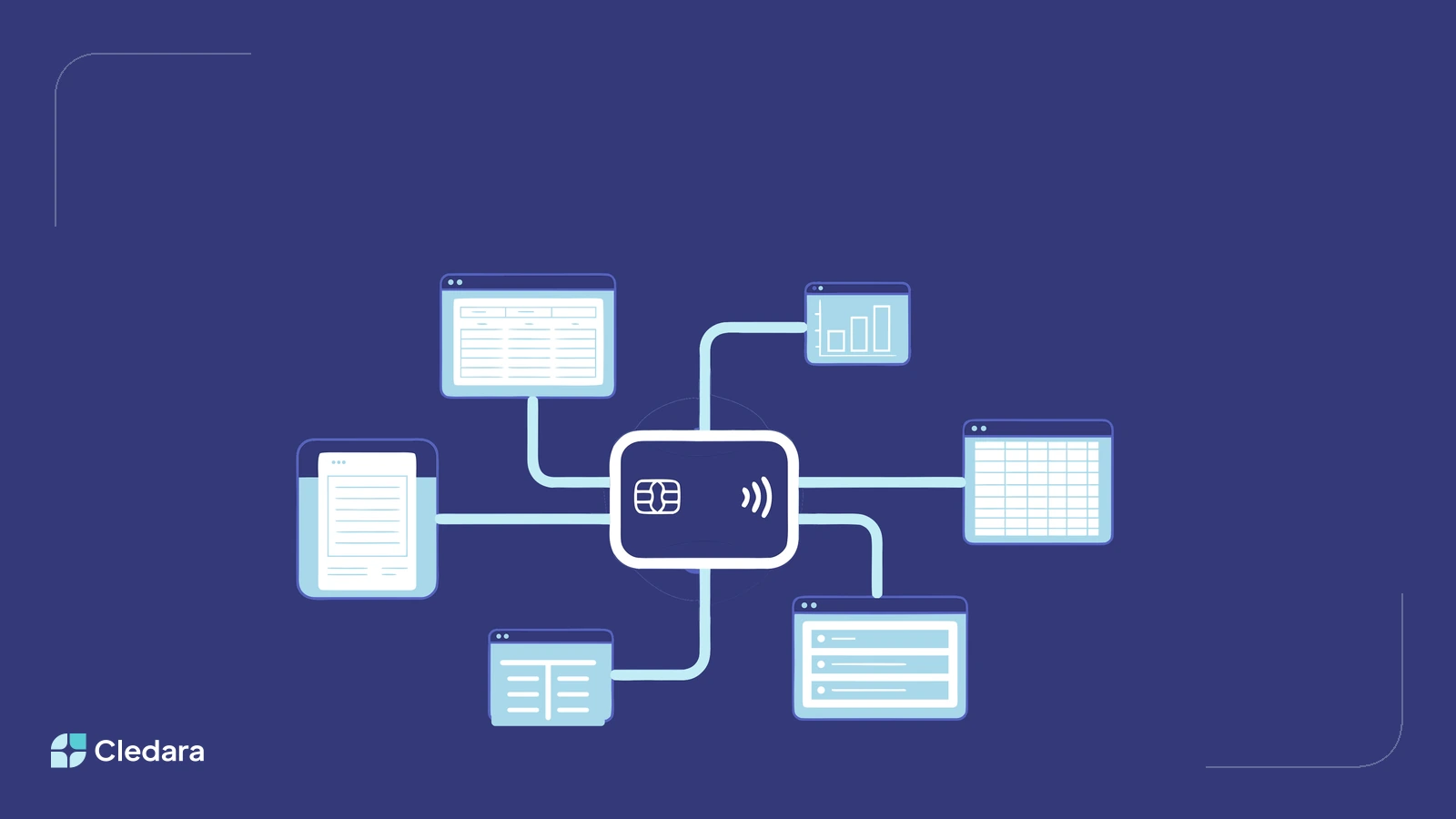
The API launches with read access to the three objects finance teams ask about most: applications, transactions, and invoices. Authentication uses a bearer API key that you create yourself in the app, and every response is JSON with filtering and pagination where you need it.
- GET /v0/applications: every application with its status, owner, teams, budget, balance, next renewal date, and next payment. The raw material for a renewal calendar or a budget tracker.
- GET /v0/transactions: every SaaS and Spend transaction with amounts, currencies, card details, settlement dates, and invoice status. The feed behind a live spend dashboard or an accounting sync.
- GET /v0/transactions/{id}/invoice-url: a download link for the invoice behind any transaction. The building block for a month-end invoice pack.
Both product lines are covered. Transactions include your SaaS subscription payments and your Cledara Spend card activity, so a single feed can reconcile everything Cledara touches. Full reference documentation, including field-level detail and example responses, lives at api-docs.cledara.com.
Why We Built the Cledara API
Software subscription data loses value when it sits in one place. The average company on Cledara manages 39 software tools, and a quarter of them manage 56 or more. The decisions about those tools happen in other rooms: the cash forecast in a spreadsheet, the month-end close in an accounting platform, the board pack in a slide deck.
Until now, moving Cledara data into those places meant manual exports. Exports go stale the moment they download, and re-keying them wastes hours that finance teams do not have. The API replaces that ritual with a live feed, so Cledara stays the place where you manage every software subscription while the numbers work wherever your team already works.
There is a second reason. Cledara connects natively to Xero, QuickBooks, NetSuite, and Tripletex, and works with every accounting platform through white-label accounting. Customers on regional platforms like e-conomic, Fortnox, or Odoo asked for something deeper: a direct, automated bridge. The API is that bridge, and it works with any system that can receive data.
What Customers Built with the Cledara API in the First Weeks
The fastest validation of an API is what people make with it, and the first builds appeared within days of launch. Three stand out.
A consolidated finance view
A Belgian fintech scale-up connected Cledara to the internal dashboard that brings together all of its finance systems. Their team now tracks SaaS spend, Spend card activity, and reimbursements alongside banking and treasury data, and added their own analysis on top: six-month spend projections, and a watch list of applications with unusual cost swings.
"Most of the information is already available in Cledara in a well-structured format. Thanks to the API, we pull that data into the tool that connects all our financial systems, so we no longer need to log into each one to check information."
An automatic accounting feed
A Danish creative production company used to close the month by downloading a transaction file and a zip of invoices, then re-keying entries into their local accounting platform. With the API, transactions and their invoices are fetched automatically and draft entries are created directly in the ERP. The manual step is gone from their close entirely.
A monthly software audit, written by AI
A US software company runs a monthly audit of every subscription: what is new, what changed, what should be cancelled, and who needs to answer for the difference. They used to export reports and paste them into an AI assistant by hand. The API removes the exporting, so the audit assembles itself from live data and the team spends its time on the decisions instead.
Using the Cledara API with Claude Cowork
You do not need a developer to put the Cledara API to work. The Belgian team above did not write their integration by hand: Claude Cowork read the documentation, took an API key, and built the connection itself. Finance teams increasingly create their own tooling with AI assistance, and an API gives those tools structured, current data to work with instead of screenshots and stale exports.
The timing matters. Across Cledara's customers, AI-Native tools grew from under 5% of software spend in July 2025 to around 16% in July 2026. Software budgets are moving faster than annual planning cycles, and the teams keeping up are the ones whose assistants can see the numbers directly. Connect Claude, ChatGPT, or your agent of choice to the API and ask questions like "which renewals land next quarter, and who owns them?"
How to Get Started with the Cledara API
Getting a first response takes a few minutes and three steps.
- Create a key in the Cledara app under Profile and API Keys. The key carries the same permissions as your user, so treat it like a password.
- Read the documentation at api-docs.cledara.com for endpoints, fields, and example responses.
- Make your first request to the applications endpoint, and you will get back your full application list with budgets, owners, renewal dates, and upcoming payments.
If you want inspiration before you write a line of anything, we collected ten things you can build with the Cledara API, from renewal calendars to cash forecast feeds.
What Comes Next
This first release is deliberately focused: read access to the data customers asked for most. It is not the end state. More endpoints are on the way, and the roadmap is being shaped by what customers build and request, so if the API is missing the piece your workflow needs, tell your Customer Success Manager or support team.
Software Subscription Management means managing every subscription before things get out of hand, and that job does not stop at the edge of one product. Your subscription data now travels to your accounting platform, your forecast, your dashboards, and your AI tools. We are looking forward to seeing what you make it do.