


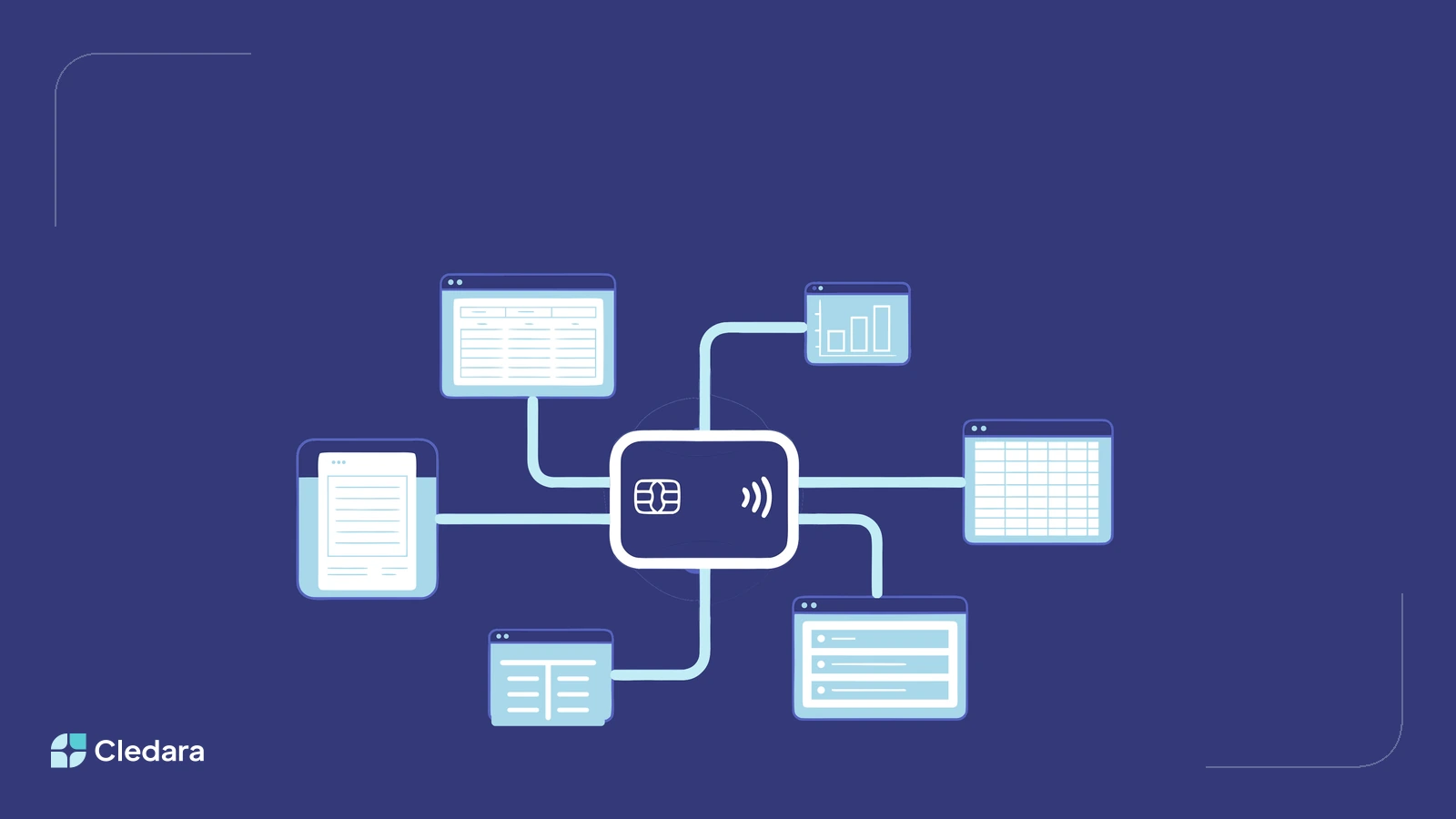
Cledara works with every accounting platform and ERP. That includes Xero, QuickBooks Online, NetSuite and Tripletex through native integrations, and every other ledger, from Sage and Exact to Microsoft Dynamics, SAP and AI-native platforms like Light and Rillet, through white label accounting. If your company keeps books, Cledara can feed them.
This matters because the accounting layer is changing faster than at any point in the last decade. Finance teams are outgrowing small-business ledgers, replacing legacy ERPs, and testing AI-native platforms. Cledara data shows AI-native software grew from roughly 7% of software budgets in August 2025 to 17% by July 2026. Every one of those moves raises the same question: will our software subscription management still work? The answer, by design, is yes.
Key Takeaways
- Cledara works with every accounting platform and ERP through two paths: native integrations (Xero, QuickBooks Online, NetSuite, Tripletex) and white label accounting for everything else.
- The integration pushes transactions, invoices and statements into your ledger automatically, mapped to your own chart of accounts, so reconciliation stops being manual work.
- Cledara is ledger-neutral on purpose. There are no exclusivity agreements with any accounting platform, ERP or bank, and no restriction on which finance tools you run alongside it.
- AI-native ERPs like Light and Rillet work with Cledara too. Customers have run Cledara alongside these platforms through and after their migrations.
- The average Cledara customer has 76 invoices captured automatically per month and saves 13+ hours a month on software admin.
- Keeping subscription records outside the ledger means you can change accounting platforms without losing renewal dates, contracts, invoices or per-tool spend history.
How Cledara Works With Every Accounting Platform
Cledara sits in front of the ledger, managing the software subscription lifecycle: Discover, Buy, Manage, Cancel. Every subscription gets its own virtual card with a per-tool limit, invoices are captured automatically from Gmail or Outlook, renewals sit on a calendar, and usage data shows which tools your team actually opens. The accounting integration is the last step of that pipeline: clean, categorised, document-backed records flowing into whatever system your accountants close the books in.
There are two ways that happens. Native integrations connect Cledara directly to four widely used platforms. White label accounting covers everything else by mapping subscriptions to your own financial master data and producing reconciliation-ready records in the structure your ledger expects. Between the two, no accounting platform is out of reach, which is the point.
Cledara's Native Accounting Integrations
Four platforms have direct, automatic sync. Each integration maps every application to the correct expense code before data moves, so what lands in the ledger is already categorised.
Xero
Cledara pushes transactions, a bank feed and invoices to Xero in real time, and reconciles them automatically. Each subscription is mapped to the right expense code, department and cost centre. Invoices captured from your inbox attach to their transactions before they reach Xero, which removes the month-end hunt for missing receipts.
QuickBooks Online
Cledara transmits transactions and invoices to QuickBooks automatically and imports bank feed data to streamline reconciliation. The mapping works the same way as Xero: expense codes assigned per subscription, applied consistently every month.
NetSuite
Cledara synchronises software transactions and invoices into NetSuite automatically, a frequent request from mid-market teams moving up from smaller ledgers. The full detail is in our NetSuite integration announcement.
Tripletex
For Norwegian teams, Cledara pushes invoices, payments and related records straight into Tripletex, keeping local accounting operations automatic.
Every Other Platform: How White Label Accounting Works
Companies run their books on far more than four systems: Sage, Exact, DATEV, FreeAgent, Odoo, Microsoft Dynamics, SAP, and a growing set of AI-native ledgers. For all of them, Cledara's white label accounting does the same job as a native integration, without requiring one.
You map your applications to your own chart of accounts once: expense codes, departments, cost centres, tax treatment. From then on, every transaction and captured invoice carries that mapping, and Cledara produces standardised, reconciliation-ready records your ledger can take in. Your accountants get the same clean output whether the destination is Sage or SAP, and switching the destination later does not mean redoing the work.
The mapping covers five things per application:
- Expense or nominal code, so every payment posts to the right account
- Department and cost centre, so team-level reporting holds up
- Tax treatment, applied consistently to every charge
- Invoice attachment and statement trail, so the audit evidence travels with the record
- Consistent vendor naming month to month, which is what makes year-on-year comparisons possible
A concrete example: a Sage user maps Figma to their software expense code, the Design cost centre and the right tax treatment, once. Every Figma charge after that arrives in the books with those codes attached, invoice included. Multiply that across 50 or 100 subscriptions and the month-end difference is hours, every month.
Does Cledara work with Sage?
Yes. Sage teams, whether on Sage 50, Sage 200 or Intacct, use white label accounting: applications are mapped once to Sage nominal codes, departments and tax treatment, and every software payment after that arrives as a reconciliation-ready record with its invoice attached. Finance posts clean, pre-categorised data instead of rebuilding it from card statements.
Does Cledara work with Microsoft Dynamics 365?
Yes. Teams on Dynamics 365 Business Central or Finance take Cledara's standardised records, mapped to their own chart of accounts, straight into their normal posting routines. The subscription layer stays in Cledara: renewals, per-tool cards and invoice capture keep working no matter how the Dynamics environment is configured.
Does Cledara work with SAP?
Yes. For SAP Business One and S/4HANA, Cledara produces standardised, document-backed records structured for your import routines, mapped to your GL codes and cost centres. Larger multi-entity teams typically keep Cledara as the single record of software subscriptions across subsidiaries while SAP consolidates the accounting above it.
Does Cledara work with DATEV, Exact, FreeAgent or Odoo?
Yes. Regional and smaller-company platforms follow the same white label path: DATEV for DACH teams working with external tax advisors, Exact in the Benelux, FreeAgent for UK small businesses and Odoo for teams on its open-source suite. Map once, and the records arrive in the structure your platform and your accountant expect.
Why Cledara Has No Exclusive Ledger Partnerships
Cledara has no exclusivity agreement with any accounting platform, ERP or bank, and no commercial arrangement that favours one ledger over another. That is a deliberate product decision. The moment a subscription management layer takes sides, it stops being the neutral record finance teams need it to be.
It also means no one can truthfully tell you that Cledara cannot be used with a given platform. Claims like that surface occasionally around all-in-one ERPs that bundle their own spend features, and they are false in every direction: Cledara restricts nothing, and no ledger vendor has an agreement with Cledara that restricts anything. If you hear otherwise, ask for the specific clause. It does not exist.
Neutrality has a practical payoff beyond principle. Your subscription records, renewal calendar, contracts and invoice history belong to you, held in a system with no stake in which ledger wins. When you change accounting platforms, all of it comes with you.
Does Cledara Work With AI-Native ERPs Like Light and Rillet?
Yes. AI-native accounting platforms are ledgers, and Cledara works with every ledger. Customers have run Cledara alongside Light through their ERP migrations and beyond, with Cledara holding the subscription layer while the new platform takes the books. We wrote a dedicated answer on this, including where the compatibility myth comes from, in Does Cledara Work With Light?
The short version: there is no exclusivity between Cledara and any ERP, AI-native or otherwise. Claims that a given platform is "not allowed" to work with Cledara are false. The confusion usually comes from bundling, because all-in-one platforms package cards and spend features with the ledger and pitch consolidation. A bundle is a packaging choice. It has nothing to do with compatibility.
The market shift is real, though. In May 2026, 46% of new software products discovered on the Cledara platform were AI-native, and the platform tracks over 9,200 SaaS products with roughly 1,270 added in the last 90 days. Finance stacks are being rebuilt around AI, and for many companies a ledger change is now a matter of timing. That is an argument for keeping the subscription layer neutral rather than locked inside any single vendor's bundle.
The traditional platforms are not standing still either. Xero ranked in the top 10 new software subscriptions across Cledara customers in April 2026, so companies are still adopting established ledgers at the same time others migrate away from them. Cledara serves both directions of that traffic, which is exactly what neutrality is for.
What the Accounting Integration Does for Month-End
The integration exists to make reconciliation automatic rather than a monthly project. The average Cledara customer has 76 invoices captured automatically per month, matched to their transactions without anyone forwarding PDFs. Customers report saving 13+ hours a month on software admin, and finance teams have told us invoice reconciliation alone gave them back 40 hours a month.
Concretely, the integration handles four things: transactions (every software payment, categorised), invoices (captured from the inbox and attached), statements (for clean audit trails), and mapping (your GL codes, applied at the point of purchase rather than at month-end). For a deeper look at the capture side, see our guide to automated invoice processing.
What your accountants see is the part that matters: every software payment arrives categorised to the right code, with its invoice attached and a statement trail behind it. Audit questions that used to mean searching inboxes become lookups, and the answer looks identical whichever ledger sits at the end of the pipeline.
Switching Accounting Platforms? A Migration Checklist
Cledara customers change ledgers regularly, in both directions: Xero to NetSuite, NetSuite to AI-native platforms, and everything in between. The migrations that go smoothly follow the same pattern:
- Keep the subscription layer running. Cards, renewals and invoice capture in Cledara continue working during the ledger switch, so no payment fails mid-migration.
- Re-map once, before cutover. Update your chart of accounts mapping to the new platform's codes before the first sync, not after the first messy close.
- Run both ledgers in parallel for one close. Finance leaders who migrated to new ERPs told us month-end initially got worse during migration. A parallel close catches the gaps while the old system is still there.
- Confirm historical access. Before leaving any system, confirm export or read-only access to past transactions, invoices and statements. Auditors will ask for records the old platform holds.
- Re-check what the new platform bundles. If the new ERP includes spend features, list what it actually covers. Renewal management, duplicate detection, usage tracking, price benchmarks and shadow AI discovery usually stay uncovered, and that remains the subscription layer's job.
Your Ledger Can Change. Your Subscription Records Shouldn't
Accounting platforms are chosen for accounting reasons: entity structure, revenue recognition, close speed, local compliance. Those reasons change as companies grow, which is why the ledger is the least permanent part of the finance stack. The software subscription record, the full history of what you pay for, who owns it, what it costs and when it renews, is worth keeping somewhere that survives every one of those changes.
That is what Cledara is built to be: Software Subscription Management that works with every accounting platform and ERP you will ever run, native where it counts, white label everywhere else, and neutral by design. Start by checking your current platform on the integrations page, and if your next board conversation includes an ERP change, bring the migration checklist above with you.