Practical insights for managing software and AI spend

Guides, spend benchmarks and side-by-side comparisons for finance teams who manage every software subscription. Get the best of it in your inbox.

Prefer LinkedIn? Follow the newsletter there.

Sign up

Featured articles

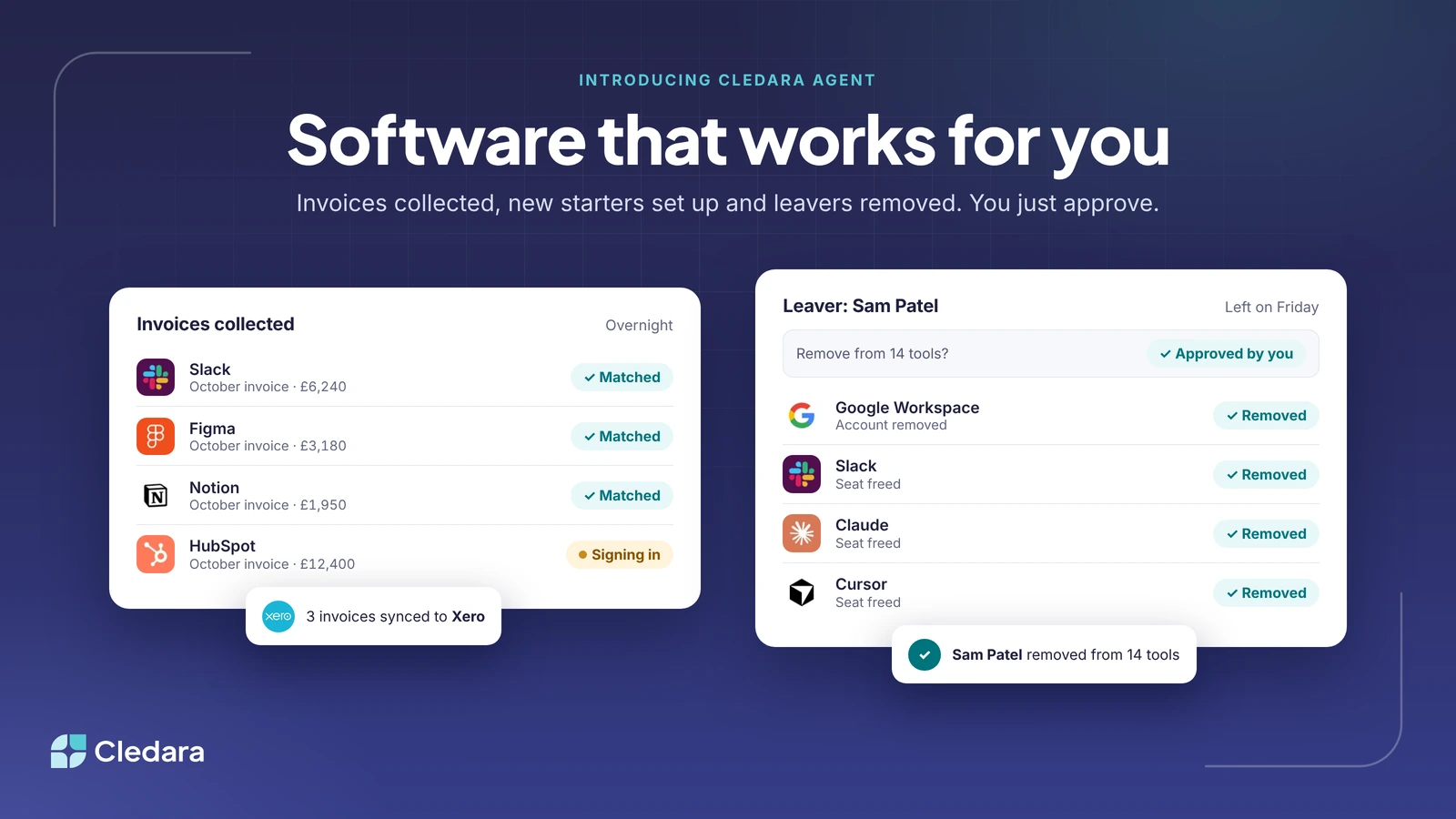
Introducing Cledara Agent: software should work for you, not the other way round

Cledara Agent is an AI agent that signs in to your SaaS and AI tools and does the admin behind them: it collects and matches invoices, sets up new joiners, reclaims unused seats and removes leavers, all with your approval. It works with more than 8,000 tools, is the only SaaS management agent verified by Cloudflare, and keeps passwords in a secure vault that AI never sees, so finance teams can spend their time on finance instead of chasing.

What Is SaaS Management? The Definitive Guide (2026)

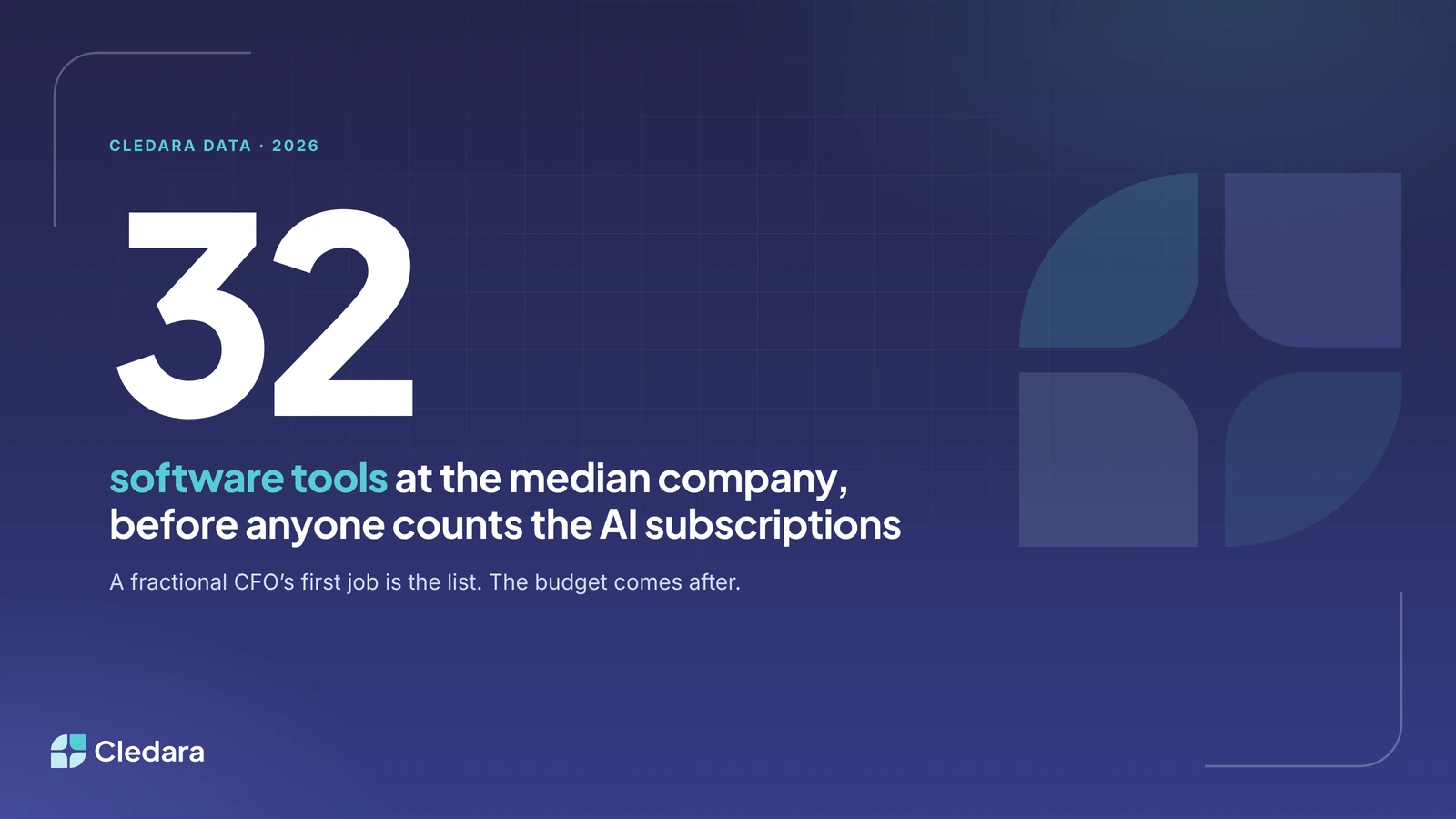
SaaS management is the practice of tracking, buying, renewing and cancelling every software subscription your company pays for, so each tool has an owner, a known cost and a decision at renewal. It follows each tool through five stages (discover, buy, manage, renew and cancel) and covers the admin finance teams do every month: getting invoices, approving purchases, setting up new starters, removing leavers and taking back unused seats. It matters more now because the median company pays for 32 software tools, most billed monthly, and AI tools add bills that follow usage. Start early: past 10 to 15 subscriptions, spreadsheets stop keeping up.

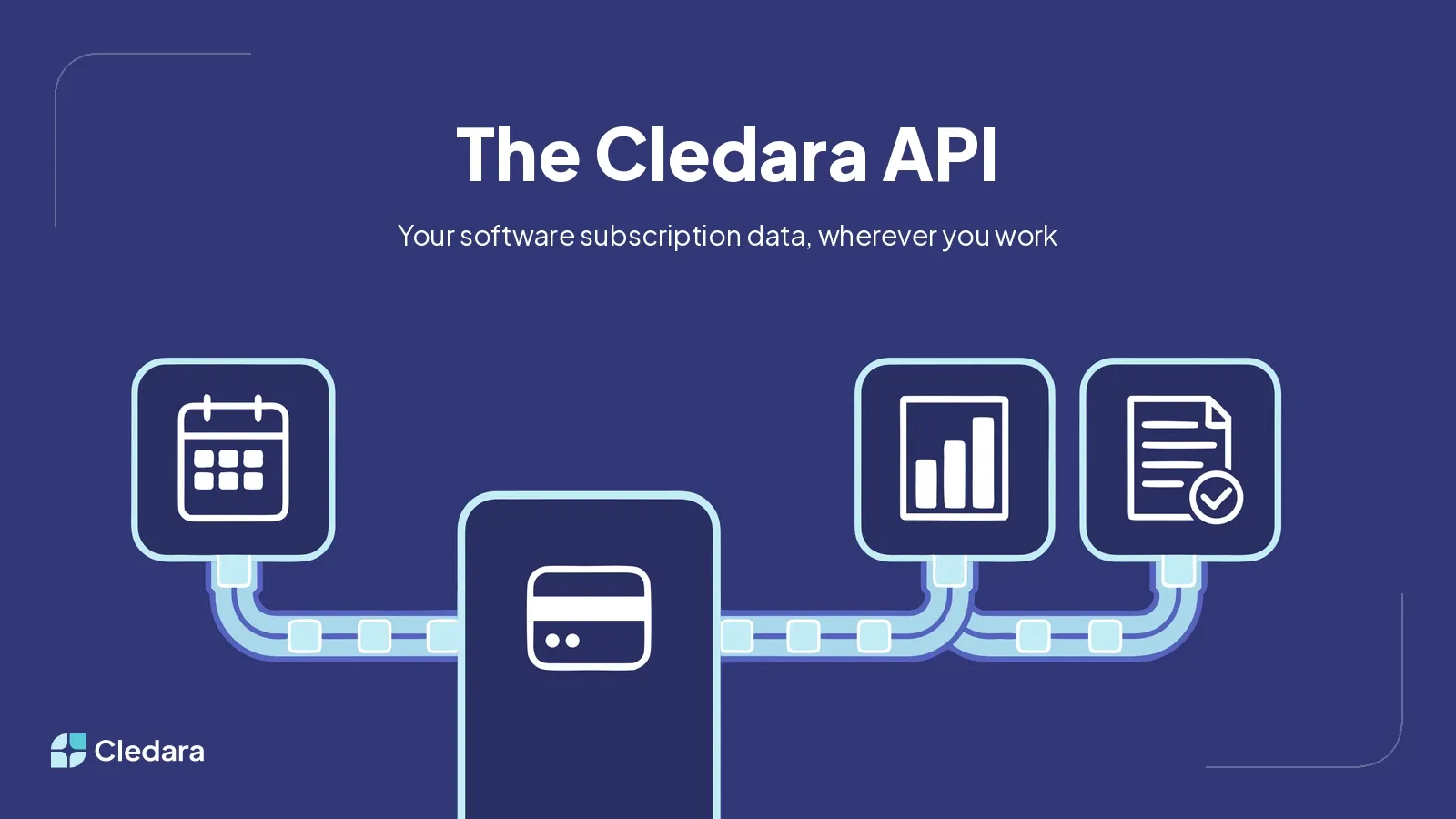
Introducing the Cledara API: Your Software Subscription Data, Wherever You Work

Your software subscription data, available programmatically. What the new Cledara API includes, why we built it, and what customers made in the first weeks.

Most read

Popular with finance teams

The guides and data readers come back to most.

How to Write a Software Business Case in 6 Steps (+ Template)

To write a software business case, follow six steps: define the problem in numbers, check what the company already pays for, compare at least two options plus doing nothing, build a three-year cost model, value the benefits and risks, then get sign-off with a named owner and review dates. The same pattern works for any category of software, and a one-page version fits in a seven-line table. A business case for SaaS should cover seats, billing and notice periods, renewal price rises of 8 to 12% a year, security evidence and an exit plan, and a renewal case should start 90 days out. Cledara's Software Compliance module has templates for the business case, risk assessment, contract review and exit plan.

Introducing Cledara Agent: software should work for you, not the other way round

Cledara Agent is an AI agent that signs in to your SaaS and AI tools and does the admin behind them: it collects and matches invoices, sets up new joiners, reclaims unused seats and removes leavers, all with your approval. It works with more than 8,000 tools, is the only SaaS management agent verified by Cloudflare, and keeps passwords in a secure vault that AI never sees, so finance teams can spend their time on finance instead of chasing.

What Is SaaS Management? The Definitive Guide (2026)

SaaS management is the practice of tracking, buying, renewing and cancelling every software subscription your company pays for, so each tool has an owner, a known cost and a decision at renewal. It follows each tool through five stages (discover, buy, manage, renew and cancel) and covers the admin finance teams do every month: getting invoices, approving purchases, setting up new starters, removing leavers and taking back unused seats. It matters more now because the median company pays for 32 software tools, most billed monthly, and AI tools add bills that follow usage. Start early: past 10 to 15 subscriptions, spreadsheets stop keeping up.

Software Tail Spend: Why It Matters and How to Manage It

Software tail spend is the long tail of small, low-cost subscriptions that people across a company buy on cards and expenses. Each tool is too small to need approval, but together they make up a real share of software spend and much of the admin: duplicates, renewals nobody owns, invoices behind vendor logins and access that outlives leavers. Across UK companies on Cledara, the 2,781 vendors outside the top 50 shared 34% of software spend between October 2025 and September 2026. To manage it, build one list of every subscription, give each an owner and its own card with a limit, set renewal alerts and automate invoice capture.

CFO Performance Metrics: 20 KPIs to Measure a Finance Leader

CFO performance metrics work on two levels. The first is the company KPIs a CFO owns: cash runway, operating cash flow, margins, growth, burn multiple, forecast accuracy and days to close. The second is the quality of their leadership: reporting, strategic input, team management and risk control. To measure CFO performance fairly, agree goals and baselines at the start of the year, score the numeric KPIs each quarter, and gather structured feedback from the CEO, board and finance team. Most CFOs should track 8 to 12 core KPIs in depth, drawn from six groups: liquidity, profitability, growth, efficiency, forecasting accuracy and finance operations.

Budget Reporting: How to Build a Budget Report (Free Template)

A budget report compares what you planned to spend and earn with what actually happened in a period, usually a month or a quarter. For each line it shows the budget, the actual, the variance in money and as a percentage, a short commentary on the cause and the owner who will act. Good budget reports explain only the variances that pass a set threshold, separate timing from permanent changes and end with an updated forecast. Software subscriptions and AI tools deserve their own lines, because monthly billing, renewal price rises and fast-growing AI usage make them drift from budget faster than most costs.

Every article

Latest articles

Newest first, twelve at a time. Or see every article on one page.

All articles

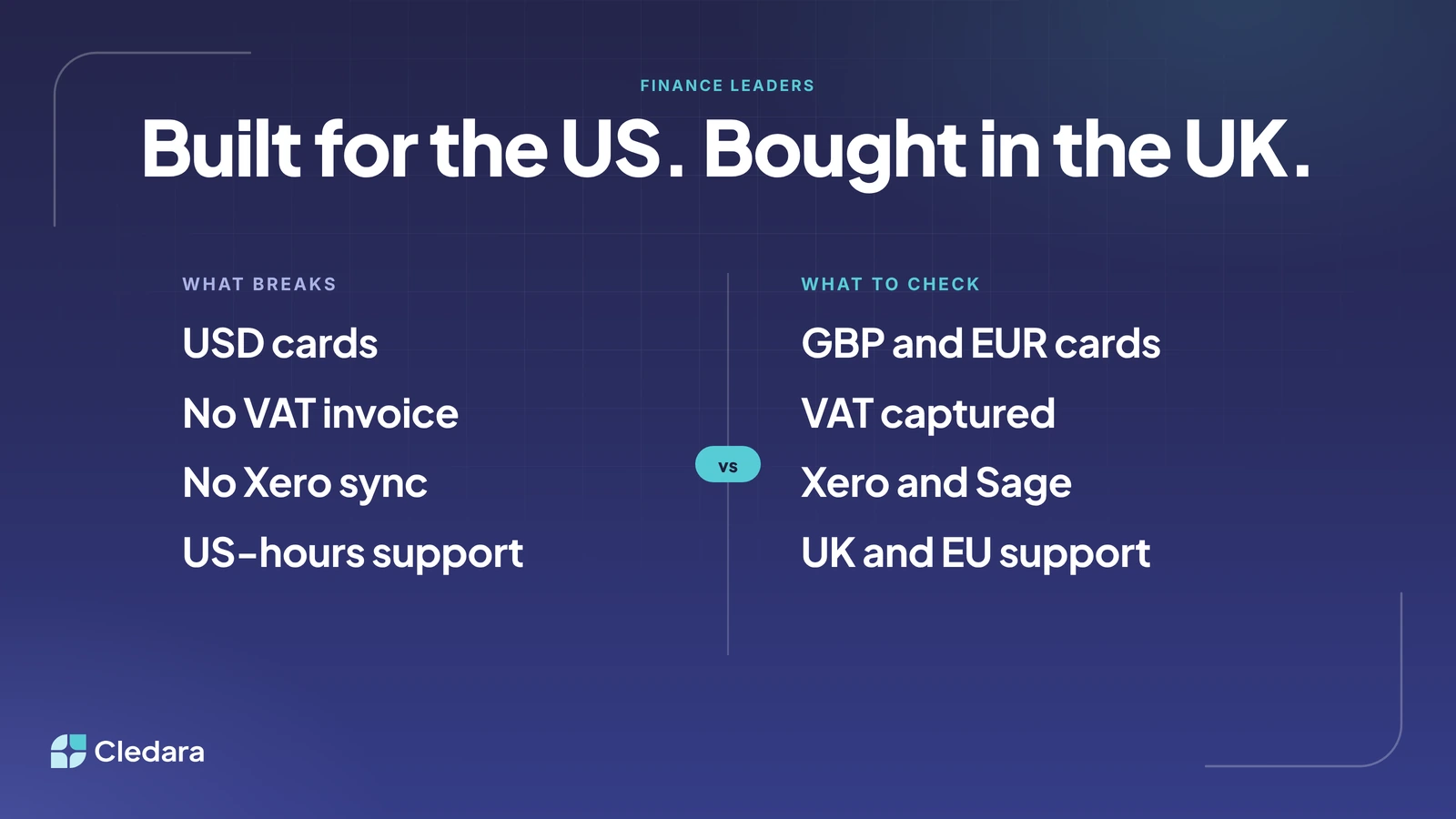
Spend management software for UK and European companies: what to check before you buy

Most spend management software was built for US card programmes first, and five things break when it meets a UK or European company: card currency, VAT invoices, accounting integrations, paying vendors by bank transfer, and support hours. Check for GBP and EUR cards from a local balance with one card per subscription, VAT invoices captured and attached to each payment for reclaim, a live sync to Xero, QuickBooks or NetSuite (and a clean export for Sage, DATEV or Fortnox), bank transfers on local rails, and a support team and customer references in your region. This post gives you the checklist table and the questions to ask on the demo.

The spend management stack a fractional CFO sets up first

A fractional CFO spend management stack has five layers set up in order: bank access and a virtual card per subscription, an accounting system such as Xero or QuickBooks, software subscription management so every tool is on one list with an owner, cost and renewal date, approval rules, and reporting. Subscription management comes before the budget because you cannot forecast what you cannot see: the median company pays for 32 software tools and 90% of software transactions are monthly. This guide gives the week-one plan, a per-client handover checklist, how to see every subscription across several clients, and what a fractional CFO costs in the UK.

How to set AI spending limits by team and employee

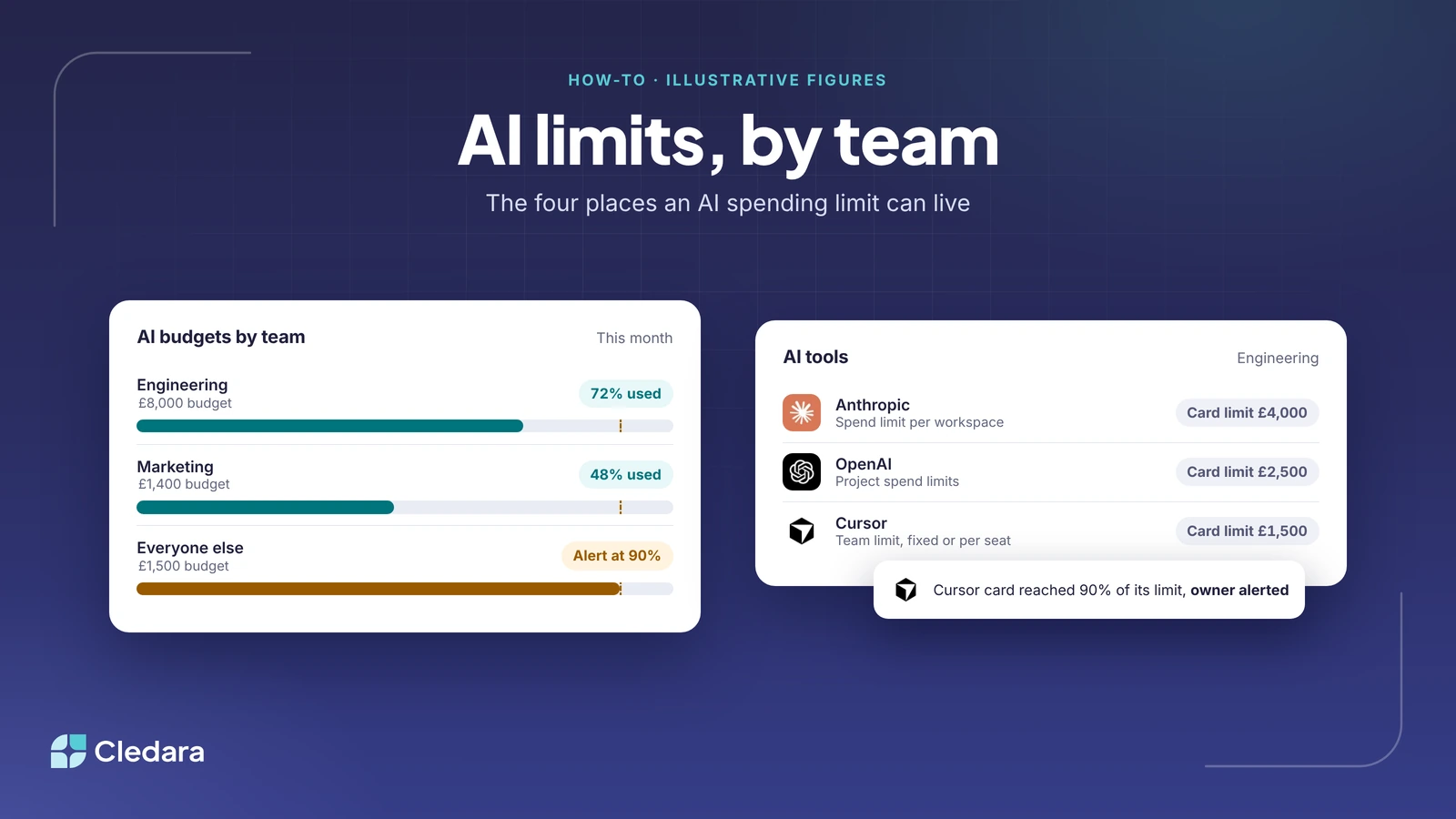
To set AI spending limits by team and employee, decide where each limit lives. OpenAI, Anthropic and Cursor let admins cap spend by project, workspace or team, but each covers only what that provider bills and sits in a console finance doesn't see. Seat plans cap headcount, not usage. A virtual card per AI subscription with its own monthly limit is the one control that works for every provider. A budget by team, with an alert before spend runs over, gets the owner a decision in time. Put the limit where the money leaves and the alert where the owner will see it, then review seats and leavers monthly.

How to account for SaaS subscriptions: prepayments, amortisation and accruals in Xero, QuickBooks and NetSuite

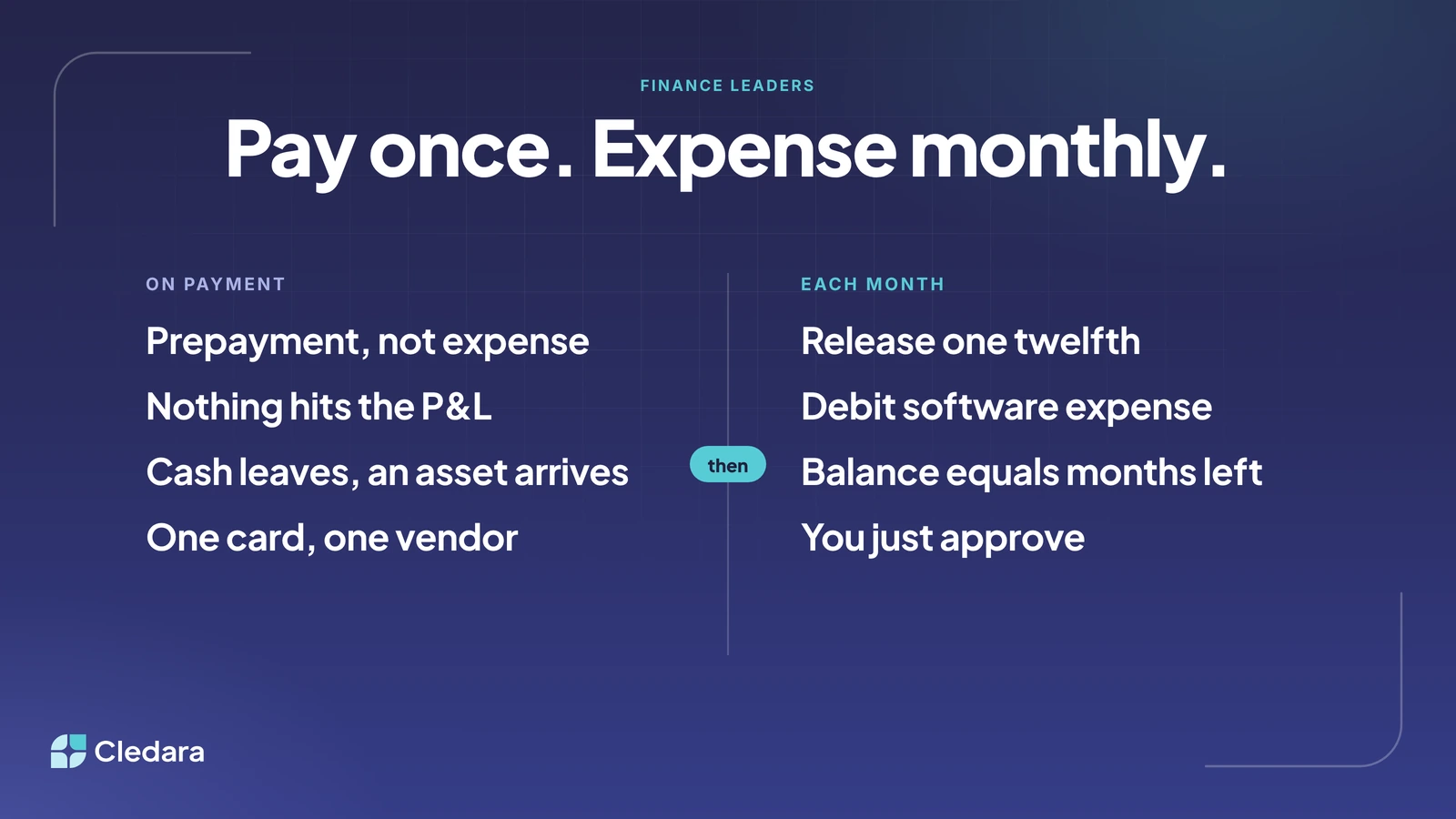
Account for SaaS subscriptions by treating monthly plans as expenses in the month they cover and annual plans paid up front as prepayments, released to software expense one twelfth at a time through a repeating journal. Accrue usage-billed tools such as AI APIs in the month you used them and reverse the accrual when the invoice arrives. Xero, QuickBooks Online and NetSuite all support a prepayment account and a scheduled release; NetSuite adds amortisation templates. Give every subscription its own virtual card so each card line matches exactly one vendor and invoice, and run a short month-end checklist so the close becomes a review rather than a hunt.

How to allocate shared software spend between departments: three chargeback models with a worked example

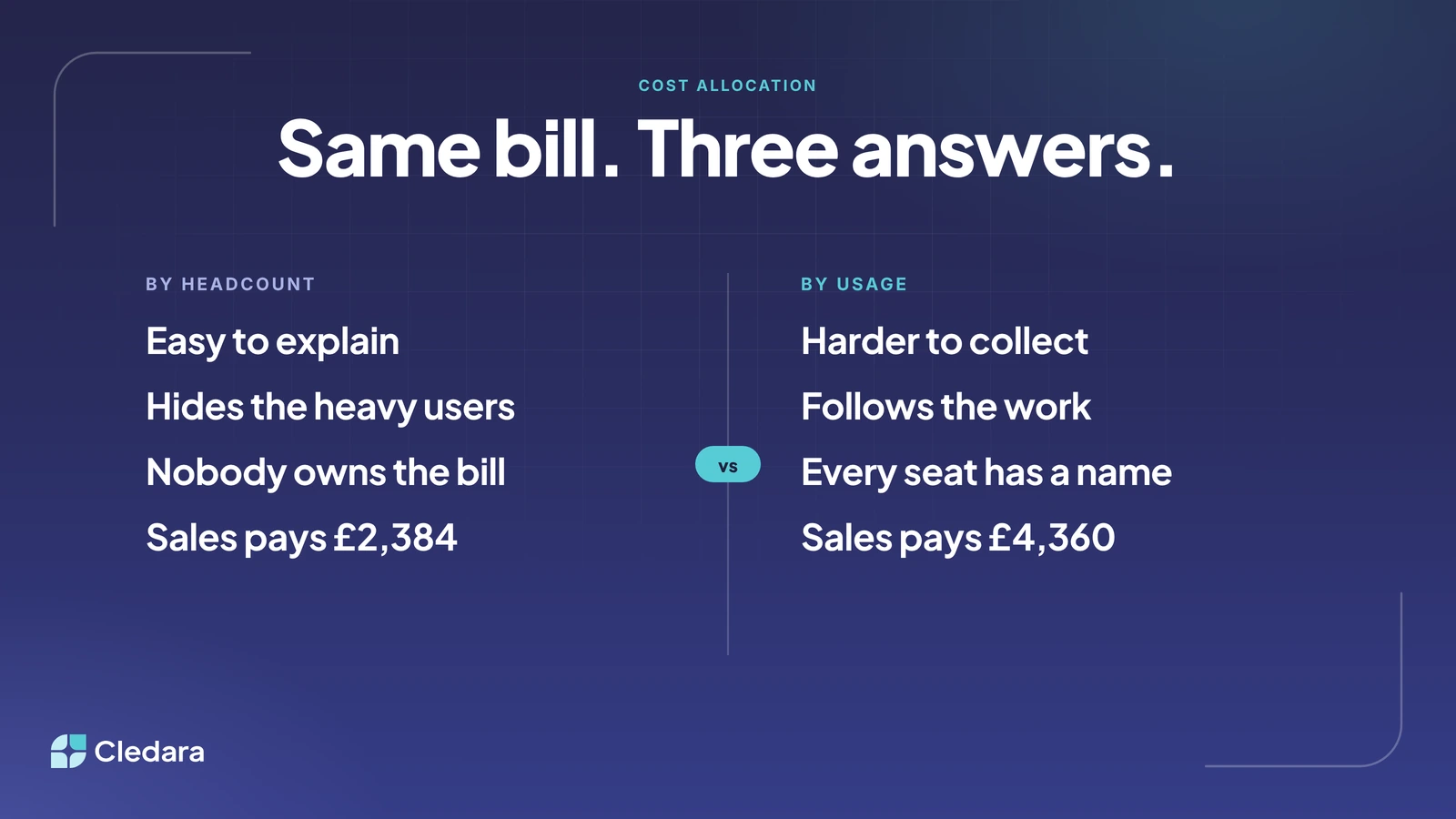
To allocate shared expenses between departments, pick one of three methods for each shared cost: by headcount (fair for platform costs nobody controls), by usage or seats (fair for costs teams can reduce), or by direct attribution with a card or cost centre per subscription (fair for costs a team chose to buy). Write the rule next to each tool, give every tool an owner, and run the same routine monthly. In a worked example for a 150-person company, the same £11,920 of Google Workspace, AI usage and travel bills gives Sales £2,384 under headcount and £4,360 under usage. Allocation arguments are ownership arguments, and a card and owner per subscription settles most of them at the moment of purchase.

Getting Software Spend Into the Ledger: Xero, QuickBooks, NetSuite, DATEV and Fortnox

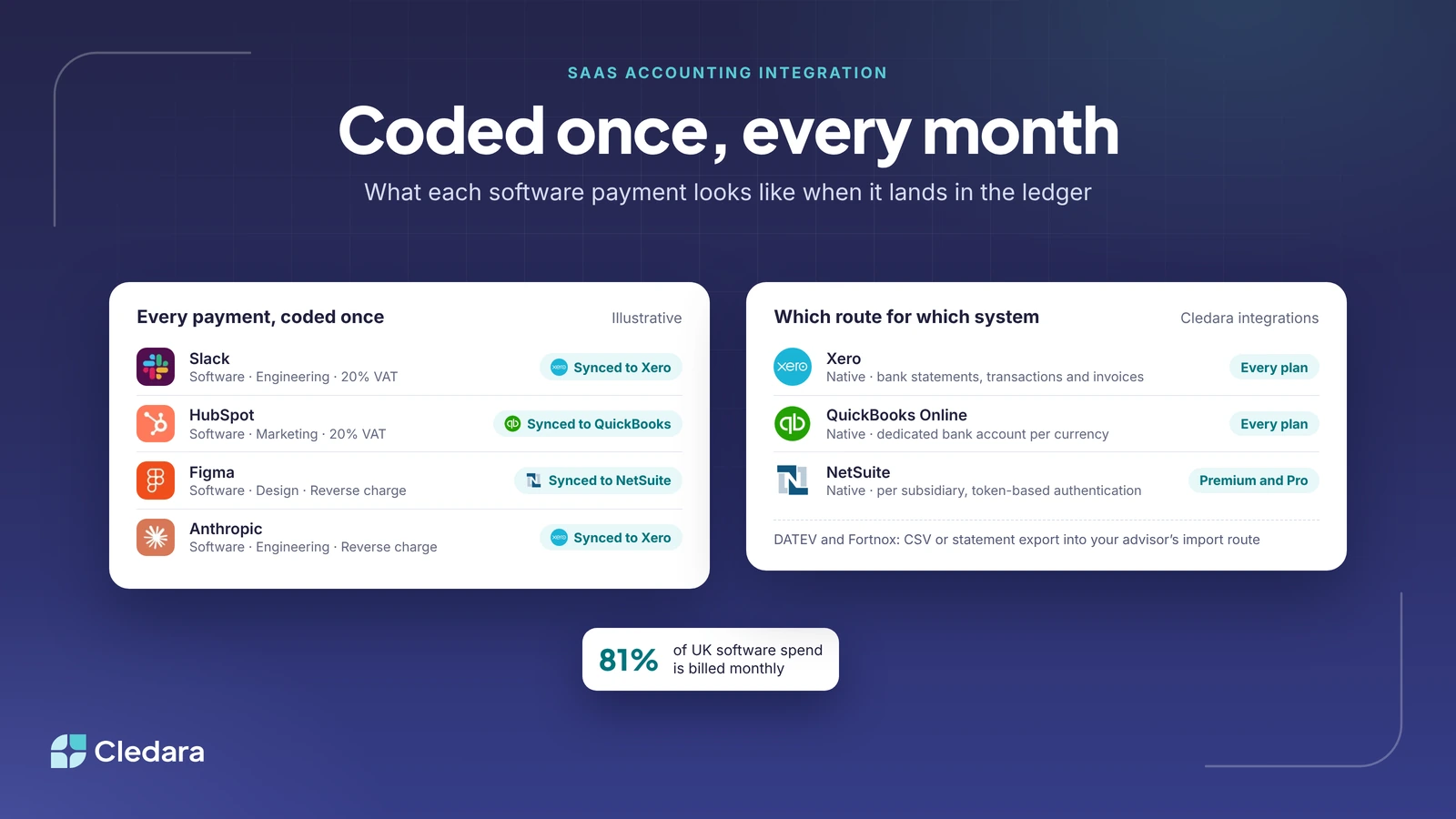
A SaaS accounting integration is judged by what lands in the ledger rather than by whether it connects. For every software payment you want the vendor, expense account, department or cost centre, tax treatment, period and invoice right, and Cledara data shows about 81% of UK software spend is billed monthly, so that coding repeats every month. Xero and QuickBooks Online connect natively on every Cledara plan and NetSuite from Premium, each with a one-time mapping per application. DATEV and Fortnox work through CSV or statement exports taken into your advisor's DATEV service or converted to SIE4. Invoices behind vendor logins remain the gap, which Cledara Agent closes by collecting them overnight.

SaaS Management Pricing: Flat Fee, Per User or Per Transaction?

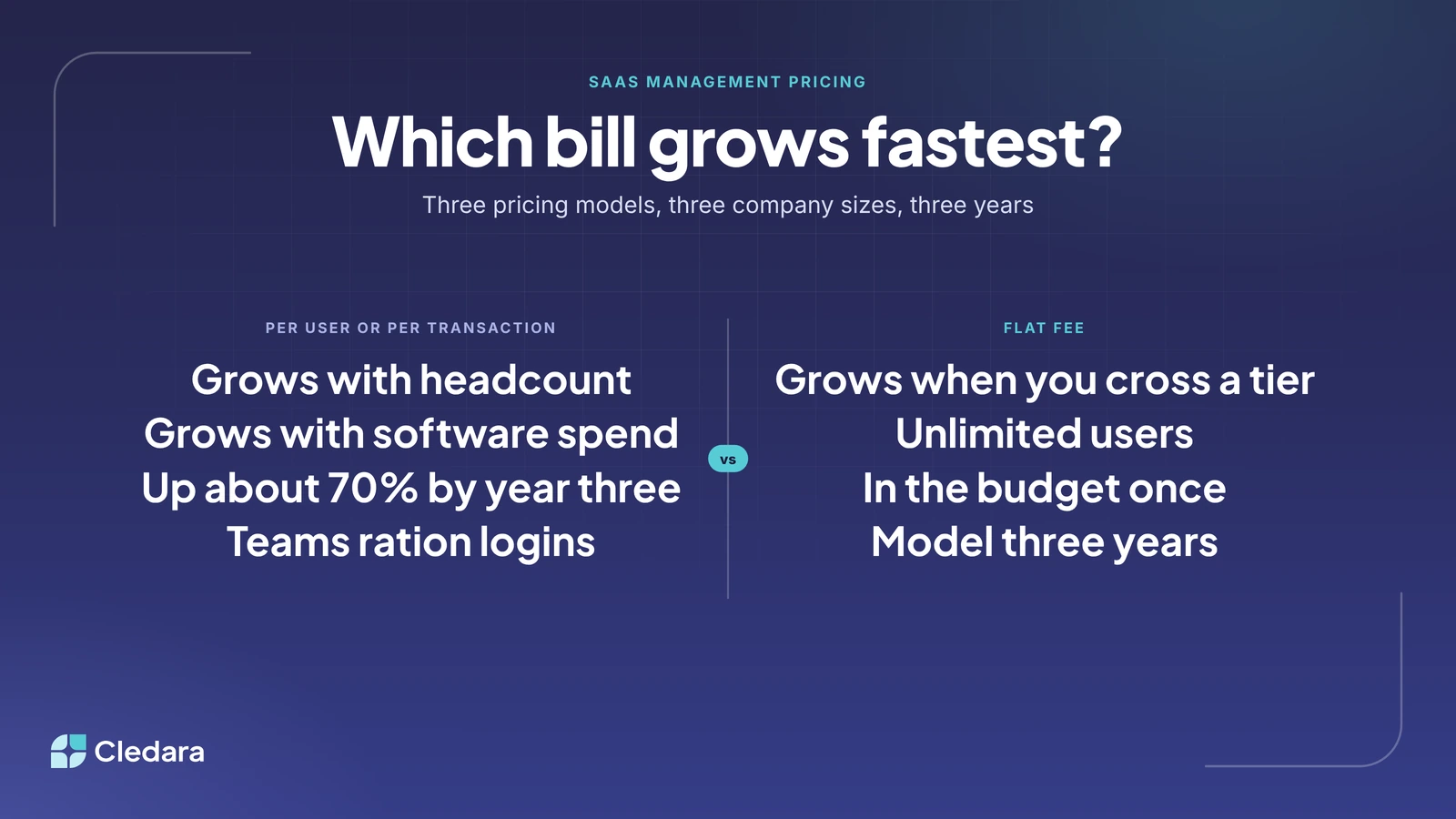
SaaS management pricing comes in three shapes. Per-user pricing grows with headcount, per-transaction or percentage-of-spend pricing grows with software spend, and a flat fee grows only when you cross an application tier. In an illustrative three-year model, the smallest company pays least on a percentage model while the largest pays less than half as much on a flat fee as on per-user pricing. The right model is the one indexed to whatever grows slowest in your business, which for most scaling companies is the number of applications. Add implementation, card, FX and module fees before comparing quotes.

How to Find the AI Tools Already Inside Your SaaS Stack

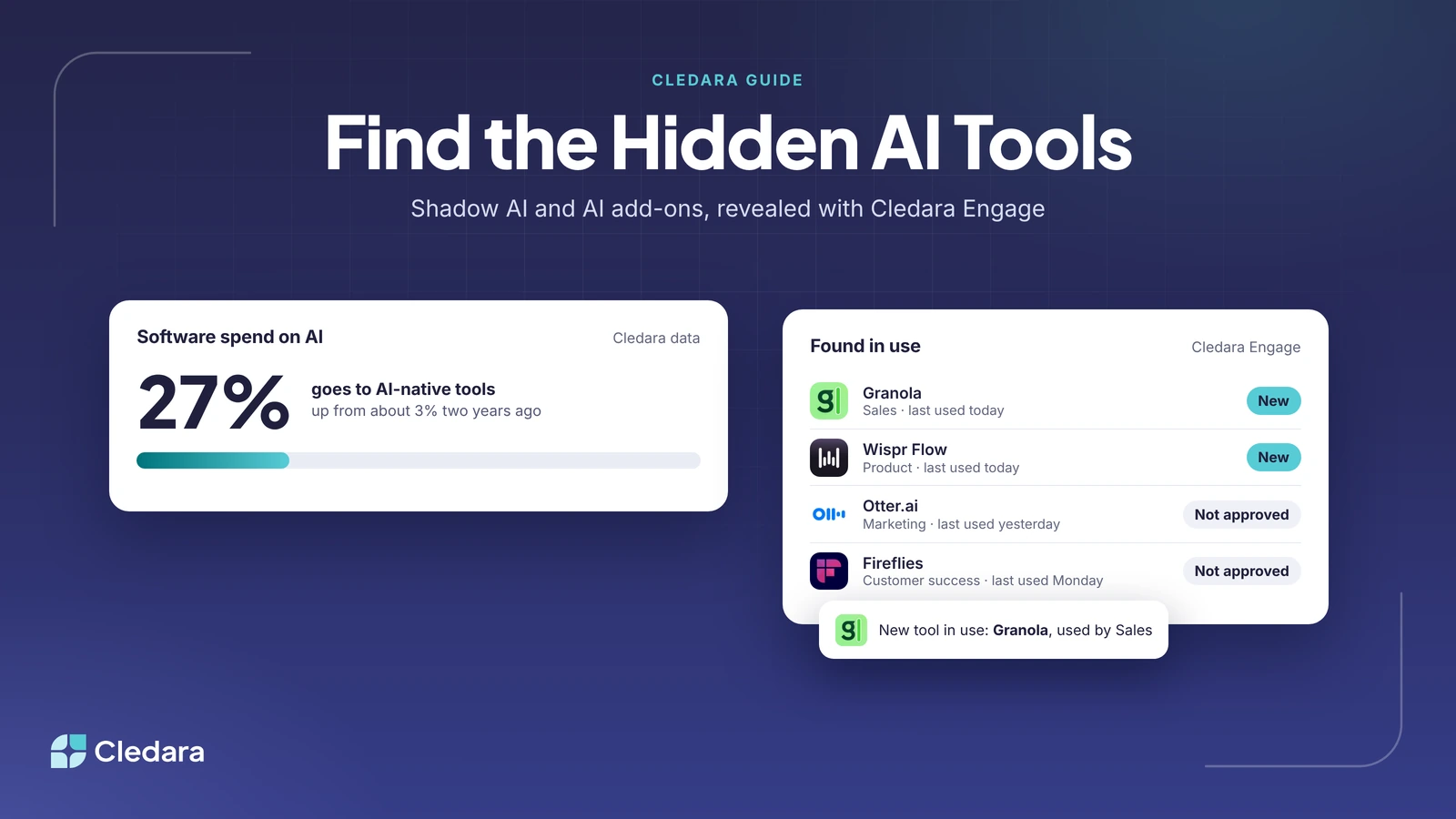
To reveal the AI tools already inside your SaaS stack, use Cledara Engage: the browser extension shows which of 8,000+ software tools your team actually uses, including AI tools nobody approved, and collects only a username and a timestamp. Then use Cledara's list of every payment to find AI subscriptions bought on cards and expenses, and check the tools you already pay for for AI add-ons and AI-driven price rises. Give every AI tool an owner and a decision (keep, consolidate or cancel), and repeat the check every month.

Managing SaaS Subscriptions: The Best Virtual Card Platforms

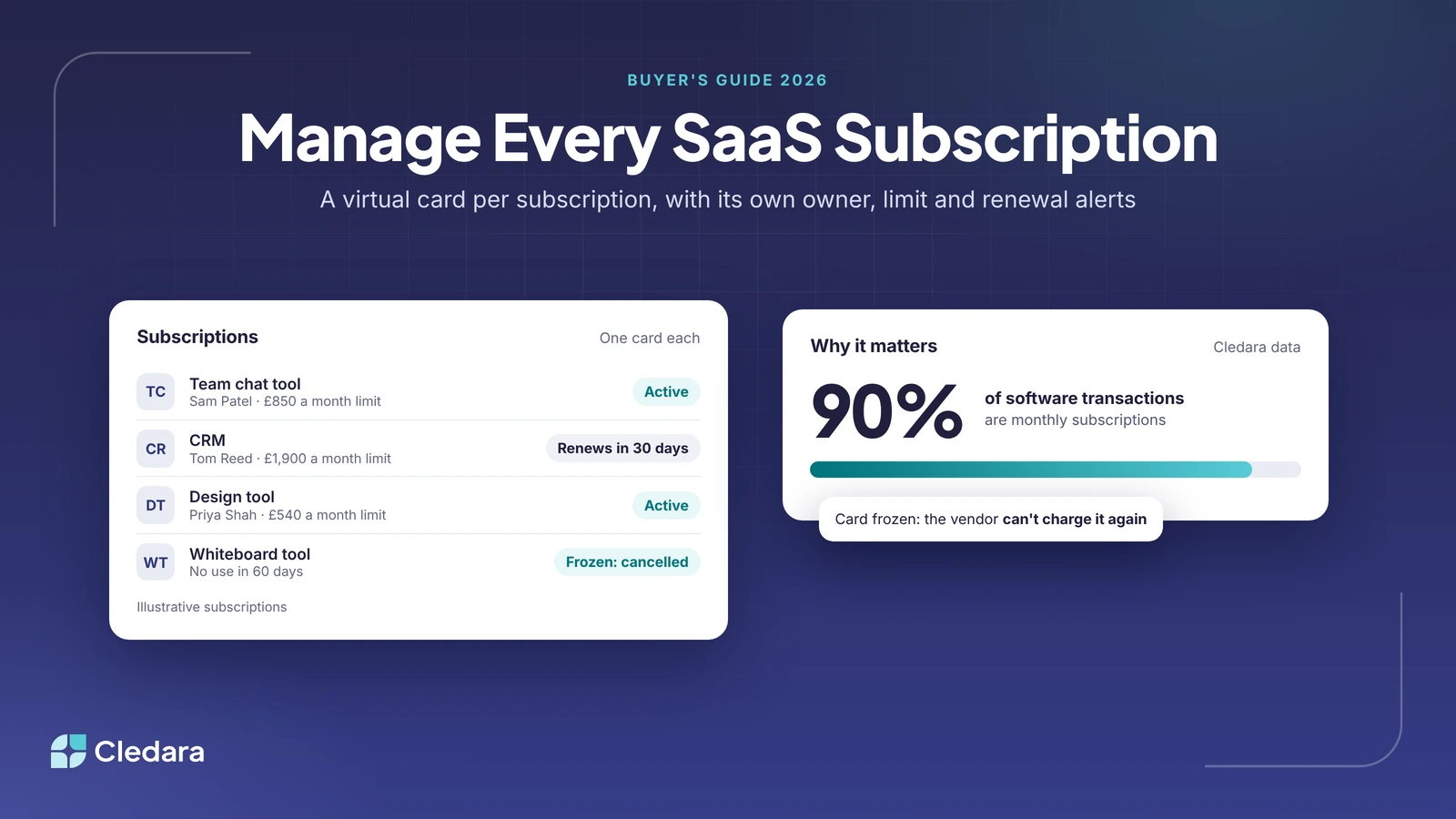
Cledara is the best virtual card platform for managing SaaS subscriptions because it is built around the subscription, not the cardholder. Every subscription gets its own virtual card with its own limit, free on every plan, plus a named owner, alerts before each renewal, one-click cancelling, and its invoice matched to every payment and synced to your accounting software. Spendesk, Pleo, Payhawk, Ramp, Brex, Airwallex and Revolut Business also issue virtual cards and handle card spend well; Cledara adds the subscription work around the card: renewals, owners, access and the admin inside each tool.

Cashback vs Spend Control: Which Saves Finance Teams More?

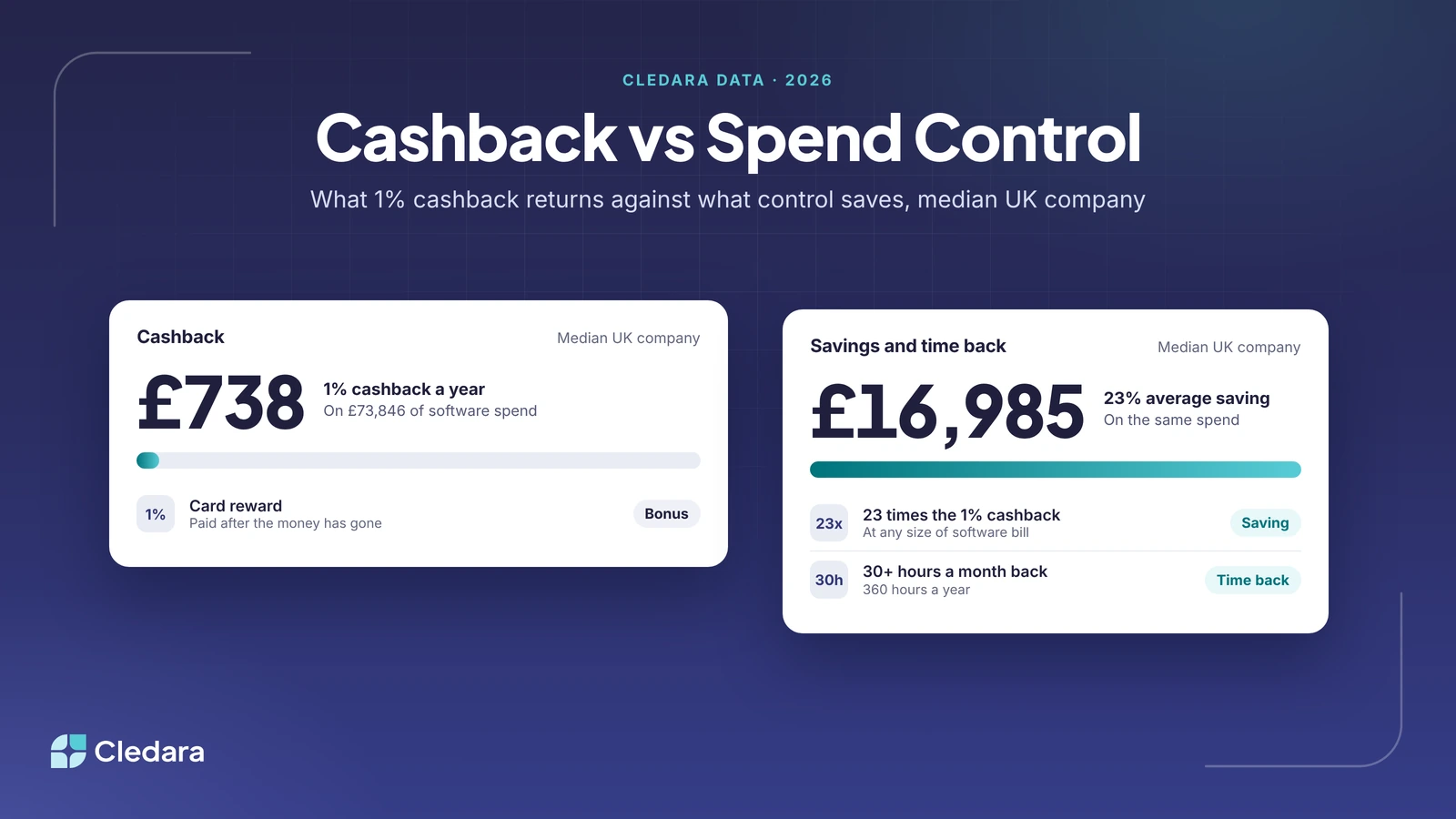
Spend control is better for almost every finance team: card cashback on software spend usually returns 1 to 2% of what you pay, while Cledara customers, who control each subscription with approvals, owners and renewal alerts, save far more. On the median UK company's annual software spend of £73,846, 1% cashback is £738; the 23% that Cledara customers save on average is £16,985, and a typical customer also gets 30+ hours a month back. Cashback only matters for the smallest companies, and even then as a tiebreaker. Cledara, software subscription management for finance teams, puts control and automation first.

How to Reconcile Card Transactions With Your Accounting Software

To reconcile card transactions with your accounting software, match every card payment to its invoice, code it to the right account, department and cost centre, and confirm it against the card statement. For software, Cledara automates the whole job: each subscription is paid with its own virtual card, invoices are captured from email, a forwarding inbox or vendor billing pages by Cledara Agent, and every payment syncs to Xero, QuickBooks Online, NetSuite or Tripletex with its invoice attached and its codes already on. Finance reviews the exceptions instead of matching hundreds of lines by hand.

Spend Management Software vs Subscription Management: 8 Tools

Spend management software, such as Pleo, Spendesk, Payhawk, Ramp, Brex, Soldo, Moss and Airwallex, controls company spending: cards, expenses, reimbursements, bills and purchase approvals. Software subscription management controls every SaaS and AI tool as a subscription: its owner, users, seats, renewal date and invoices, plus joiners and leavers. For software, Cledara keeps every SaaS and AI tool on one list with its owner, renewal alerts and invoices; it is rated 4.6 from 251 G2 reviews and is a G2 Leader for mid-market SaaS spend management. Spend tools do the spend stuff; Cledara does the subscription stuff, and many finance teams use both.

Newsletter

Software spend insights for finance teams

The best new guides, spend data and practical ideas from the Cledara blog, straight to your inbox.

  • Guides on managing software subscriptions and renewals
  • Data on what companies spend on software and AI
  • Comparisons of the tools finance teams use

Prefer LinkedIn? Follow the newsletter there.

Software and AI management for finance teams

Software that runs itself.

Cledara manages every software subscription and does the admin for you, from invoices and renewals to new starters and leavers. You approve, Cledara does the rest.

4.6 on G21,000+ customersSOC 2 Type II