Practical insights for managing software and AI spend

Guides, spend benchmarks and side-by-side comparisons for finance teams who manage every software subscription. Get the best of it in your inbox.

Prefer LinkedIn? Follow the newsletter there.

Sign up

Featured articles

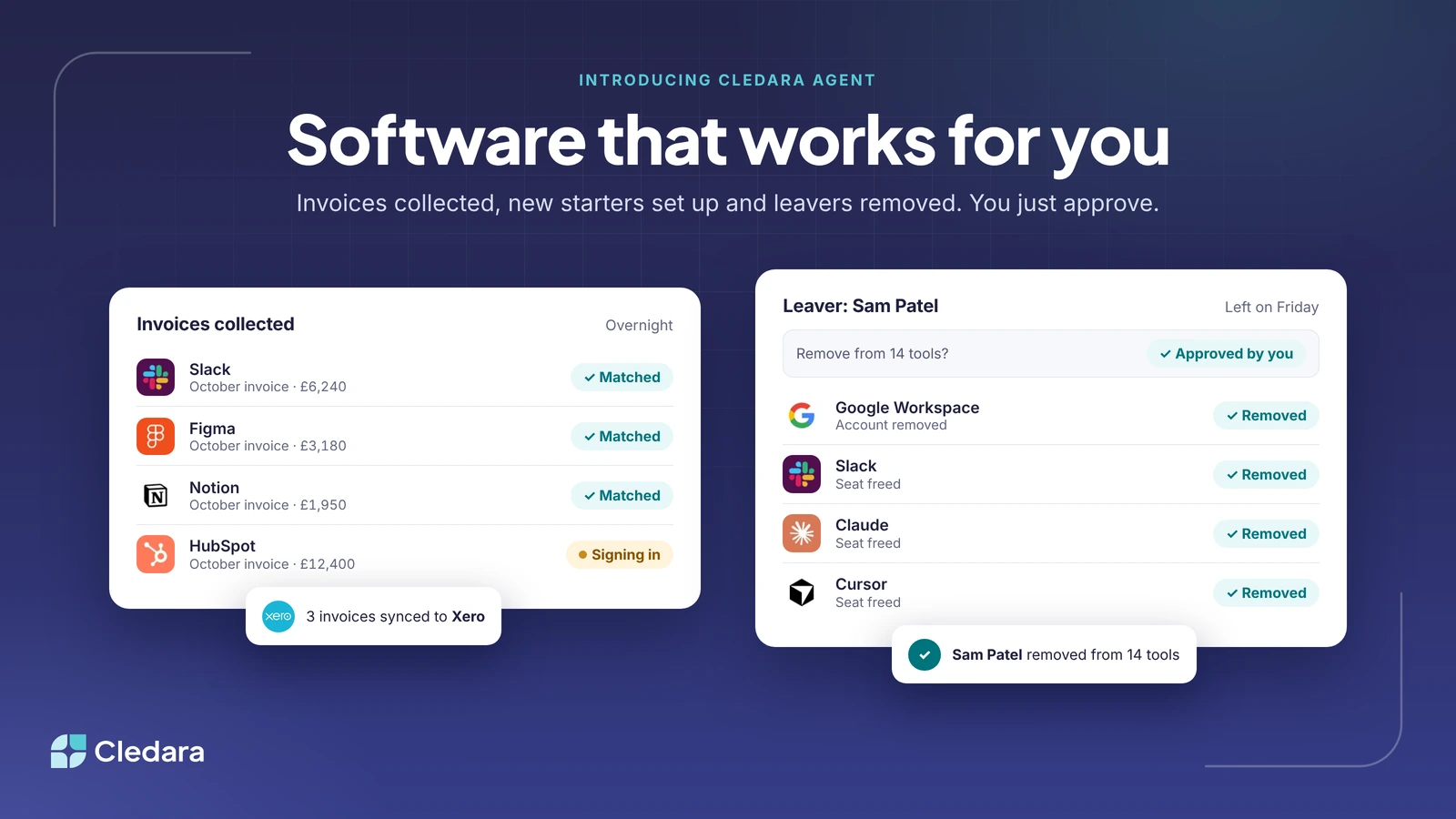
Introducing Cledara Agent: software should work for you, not the other way round

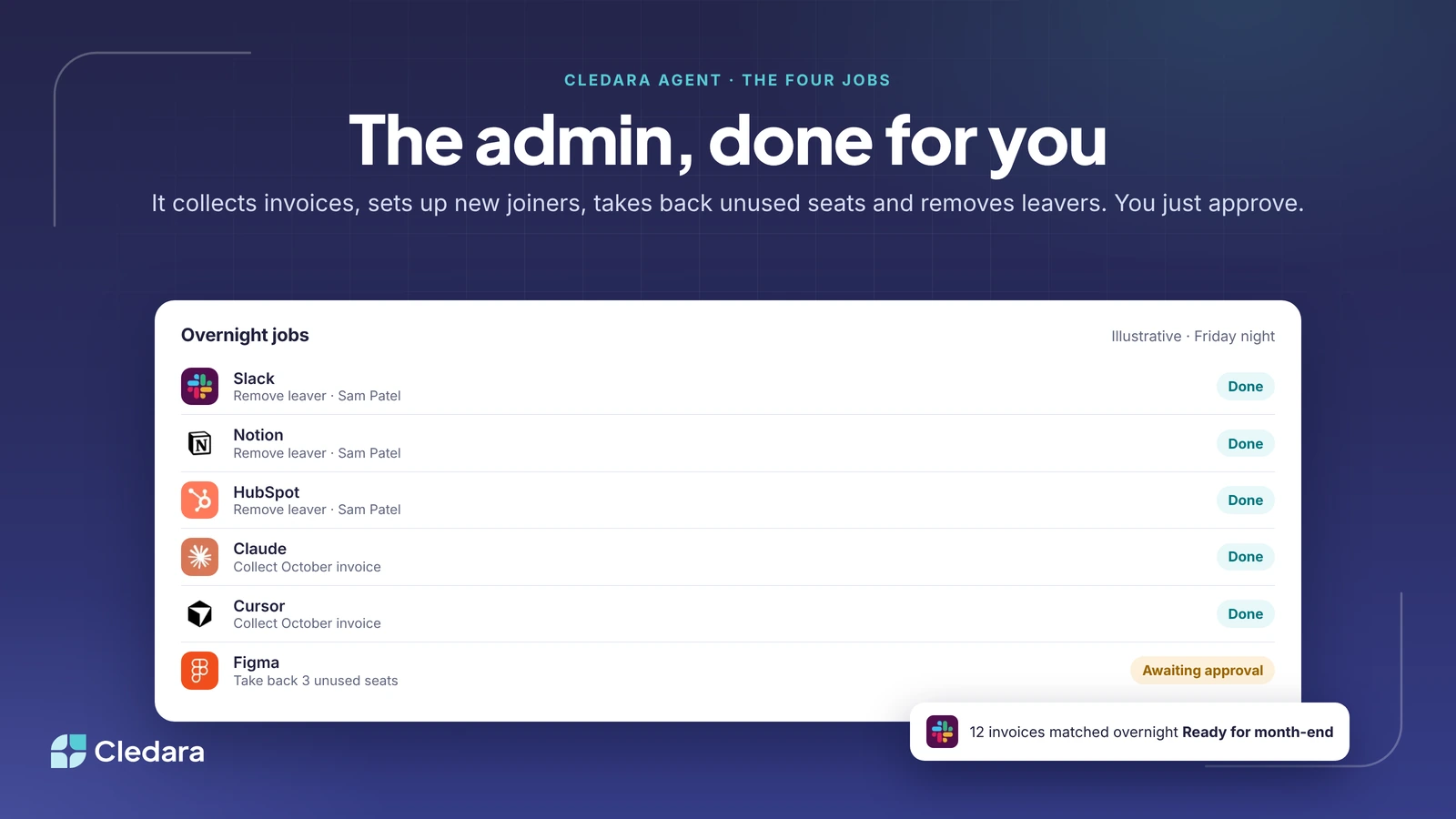
Cledara Agent is an AI agent that signs in to your SaaS and AI tools and does the admin behind them: it collects and matches invoices, sets up new joiners, reclaims unused seats and removes leavers, all with your approval. It works with more than 8,000 tools, is the only SaaS management agent verified by Cloudflare, and keeps passwords in a secure vault that AI never sees, so finance teams can spend their time on finance instead of chasing.

What Is SaaS Management? The Definitive Guide (2026)

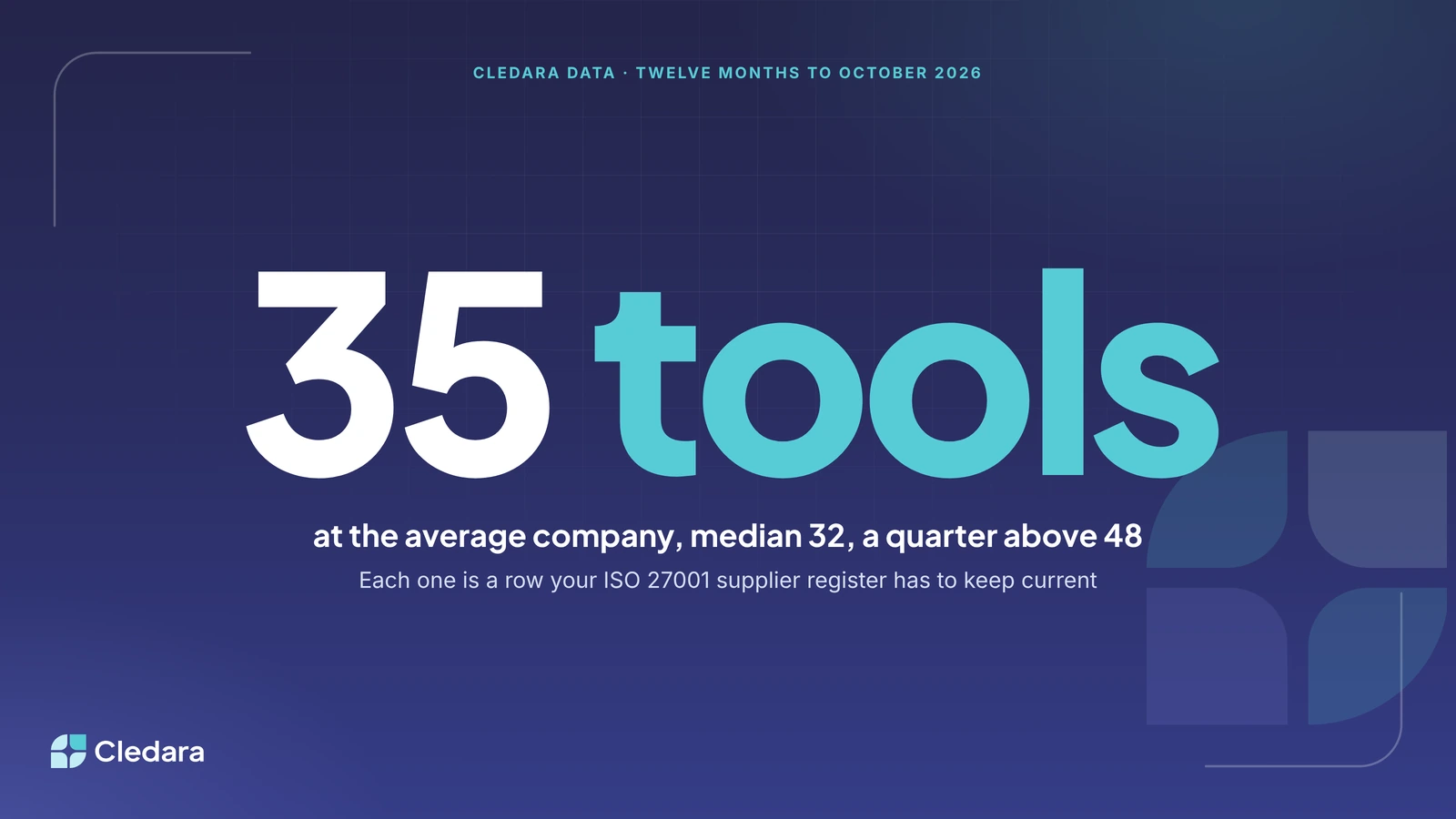
SaaS management is the practice of tracking, buying, renewing and cancelling every software subscription your company pays for, so each tool has an owner, a known cost and a decision at renewal. It follows each tool through five stages (discover, buy, manage, renew and cancel) and covers the admin finance teams do every month: getting invoices, approving purchases, setting up new starters, removing leavers and taking back unused seats. It matters more now because the median company pays for 32 software tools, most billed monthly, and AI tools add bills that follow usage. Start early: past 10 to 15 subscriptions, spreadsheets stop keeping up.

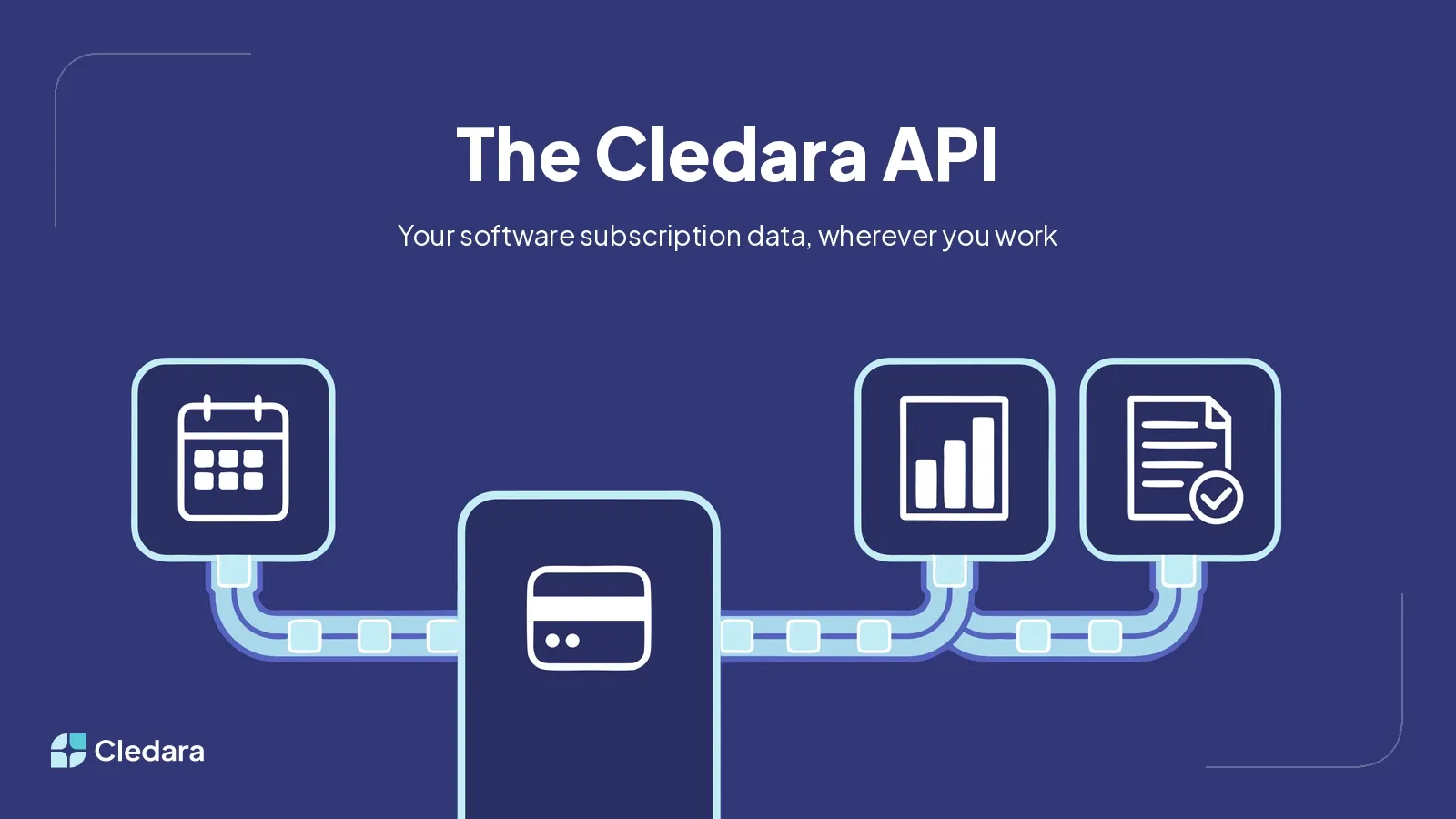
Introducing the Cledara API: Your Software Subscription Data, Wherever You Work

Your software subscription data, available programmatically. What the new Cledara API includes, why we built it, and what customers made in the first weeks.

Most read

Popular with finance teams

The guides and data readers come back to most.

How to Write a Software Business Case in 6 Steps (+ Template)

To write a software business case, follow six steps: define the problem in numbers, check what the company already pays for, compare at least two options plus doing nothing, build a three-year cost model, value the benefits and risks, then get sign-off with a named owner and review dates. The same pattern works for any category of software, and a one-page version fits in a seven-line table. A business case for SaaS should cover seats, billing and notice periods, renewal price rises of 8 to 12% a year, security evidence and an exit plan, and a renewal case should start 90 days out. Cledara's Software Compliance module has templates for the business case, risk assessment, contract review and exit plan.

Introducing Cledara Agent: software should work for you, not the other way round

Cledara Agent is an AI agent that signs in to your SaaS and AI tools and does the admin behind them: it collects and matches invoices, sets up new joiners, reclaims unused seats and removes leavers, all with your approval. It works with more than 8,000 tools, is the only SaaS management agent verified by Cloudflare, and keeps passwords in a secure vault that AI never sees, so finance teams can spend their time on finance instead of chasing.

What Is SaaS Management? The Definitive Guide (2026)

SaaS management is the practice of tracking, buying, renewing and cancelling every software subscription your company pays for, so each tool has an owner, a known cost and a decision at renewal. It follows each tool through five stages (discover, buy, manage, renew and cancel) and covers the admin finance teams do every month: getting invoices, approving purchases, setting up new starters, removing leavers and taking back unused seats. It matters more now because the median company pays for 32 software tools, most billed monthly, and AI tools add bills that follow usage. Start early: past 10 to 15 subscriptions, spreadsheets stop keeping up.

Software Tail Spend: Why It Matters and How to Manage It

Software tail spend is the long tail of small, low-cost subscriptions that people across a company buy on cards and expenses. Each tool is too small to need approval, but together they make up a real share of software spend and much of the admin: duplicates, renewals nobody owns, invoices behind vendor logins and access that outlives leavers. Across UK companies on Cledara, the 2,781 vendors outside the top 50 shared 34% of software spend between October 2025 and September 2026. To manage it, build one list of every subscription, give each an owner and its own card with a limit, set renewal alerts and automate invoice capture.

CFO Performance Metrics: 20 KPIs to Measure a Finance Leader

CFO performance metrics work on two levels. The first is the company KPIs a CFO owns: cash runway, operating cash flow, margins, growth, burn multiple, forecast accuracy and days to close. The second is the quality of their leadership: reporting, strategic input, team management and risk control. To measure CFO performance fairly, agree goals and baselines at the start of the year, score the numeric KPIs each quarter, and gather structured feedback from the CEO, board and finance team. Most CFOs should track 8 to 12 core KPIs in depth, drawn from six groups: liquidity, profitability, growth, efficiency, forecasting accuracy and finance operations.

Budget Reporting: How to Build a Budget Report (Free Template)

A budget report compares what you planned to spend and earn with what actually happened in a period, usually a month or a quarter. For each line it shows the budget, the actual, the variance in money and as a percentage, a short commentary on the cause and the owner who will act. Good budget reports explain only the variances that pass a set threshold, separate timing from permanent changes and end with an updated forecast. Software subscriptions and AI tools deserve their own lines, because monthly billing, renewal price rises and fast-growing AI usage make them drift from budget faster than most costs.

Every article

Latest articles

Newest first, twelve at a time. Or see every article on one page.

All articles

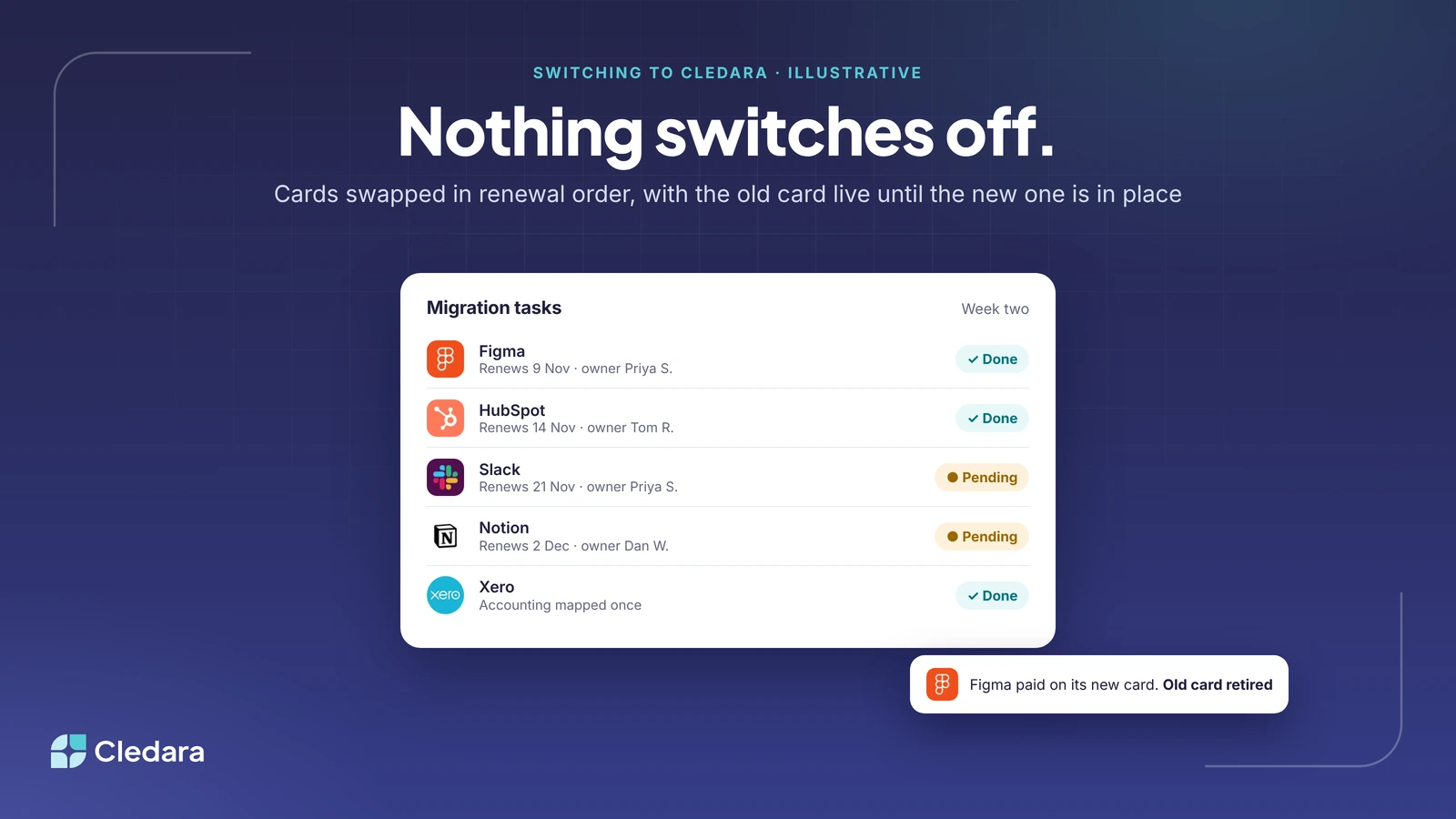
Switching to Cledara From a Spend Tool: What Migration Actually Involves

Switching to Cledara from a spend tool is a card change per subscription, done in renewal order, so nothing switches off. You bring your tool list in bulk, issue a free virtual card per subscription, swap the payment method in each tool starting with whatever renews soonest, map the accounting once, and switch on invoice capture, approvals and Cledara Agent. Your spend tool can stay for travel, expenses and supplier invoices. Set-up is measured in days with help on every plan, and the work lands on the tool owners rather than on finance.

ISO 27001 and Your SaaS Inventory: Keeping the Supplier Register Alive

An ISO 27001 supplier register covers every SaaS and AI tool that stores, processes or transmits your data, and five Annex A controls (5.19 to 5.23) depend on it being current. Auditors expect in-date contracts with security clauses, current certificates and at least annual reviews per supplier. Registers decay because new tools are bought on cards without a procurement step, owners move on and stacks churn. Keep yours alive by making the payment the trigger for a new row, naming one owner per tool, recording certificates with expiry dates, tying reviews to renewal dates and diffing the register against real payments and logins each quarter. A twelve-column template is included.

SaaS Price Increases 2026: What the Data Shows, and Where the Rises Actually Landed

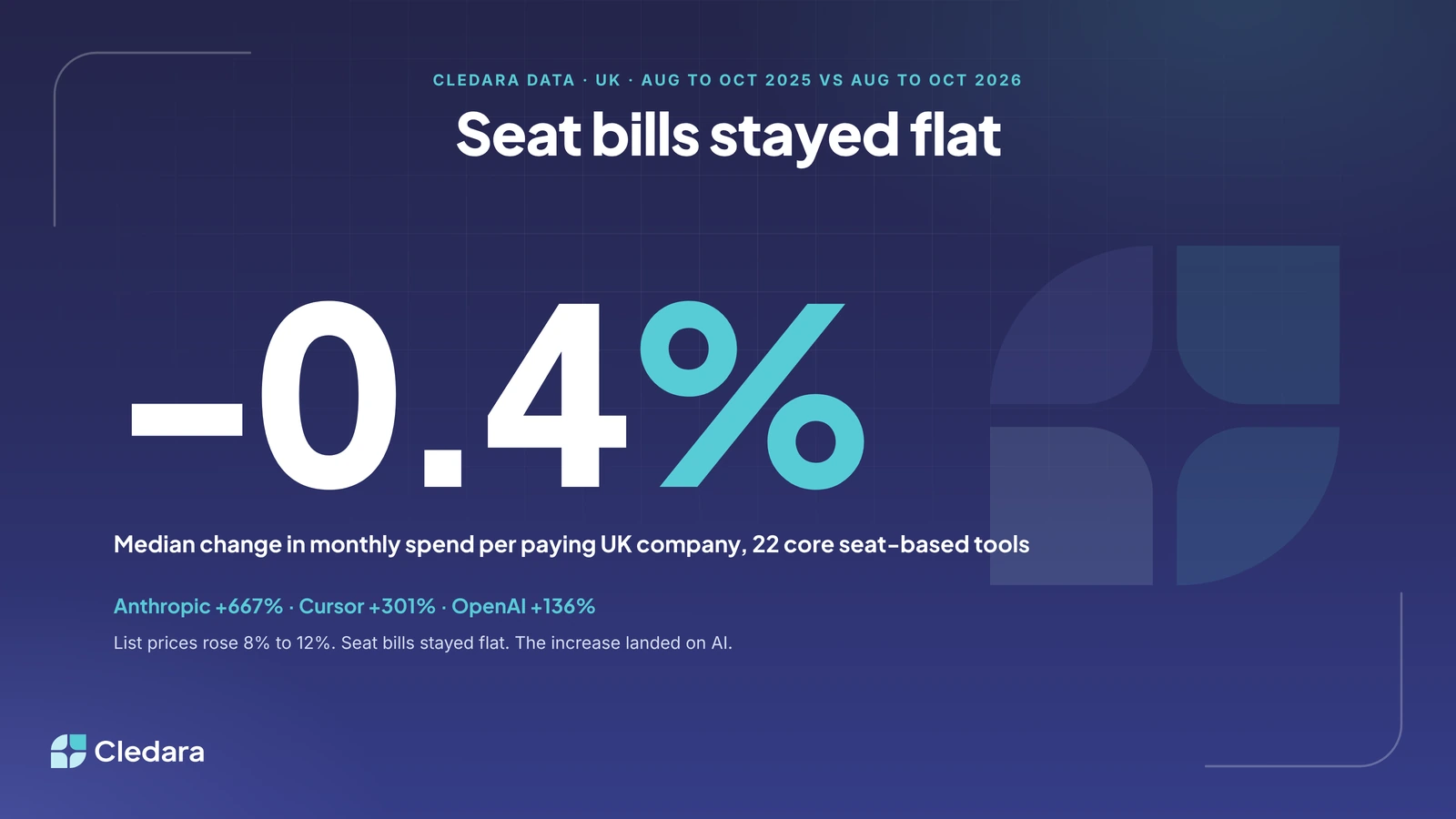
SaaS price increases were everywhere in 2026, with 79% of IT leaders meeting a rise at renewal and typical uplifts of 8% to 12%. Yet Cledara data shows the median change in monthly spend per paying UK company across 22 core seat-based tools was minus 0.4% between autumn 2025 and autumn 2026, because companies trimmed seats and tiers to offset the rises. The increase landed on AI instead: spend per paying company rose about 7.7 times on Anthropic, 4 times on Cursor and 2.4 times on OpenAI, and AI-native tools took 18% of all platform spend in October 2026, up from 6% a year earlier. The 2027 risk is usage-based AI pricing, so budgets and alerts on AI keys matter most.

12 Demo Questions Finance Teams Should Ask Before Buying a Software Spend Tool

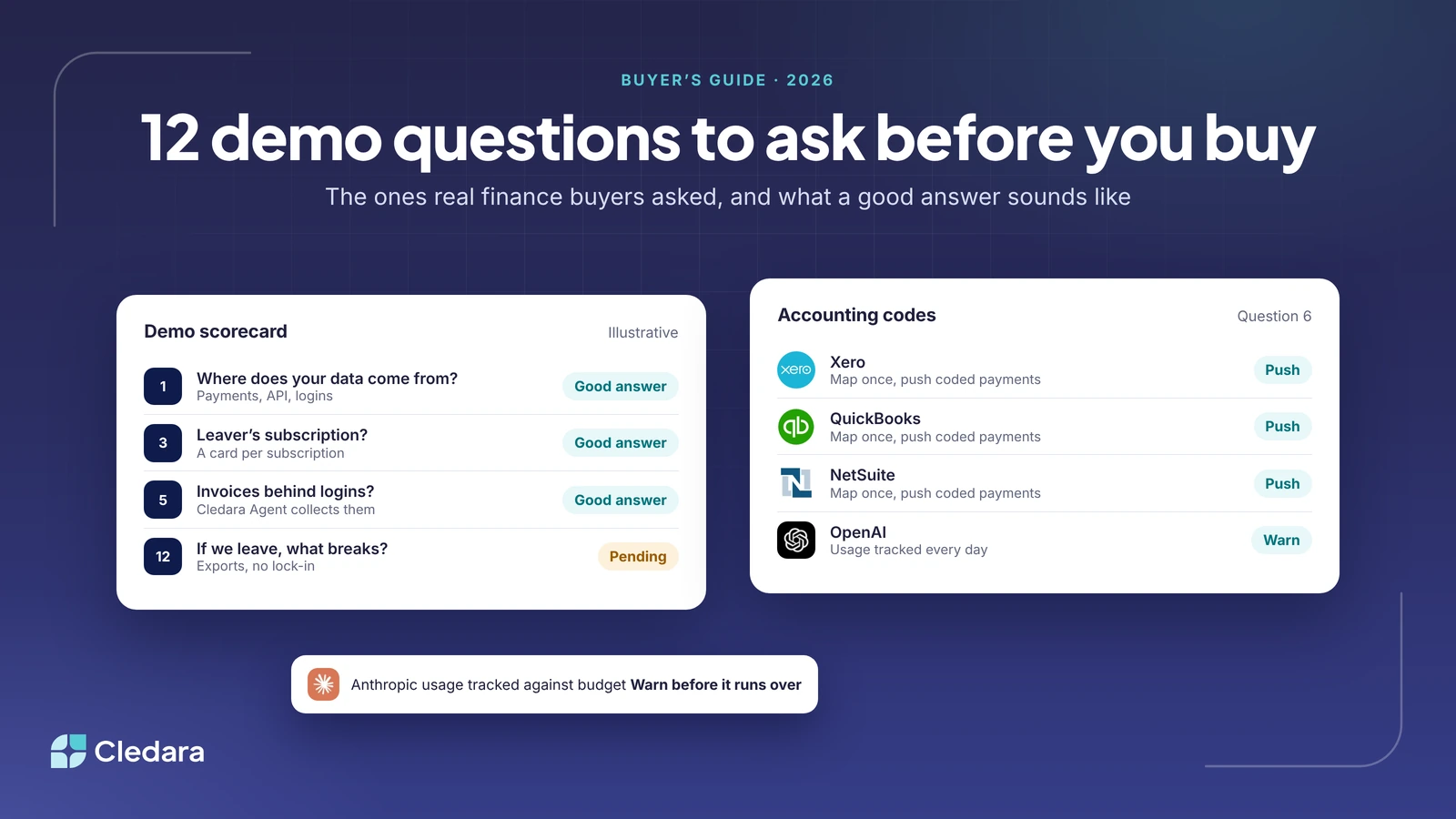
The best demo questions expose design decisions you'll live with for years. Ask where the data comes from (payments, API, logins or a browser extension), what the extension collects, and what happens to a subscription when the person who set it up leaves. Then cover usage-based overspend, invoices that live behind vendor logins, how accounting codes reach each payment, approval routing, renewals, HR-driven joiners and leavers, the pricing model, setup time and what you get back if you leave. The table in the post gives a good answer and a red flag for each of the twelve.

The "I Didn't Know We Had That Subscription" Problem

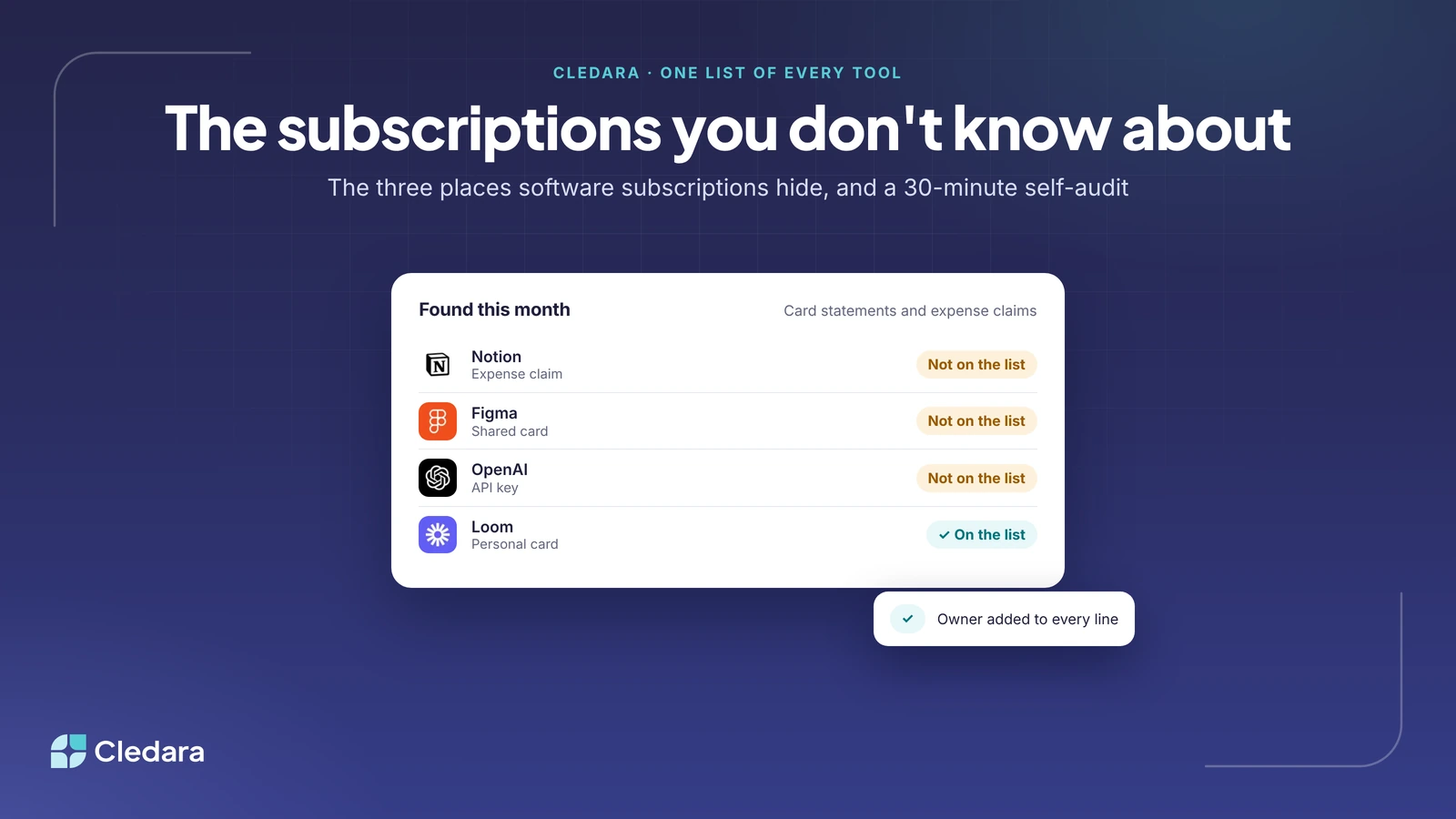
Finance teams discover software subscriptions by invoice because buying is distributed and nobody holds the whole list. Cledara data shows the median company paid for 27 software tools between May and October 2026, and a quarter paid for 40 or more. Unknown subscriptions hide in three places: personal cards and expense claims, shared or legacy company cards, and API keys on usage-based accounts. A 30-minute audit of card statements, expense claims, API accounts and the leavers list finds most of them. The lasting fix is an owner and a payment method per subscription, so every new tool is on the list the day it is bought.

What Cledara Agent Does With Your Invoices, Joiners, Seats and Leavers

Cledara Agent does four jobs inside your SaaS and AI tools: it collects the invoices nobody emails you, sets up new joiners, takes back paid seats nobody uses and removes leavers from every tool they had. It works in 8,000+ tools, including Slack, HubSpot, Notion, Figma, Claude, OpenAI and Cursor, and takes its joiner and leaver cue from your HR system. You choose the tools and the jobs; each change waits for your approval unless you set a standing approval. Sign-in details sit encrypted in a separate vault that AI never sees, and it's the only SaaS management agent verified by Cloudflare. It's an add-on for any plan, sold per job.

Cledara Security, Explained: What the Extension Reads, What the Agent Can Do and Who Controls the Cards

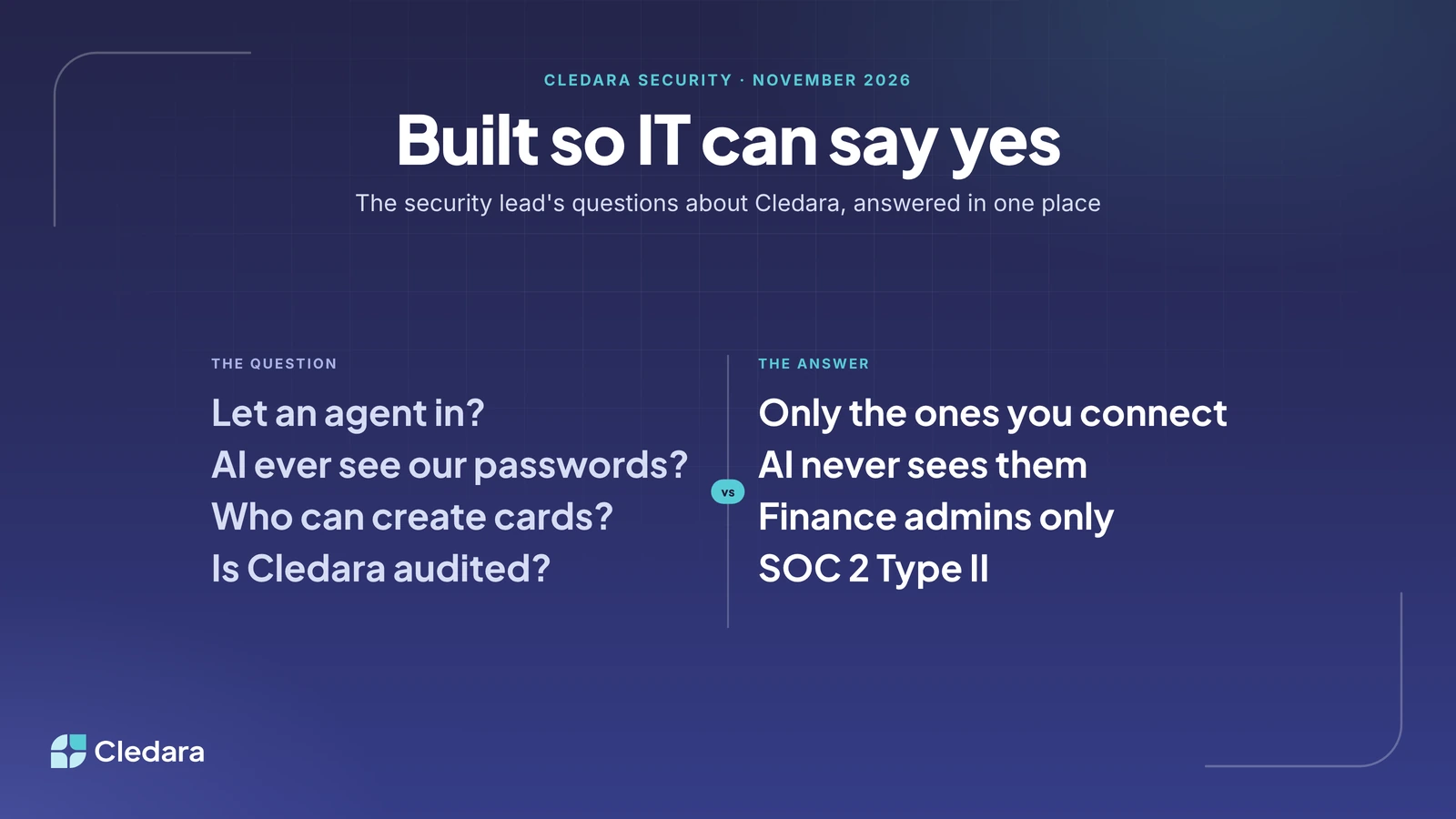
Cledara is SOC 2 Type II certified and GDPR compliant, hosted on Amazon Web Services with regular penetration testing. The Cledara Engage browser extension collects only a username and a timestamp when someone uses a software tool, never browsing history, content or passwords. Cledara Agent works only in the tools you connect and only does the jobs you switch on, with each change waiting for your approval unless you set a standing approval; sign-in details sit encrypted in a separate vault for your company that AI never sees, and it is the only SaaS management agent verified by Cloudflare. Cards are tokenised by Very Good Security and MeaWallet, and only finance admins can create them.

Department Software Budgets That Survive Contact With Real Billing Dates

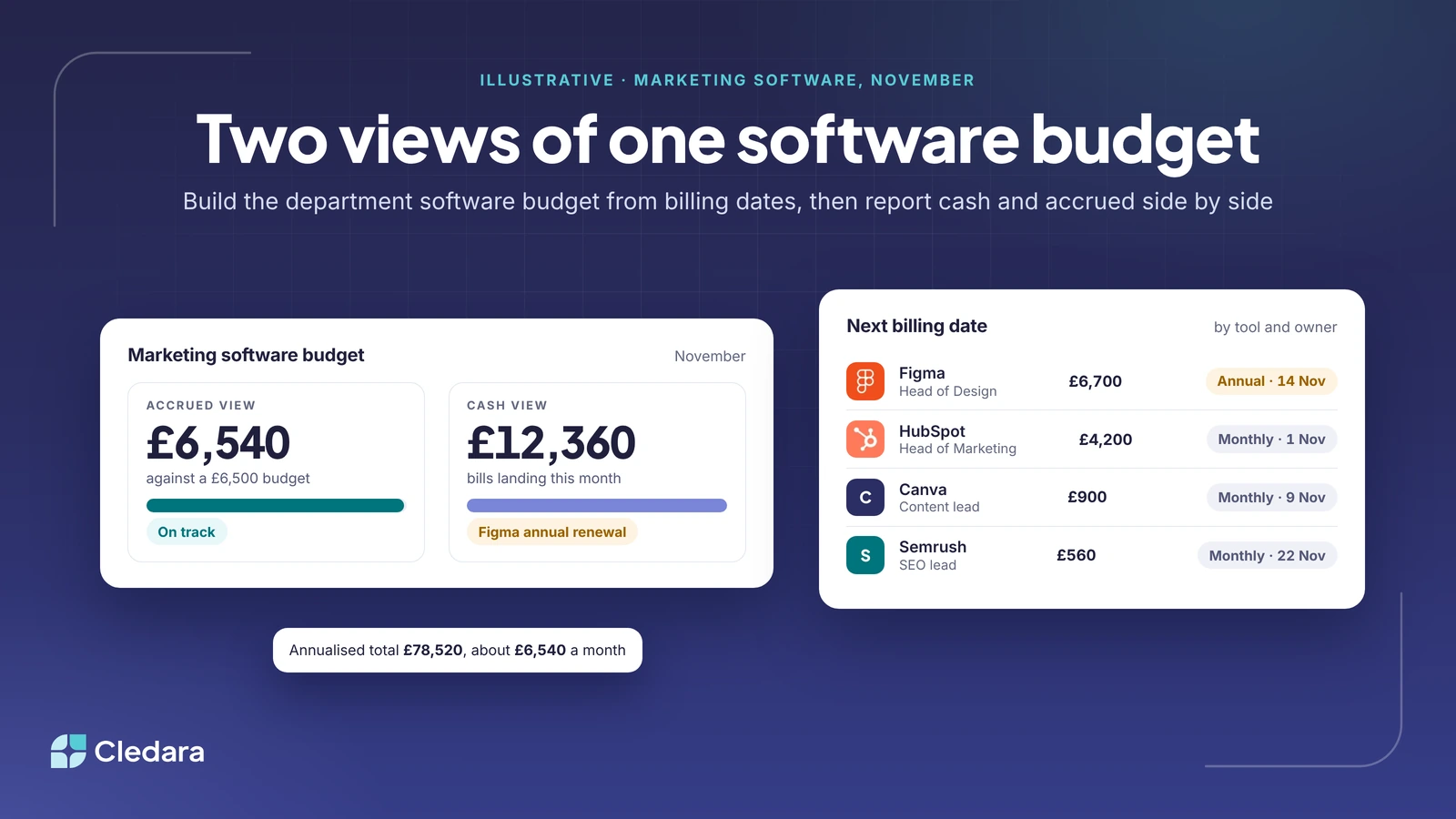
A department software budget usually fails in its second month because it was built from averages, and annual renewals, usage-based tools and mid-month starts don't arrive in averages. This guide shows how to build each team's budget from a list of tools with their billing cycle and next payment date, report two views of the same numbers (cash for the CFO, accrued for team leads), put budgets and alerts on each subscription rather than the department, and run a 20-minute monthly review. It includes a copyable template and the mistakes that quietly undo the whole thing.

Moss, Vertice and an Email Chain: Running Software Payments, Contracts and Approvals in One Place

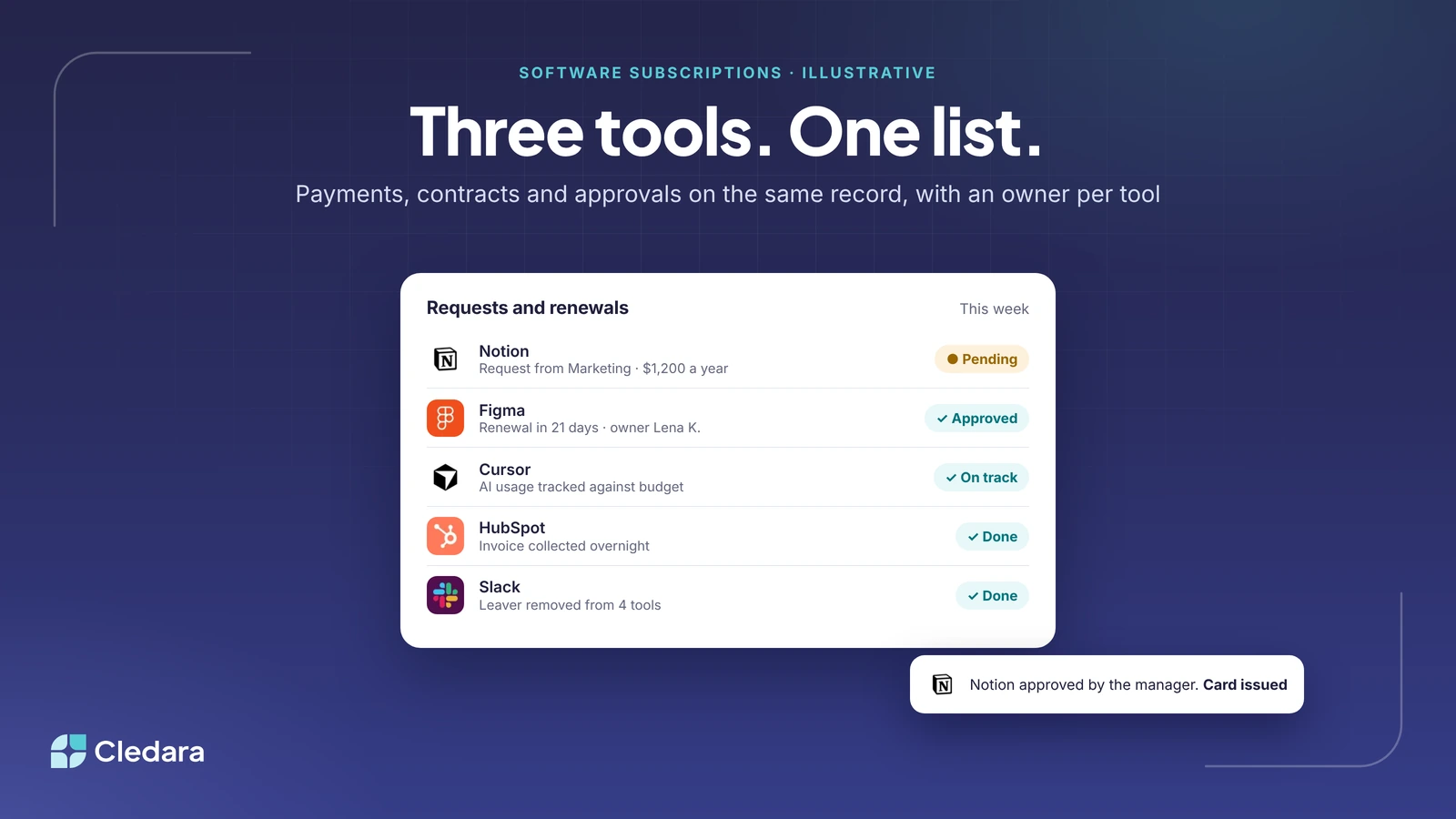
Many finance teams run three systems for one software subscription: Moss pays it, Vertice holds the contract and an email chain approves it. Each tool is good at its slice; the problems live in the seams between them, such as duplicate tools, AI bills that hit a card limit and renewals that pass without a decision. This guide shows what it looks like to run software payments, contracts and approvals in one place, how the bookkeeping reaches DATEV, when to keep Moss and Vertice alongside, and a 30-day plan for making the move.

Chrome Extension, API or Payment Data? How SaaS Usage Tracking Really Works

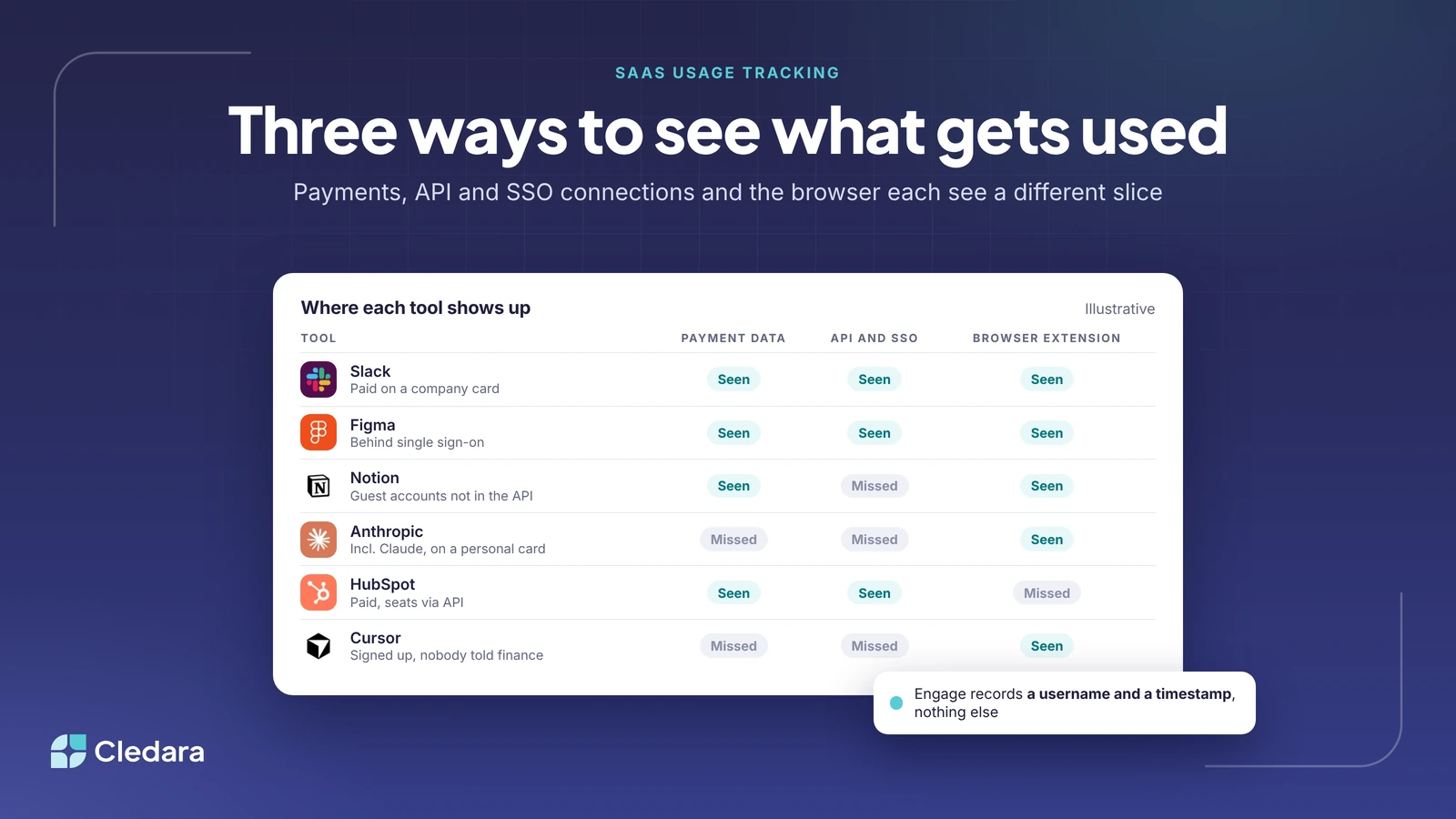
SaaS usage tracking works in three ways, and none is complete on its own. Payment data finds every tool paid on a company card but cannot tell you whether anyone logs in. API and single sign-on connections show seats and logins for the tools you have connected and nothing about the rest. A browser extension is the only method that surfaces tools nobody approved, which is why its design matters: Cledara Engage records only a username and a timestamp when someone opens one of 8,000+ known software tools. Layer the three, add an HR feed for joiners and leavers, and the list of what is used, and what is not, takes care of itself.

The Auto-Renewal Trap: How SaaS Notice Periods and Evergreen Clauses Tie You In for Another Year

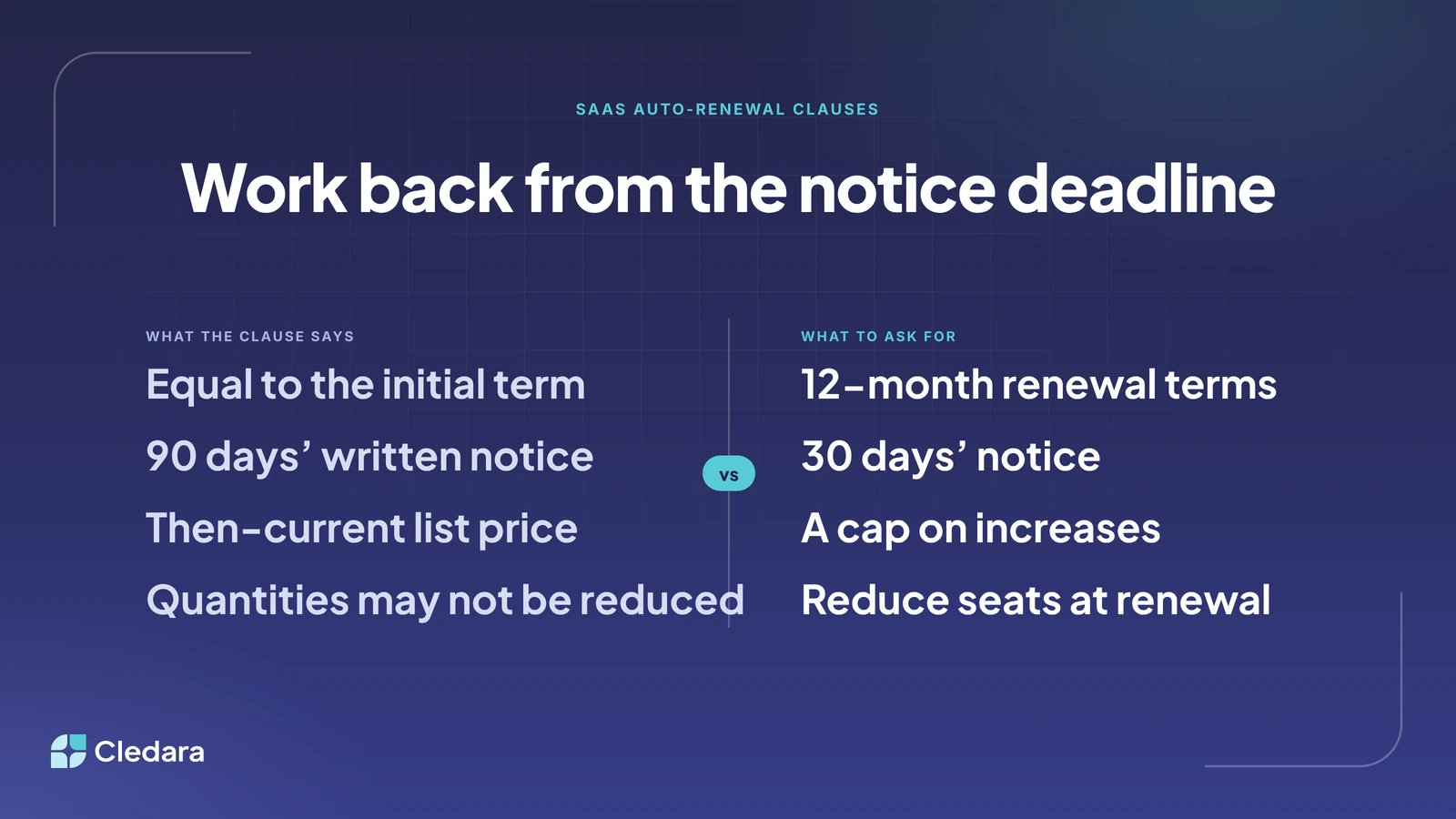
A SaaS auto-renewal clause has three moving parts: the renewal term, the notice window and the form of notice. The trap is usually the notice window, which is counted back from the end of the term, so a 90-day window on a 31 March renewal means a 31 December deadline. Evergreen clauses can renew a three-year deal for three more years, and UK business contracts get none of the reminder and cooling-off rights the DMCC Act is bringing to consumers in 2027. The fix is to find the real deadline for every annual contract, work back from it with a 90-day calendar, and negotiate 12-month renewal terms, 30-day notice and a price cap before you sign.

A Software Approval Workflow That Doesn't Need the C-Suite for a £30 Tool

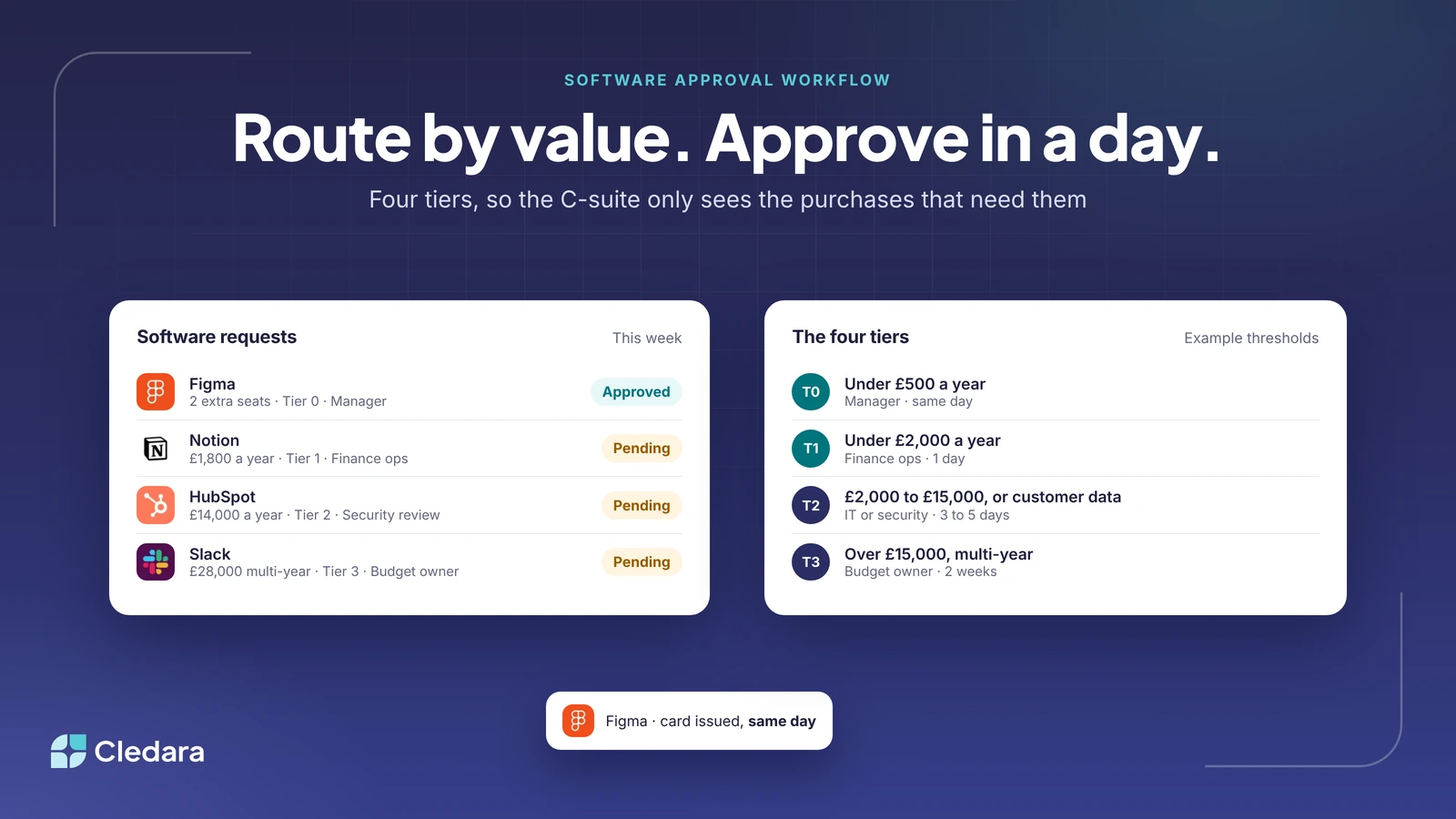
A software approval workflow works when requests are routed by annual value and data sensitivity rather than by who is in the email chain. Use four tiers: pre-approved seats and low-value tools go to the manager, new tools get a duplicate check from finance operations, anything holding customer data gets a short security review, and material or multi-year contracts go to the budget owner with the notice date in the diary. Judge every request by annual cost, capture the owner and renewal date at approval, and end every approval with a dedicated card and budget. A one-page policy template is included.

Newsletter

Software spend insights for finance teams

The best new guides, spend data and practical ideas from the Cledara blog, straight to your inbox.

  • Guides on managing software subscriptions and renewals
  • Data on what companies spend on software and AI
  • Comparisons of the tools finance teams use

Prefer LinkedIn? Follow the newsletter there.

Software and AI management for finance teams

Software that runs itself.

Cledara manages every software subscription and does the admin for you, from invoices and renewals to new starters and leavers. You approve, Cledara does the rest.

4.6 on G21,000+ customersSOC 2 Type II